Brand reference / Image system
noticed image system
Direction, rules, and ready-to-use images.
Concept
noticed handles digital relationship work so people can focus on real relationships.
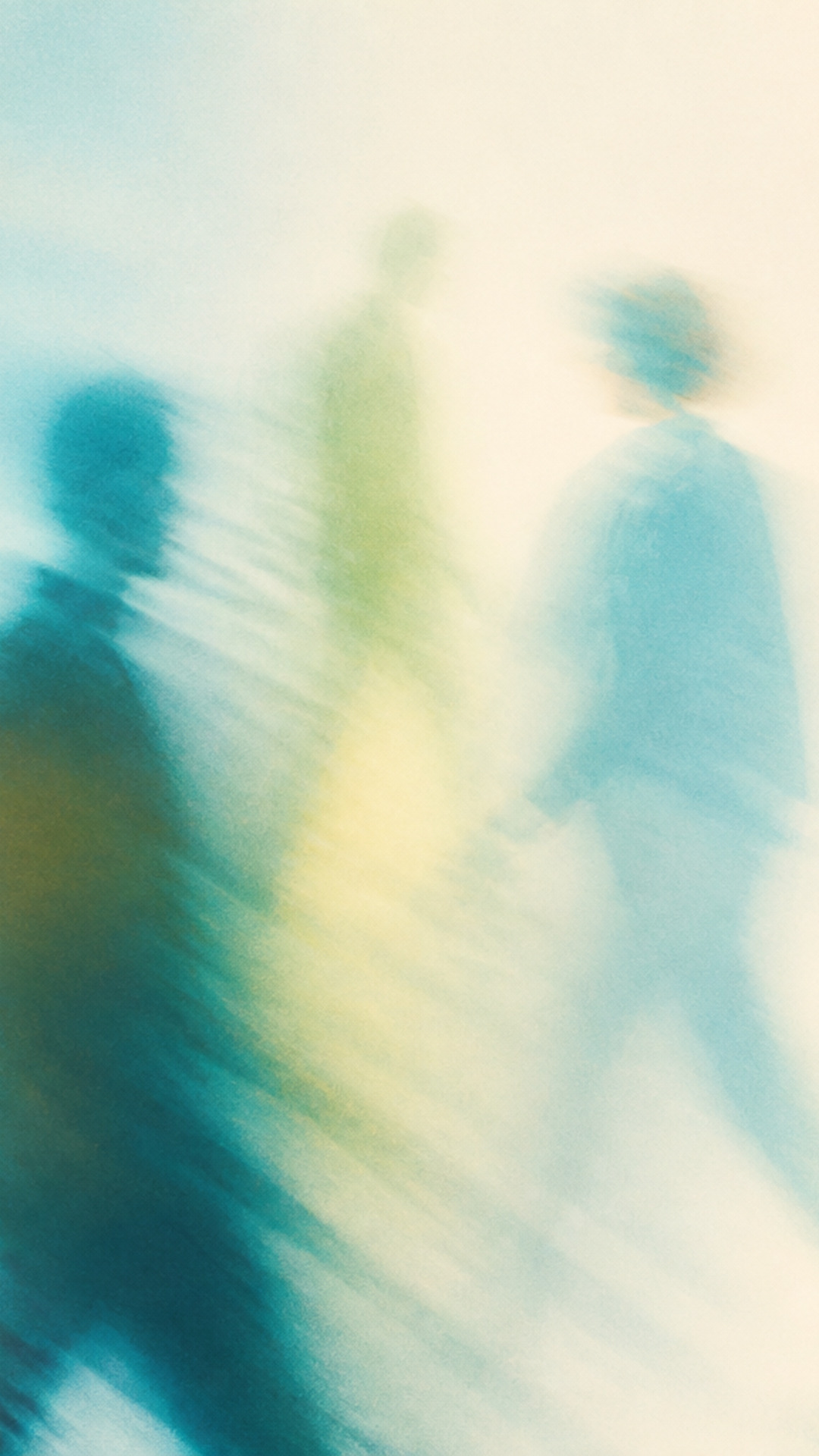
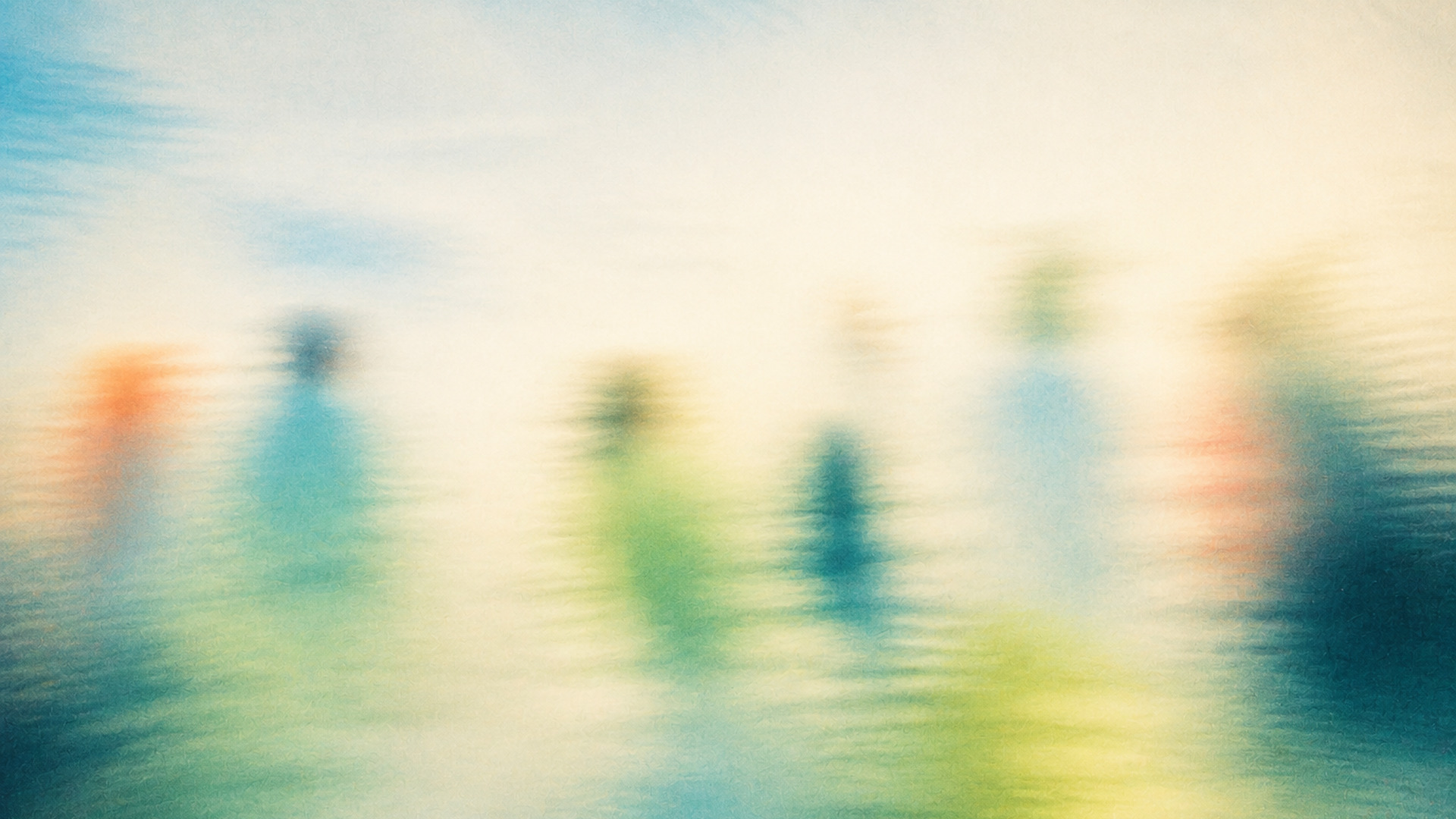
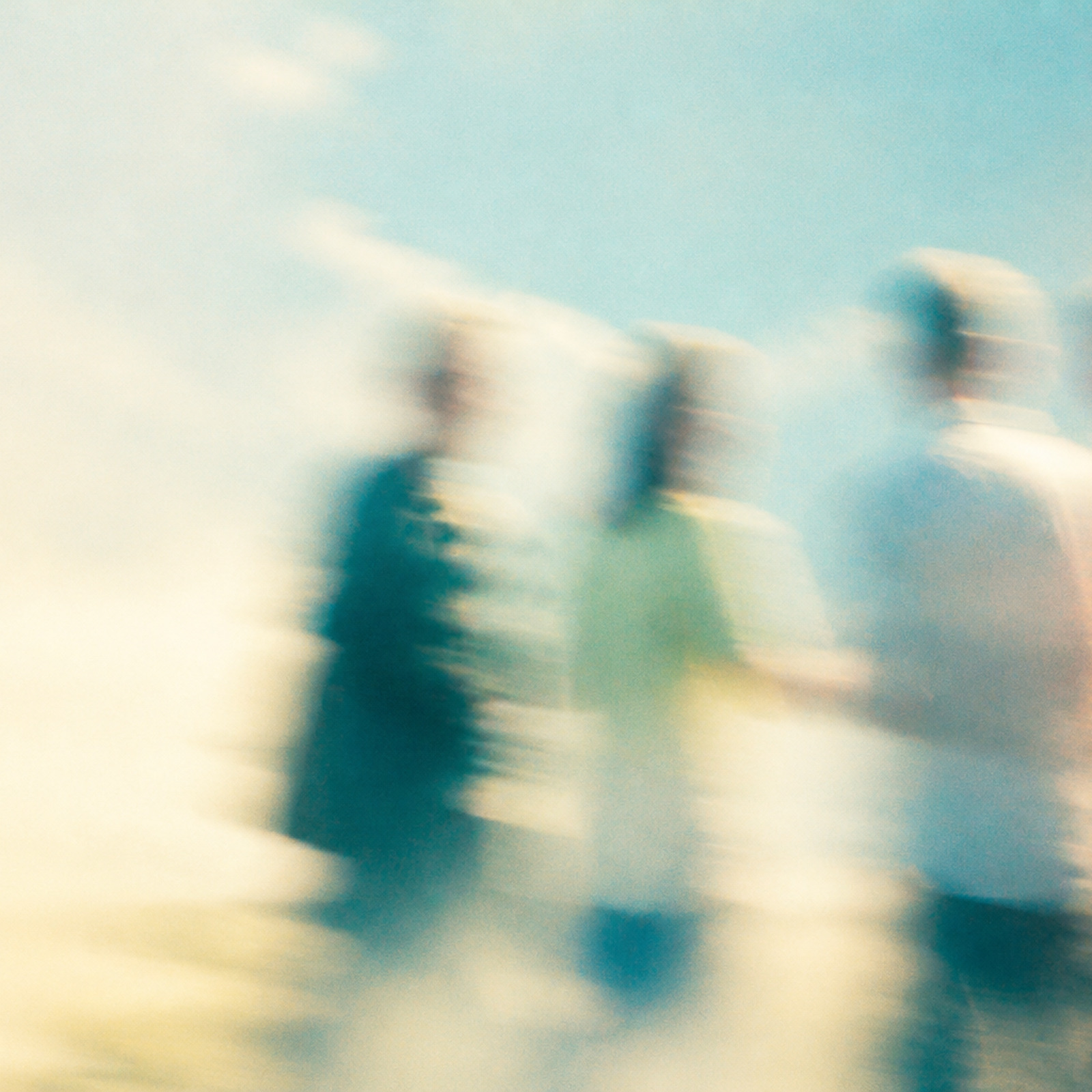
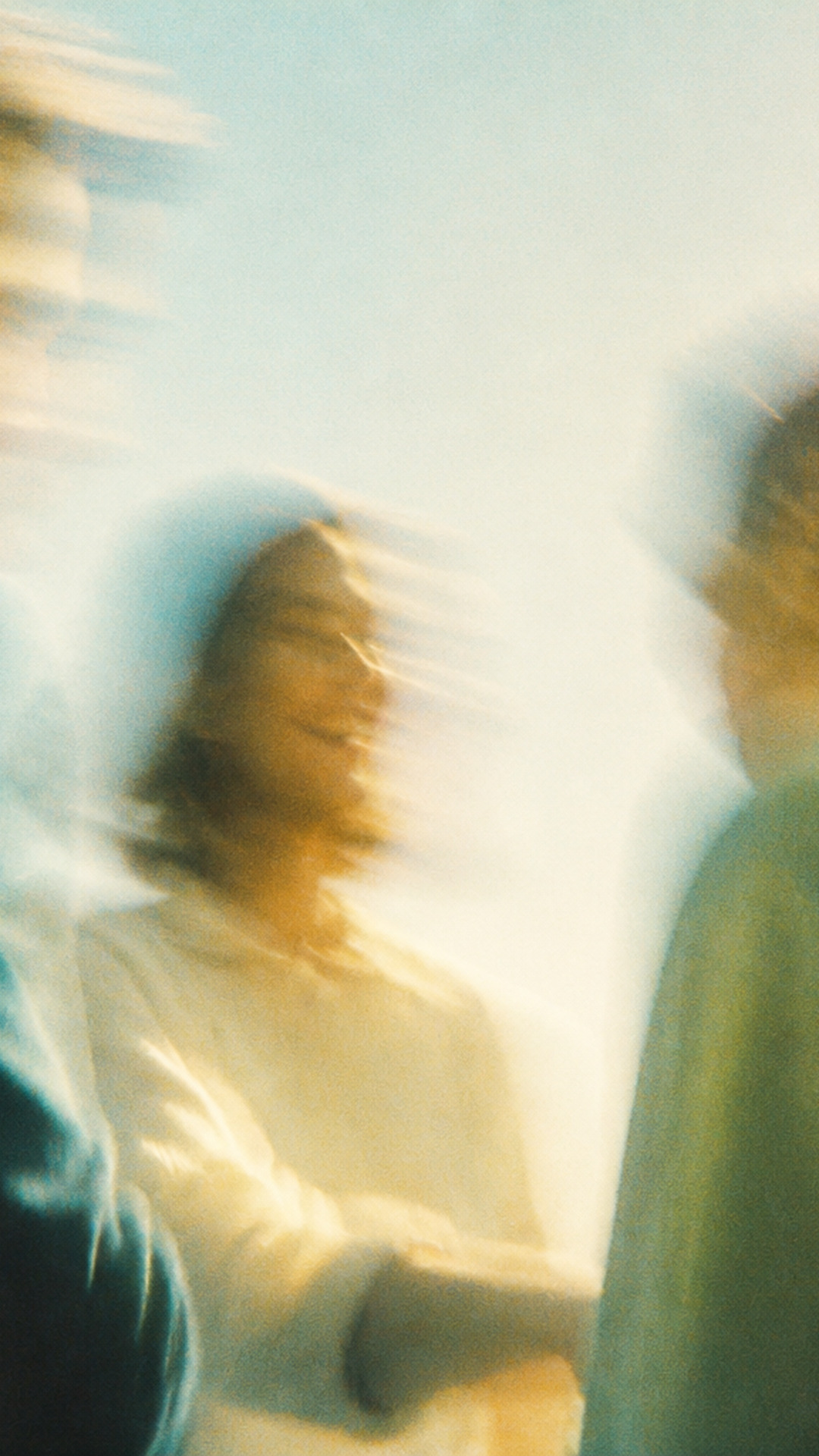
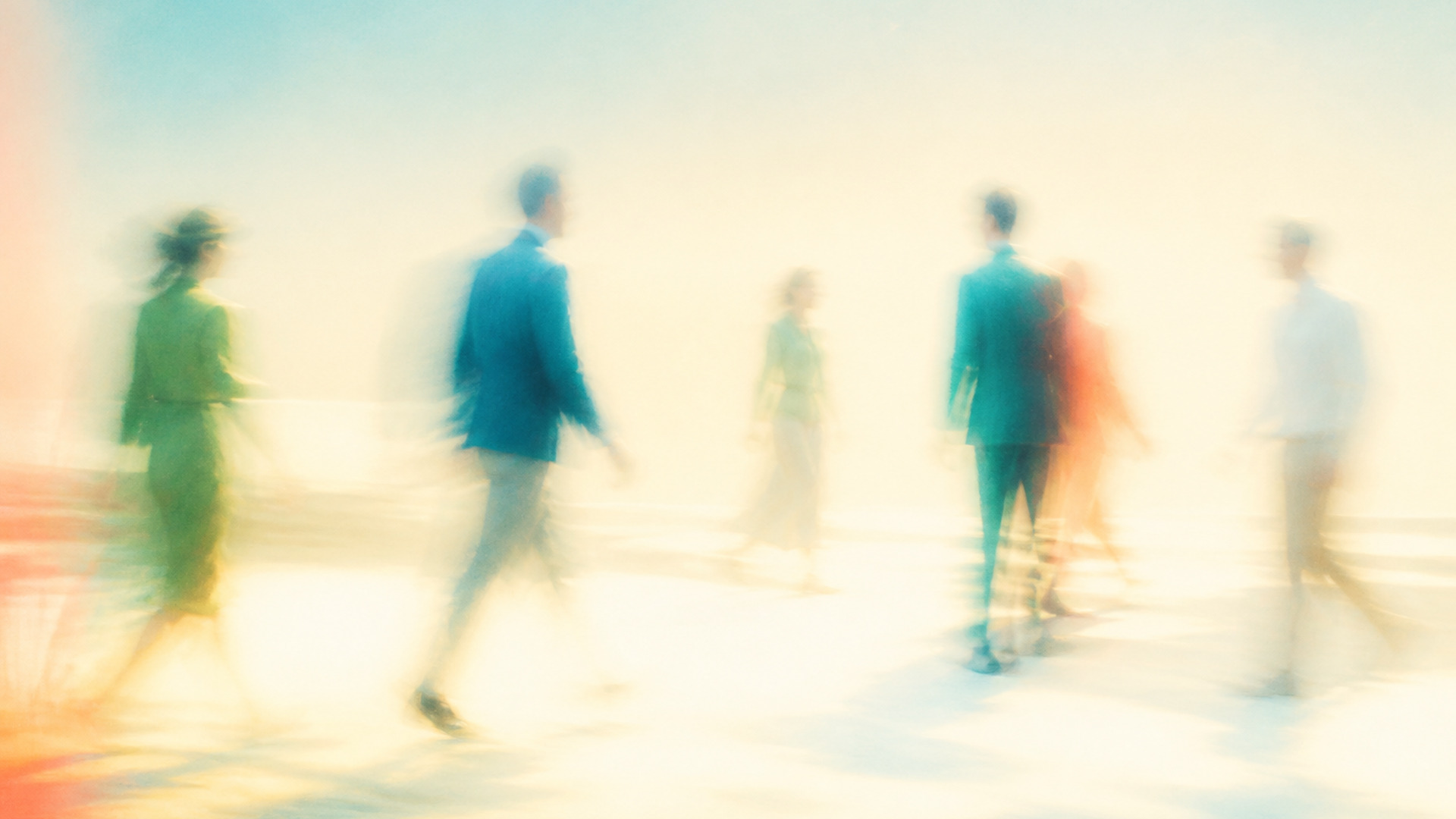
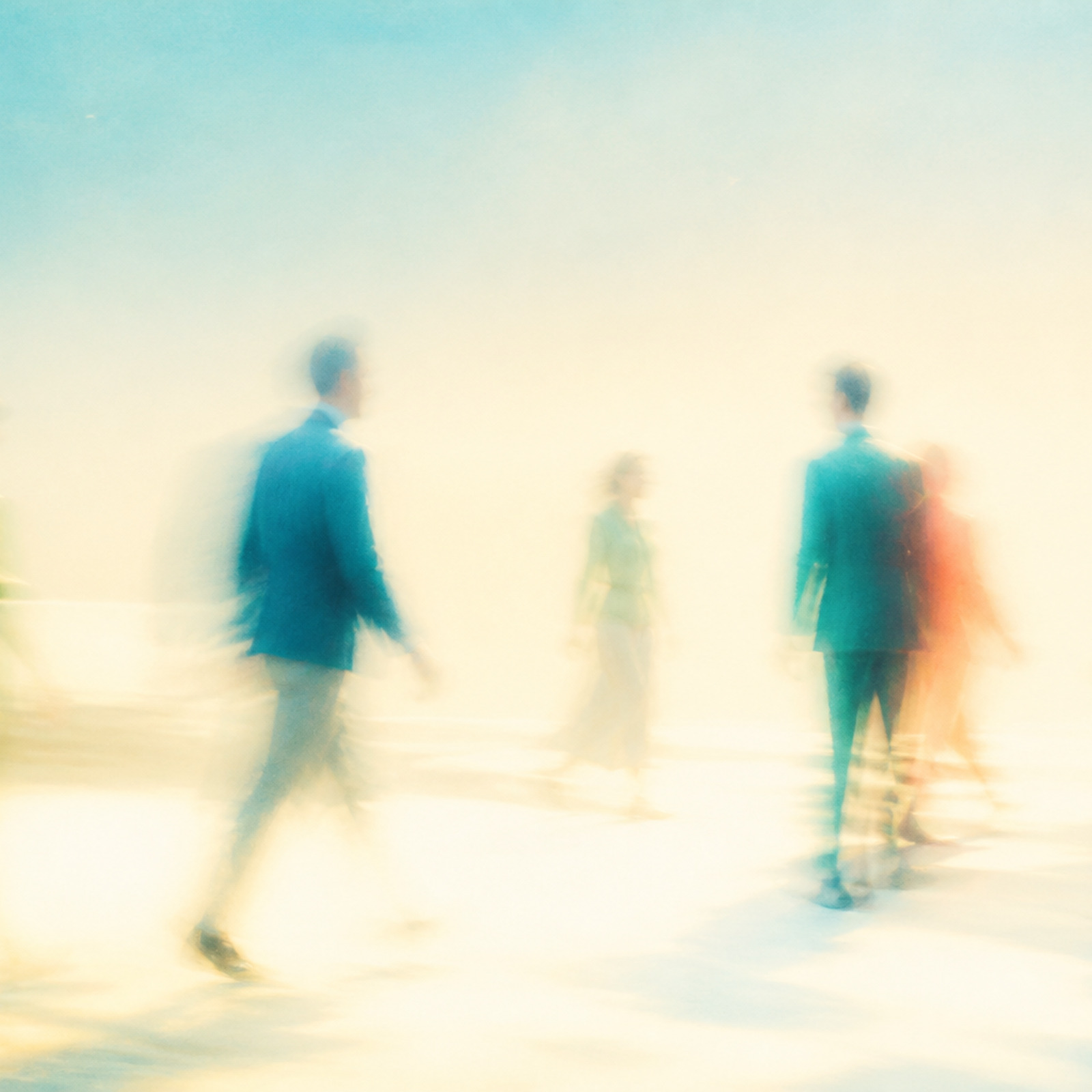
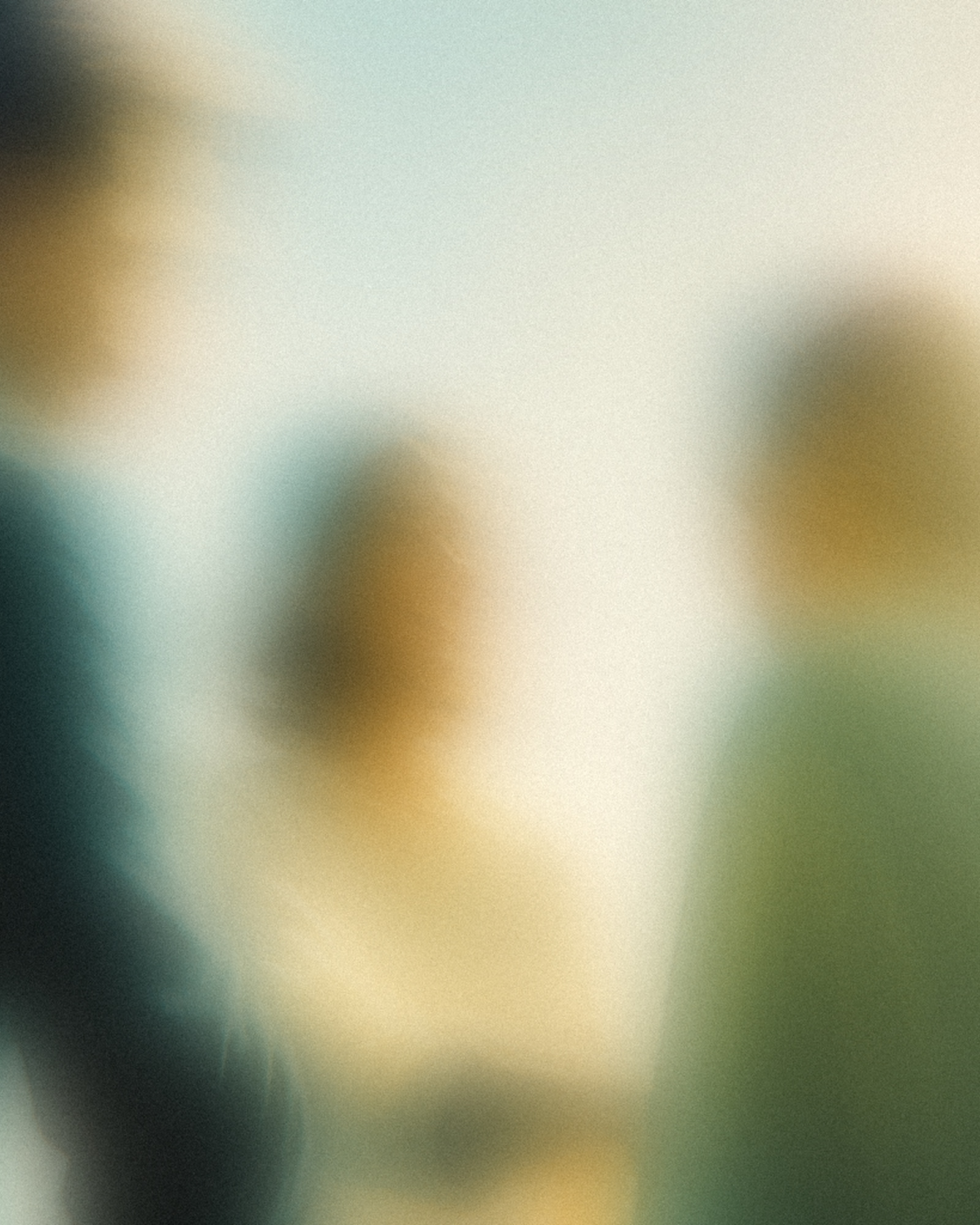
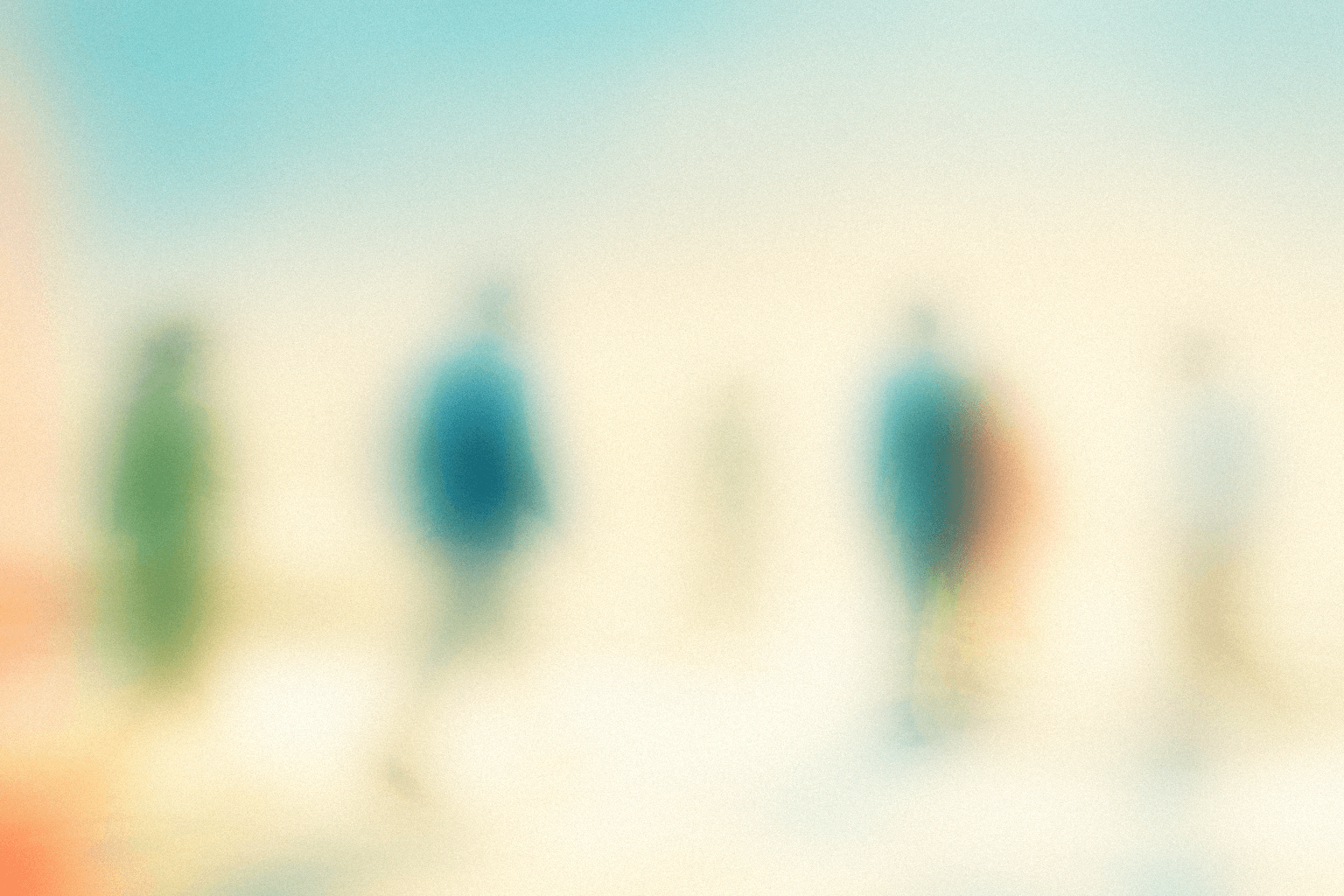
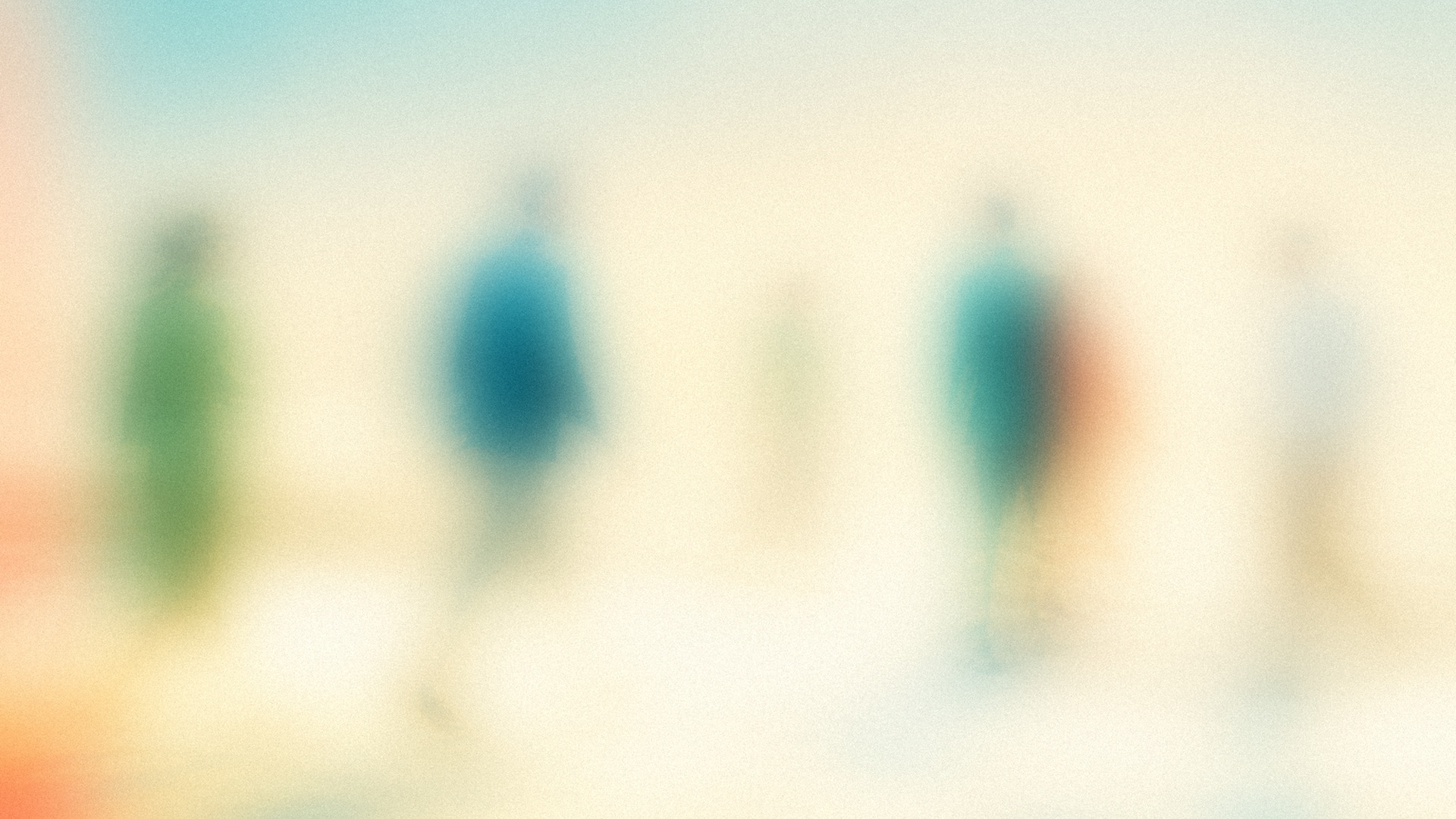
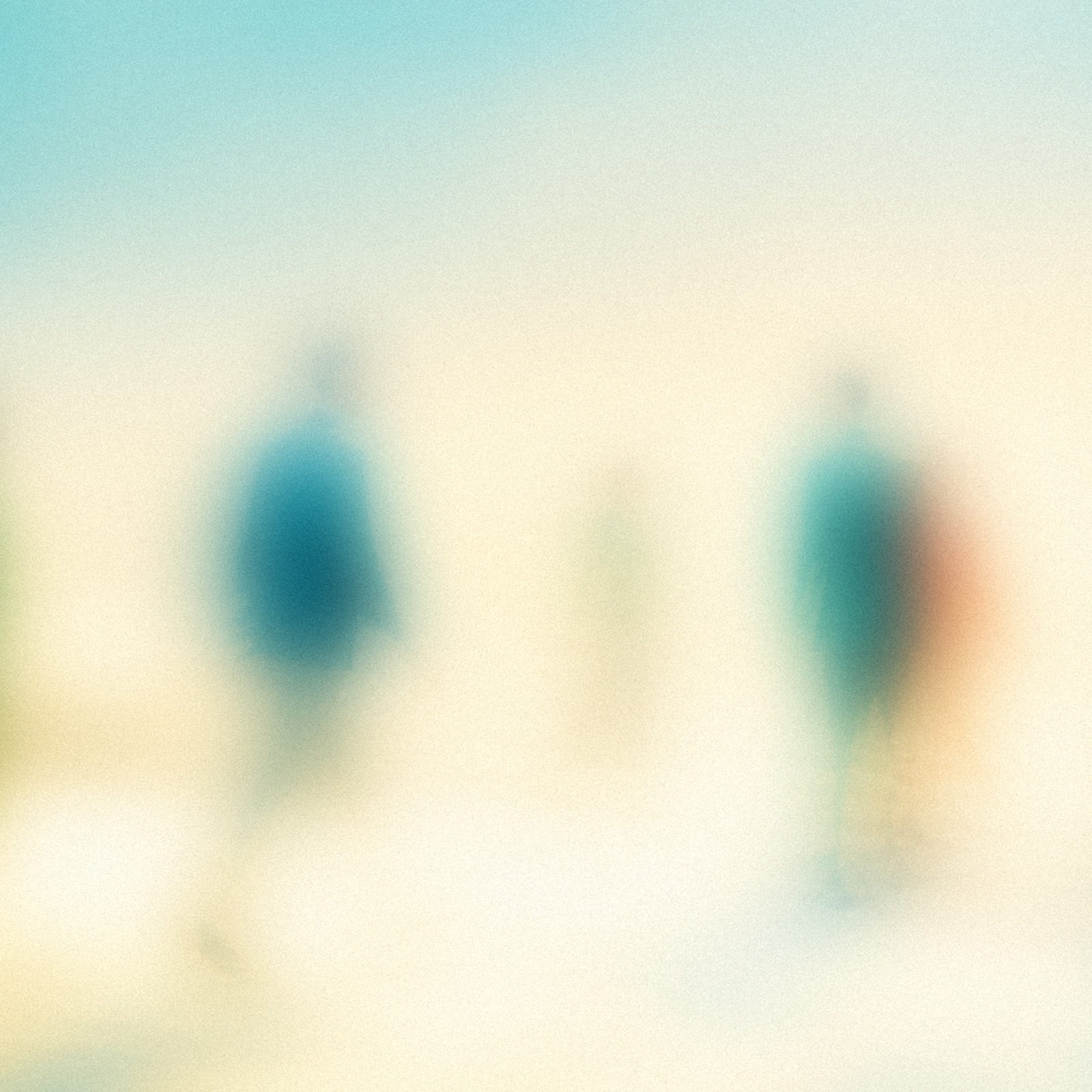
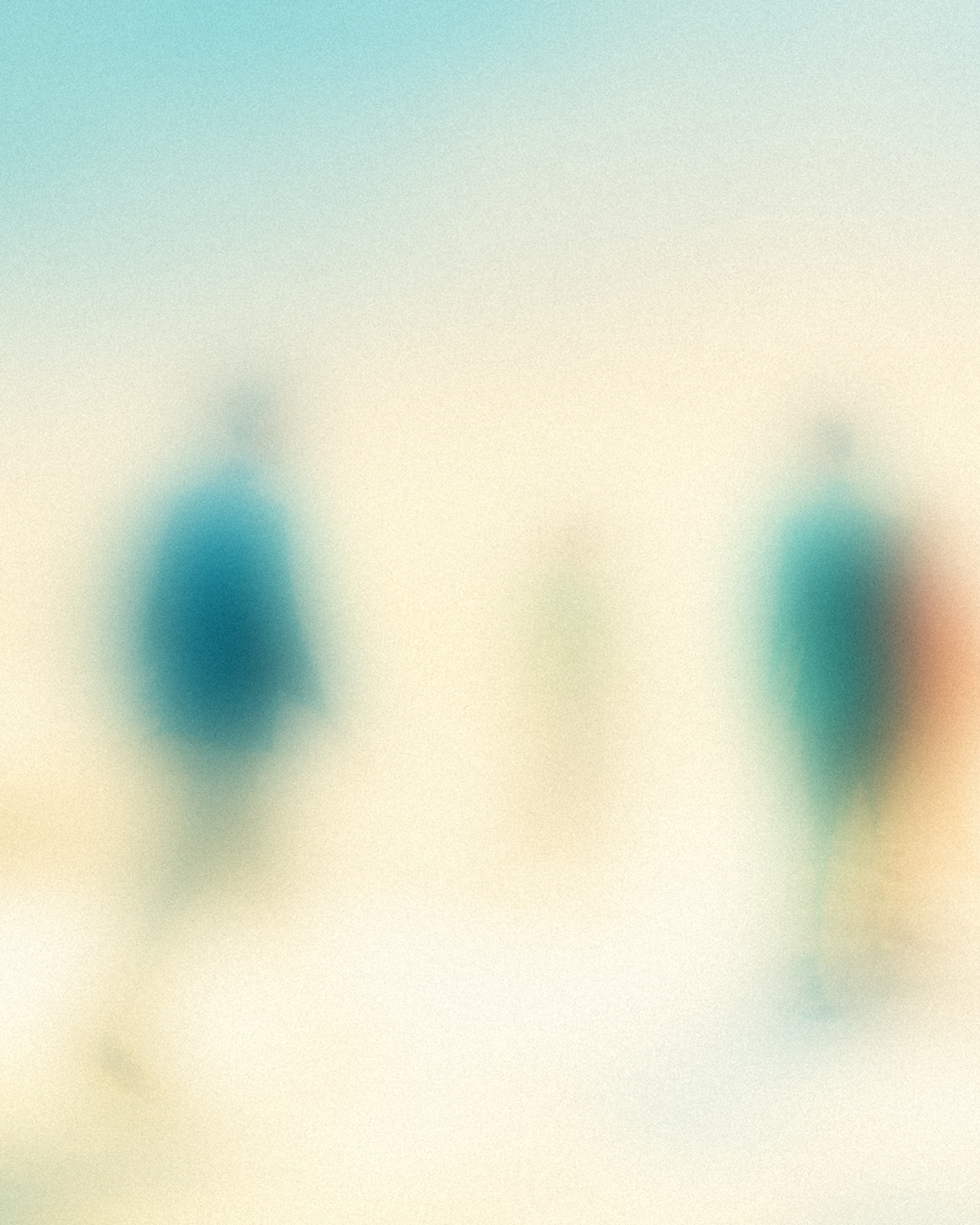
A bright, placeless analog world seen like a fading human memory. Technology stays out of frame. We show what it gives back: attention, presence, and time with other people.
Fixed layers
One visual language, four levels of clarity.

Atmosphere
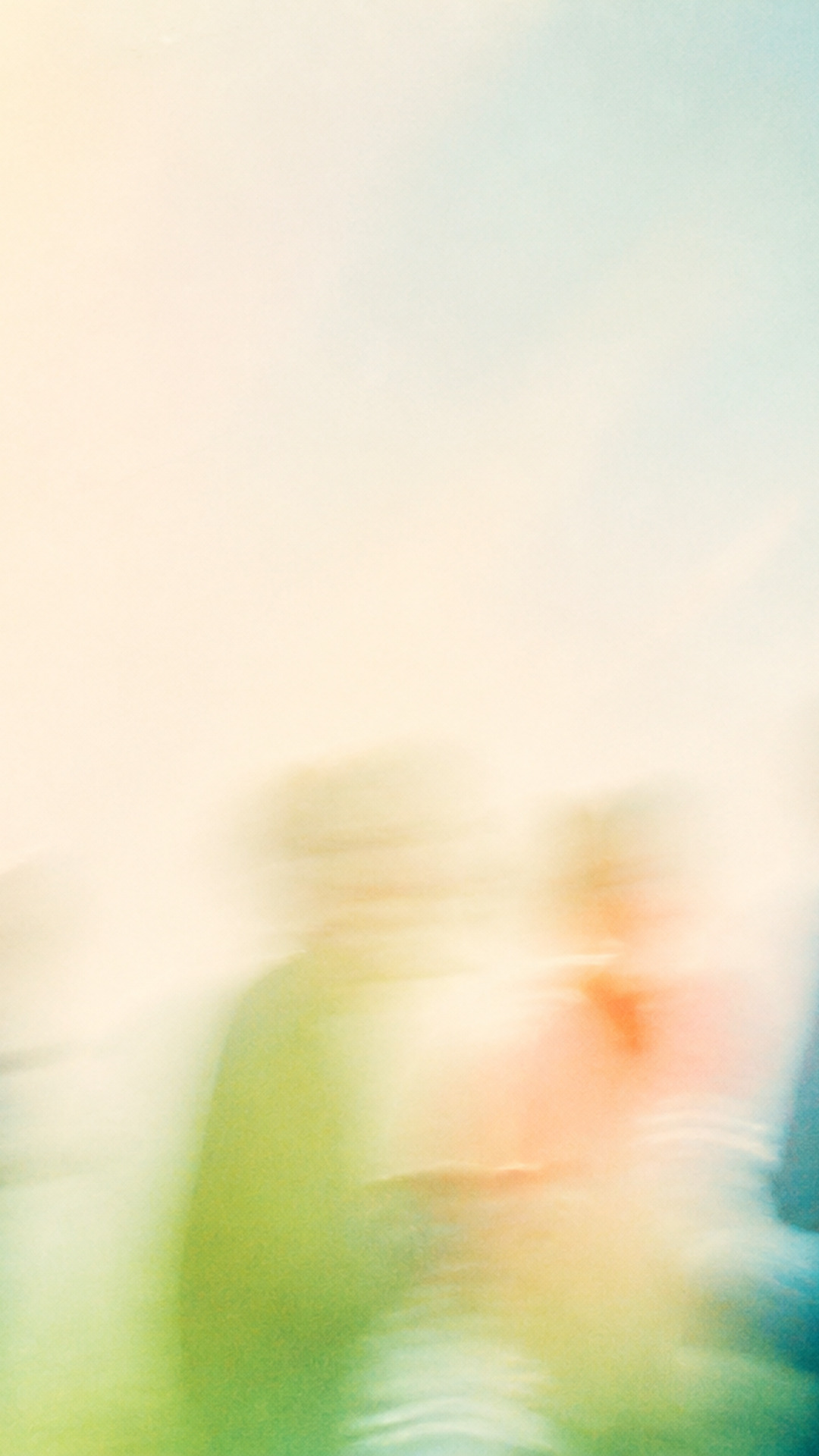
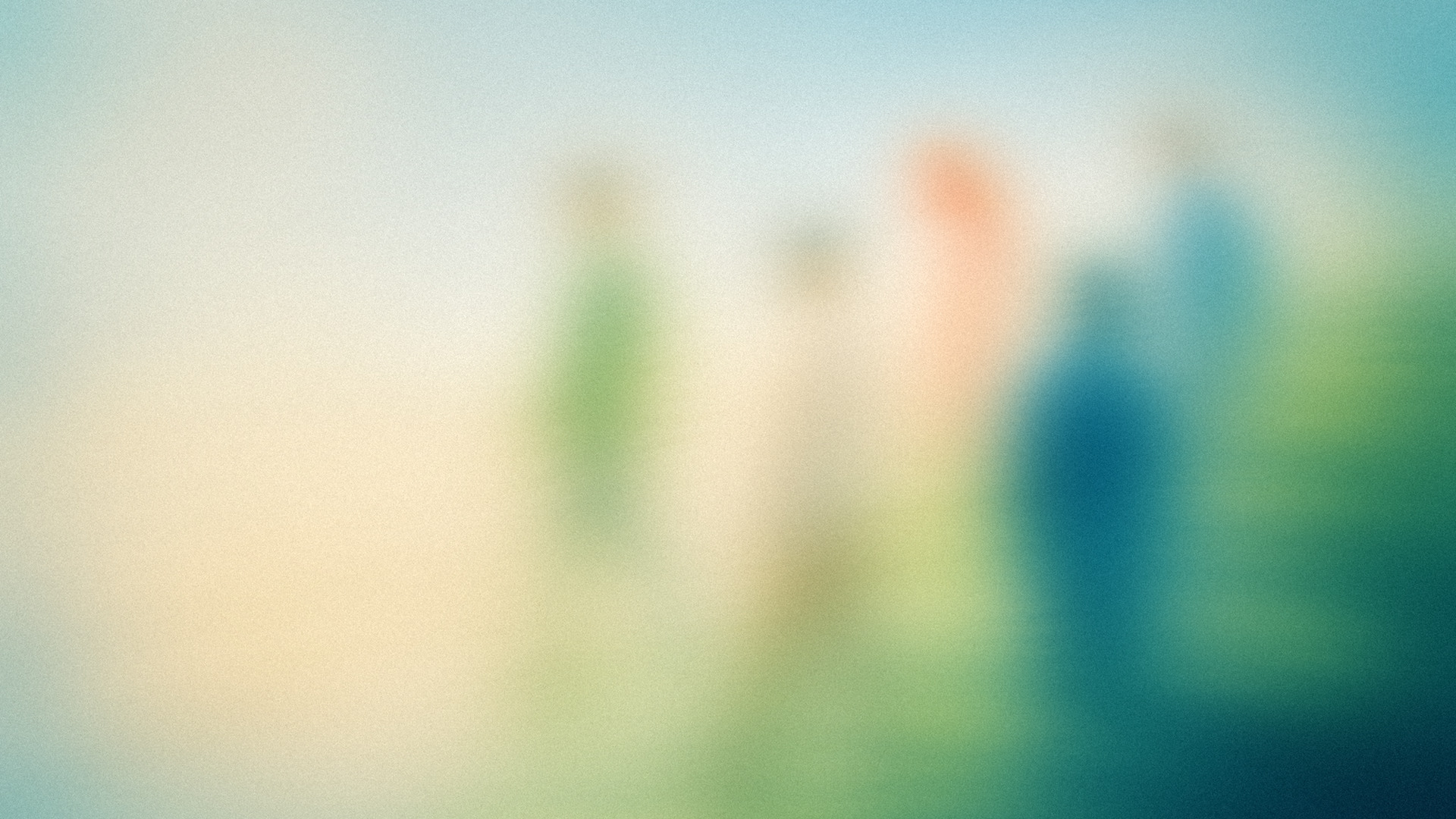
85%Text backgrounds and quiet surfaces. Nothing identifiable.
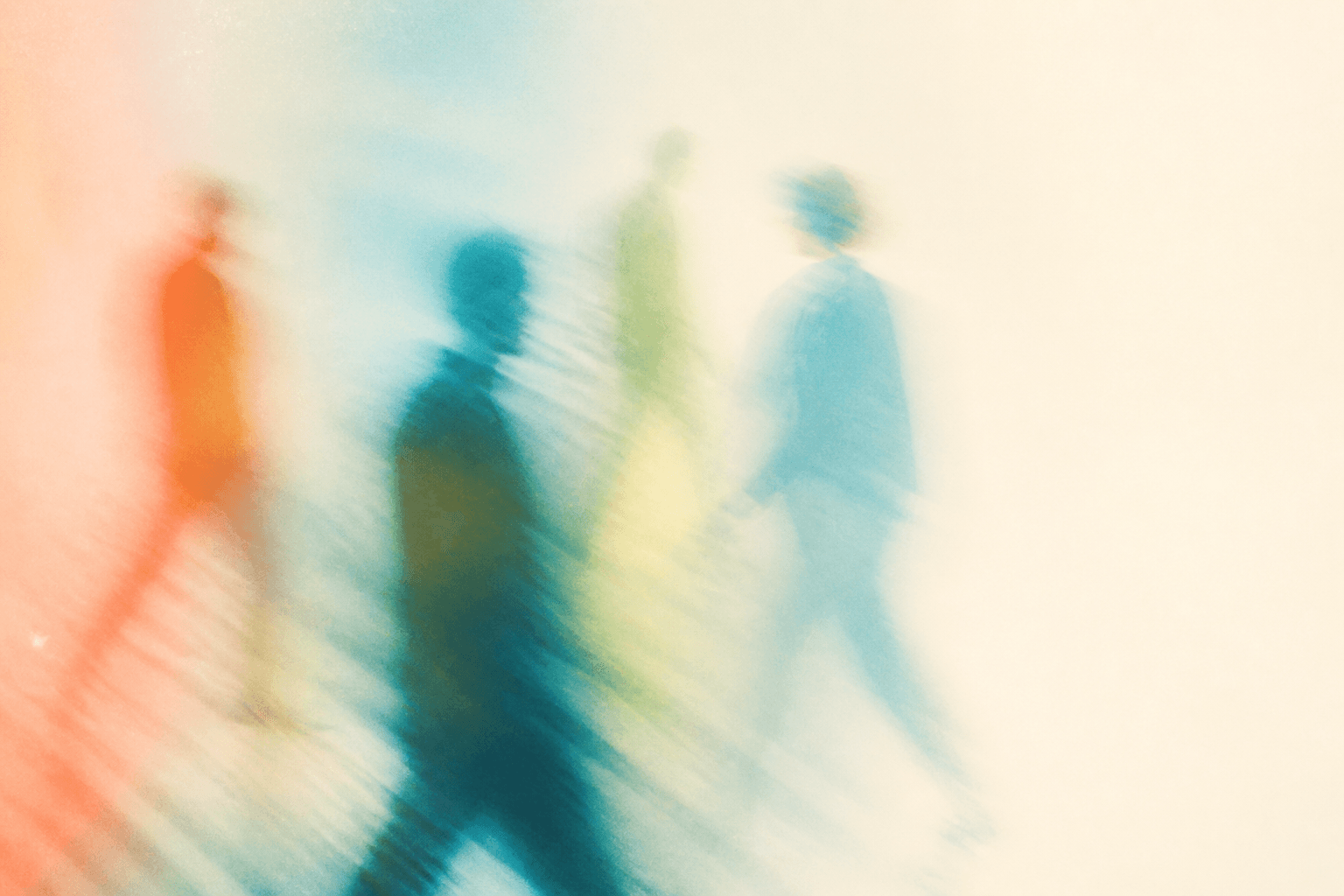
Brand Scenes
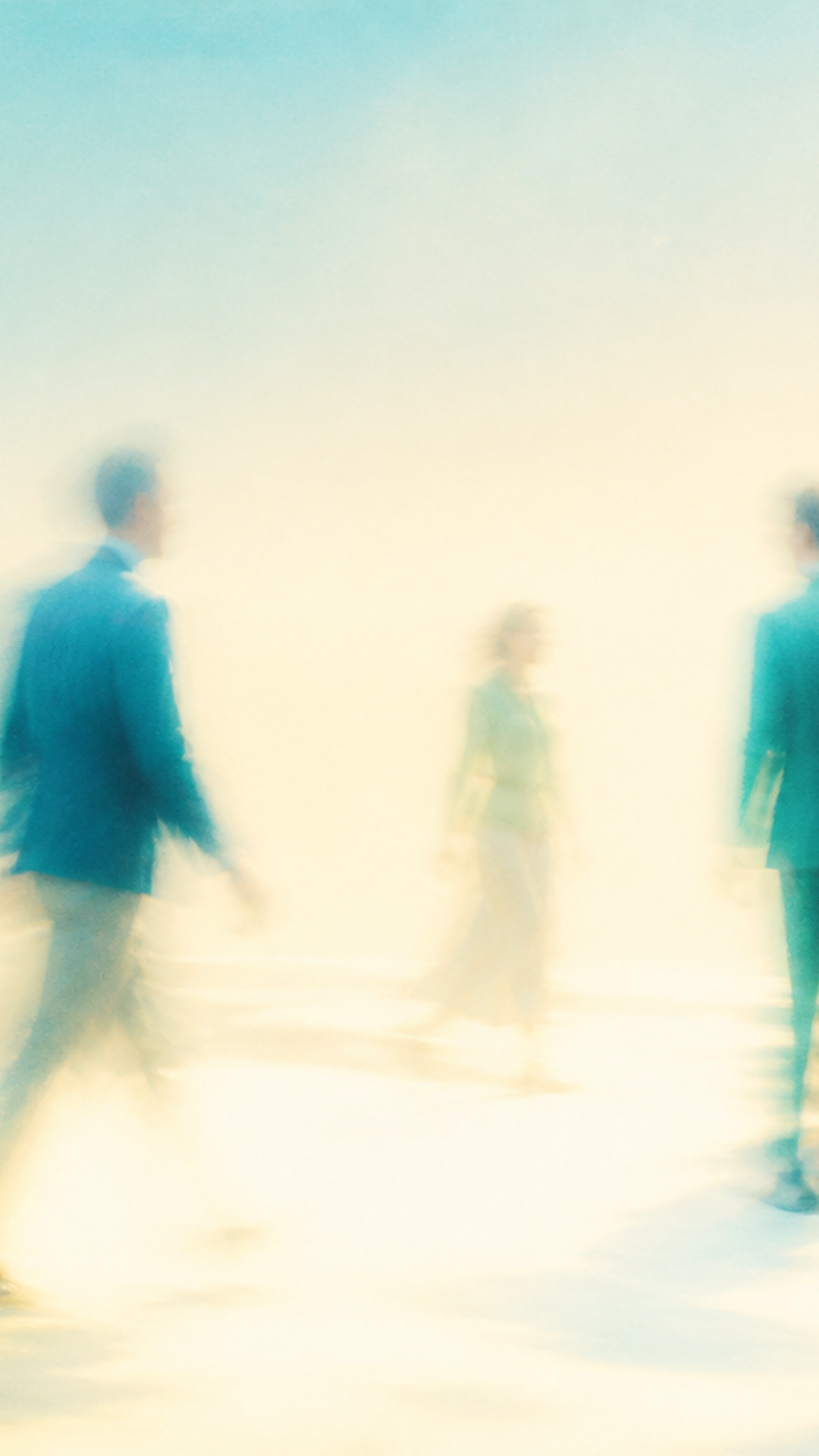
70%Human connection for web, social, and editorial. No readable faces, objects, or place.
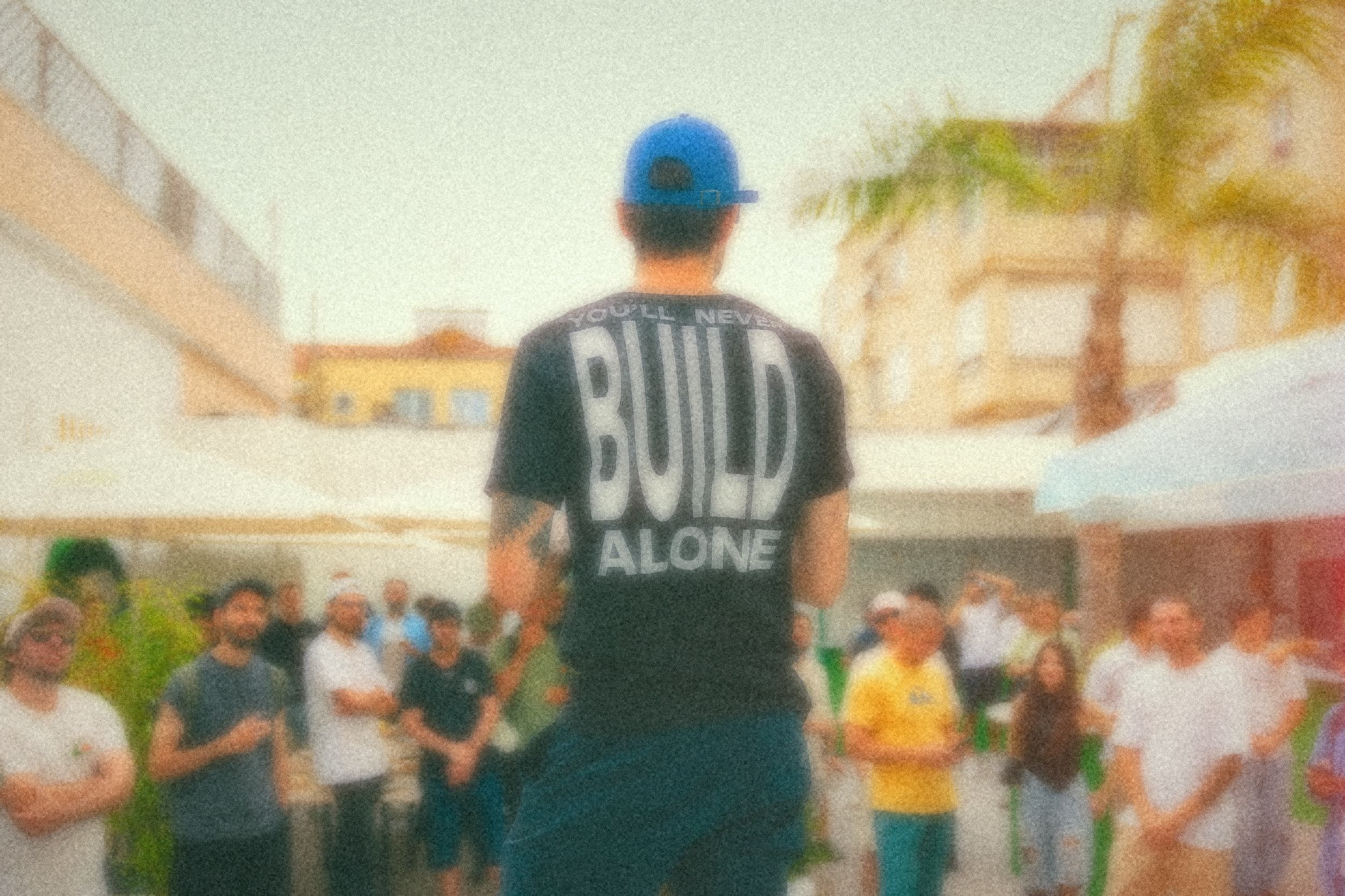
Real Life
40%Founder, team, and event photos. Keep the source truthful and soften it to 40%.
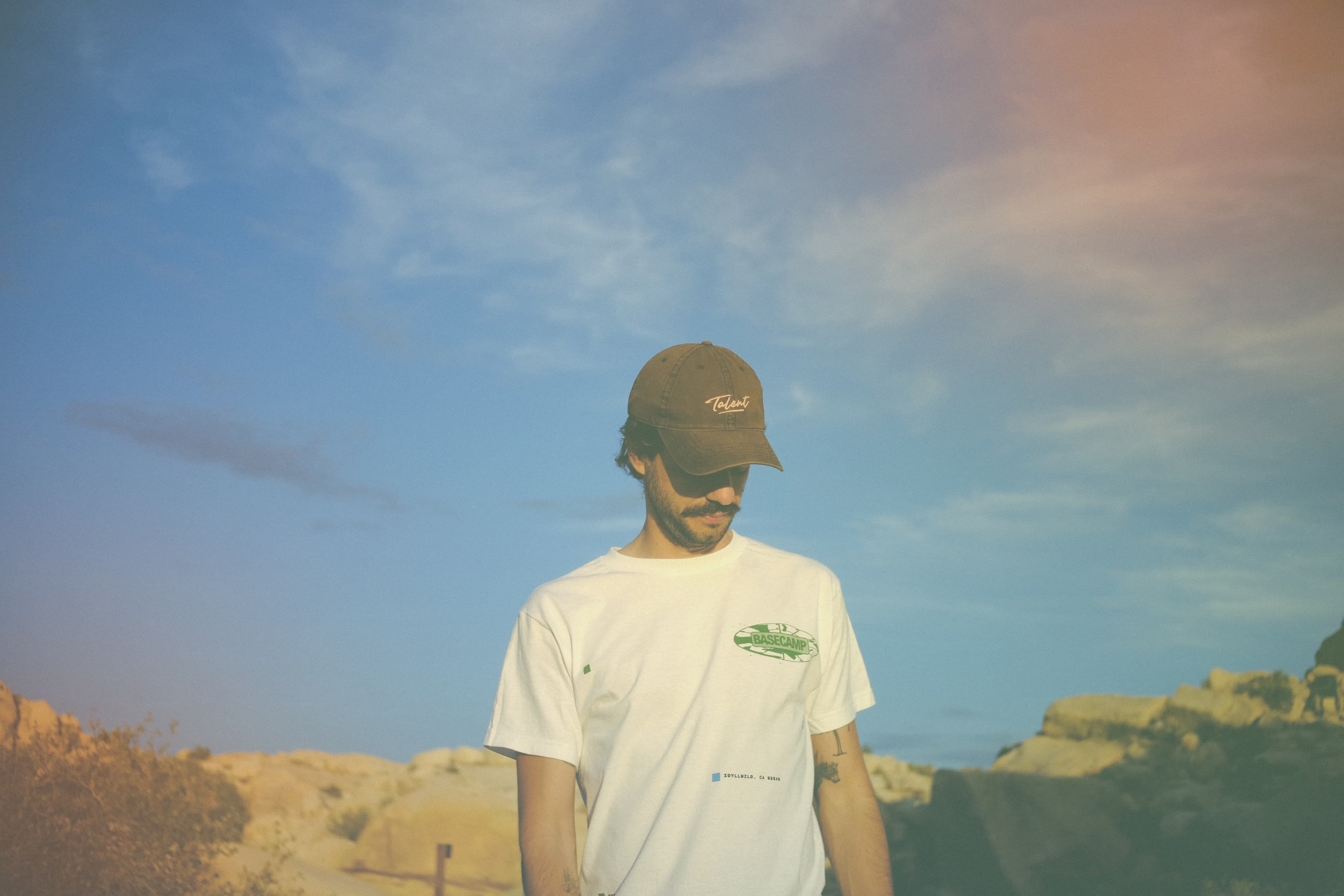
Real Life Detail
sharp exceptionWhen identity or information must stay clear. Keep detail; add grain, halation, and spatial color.
Color and treatment
Color behaves like light, not a filter.
Sky
Bright air and open space
#9BC9D3Leaf
Organic movement
#7EAA67Cream
Warm light and breathing room
#EEE4C9Deep teal
Depth without a dark cast
#185057Coral
Spatial light leak or afterimage
#F1784CTreatment
Bright daylight · Optical defocus · Slow-shutter movement · Fine analog grain · Soft highlight halation · Spatial coral, sky, and cream light leaks · A fading human memory, not a photographic memory
Palette rules
Cream and sky keep the image bright. Leaf and deep teal add structure, never a dark overall cast. Coral appears as a spatial light event, not a uniform filter. Avoid brown, sepia, muddy olive, monochrome orange, and monochrome green.
Use
- Warm introductions among three or more adults
- People arriving, converging, or crossing paths
- Small groups walking and talking
- The edge of a lively gathering
- Shared attention without a visible device
Avoid
- A single hero, couple, or intimate pair
- Weddings, family holidays, meals, or children
- Clear faces or a row of people shown only from behind
- Recognizable cities, landmarks, or generic nature photography
- Cars, screens, robots, or prominent technology
- Night, ruins, excessive greenery, brown, or sepia
Library
Brand Scenes
70% abstract. For website, editorial, and social use.
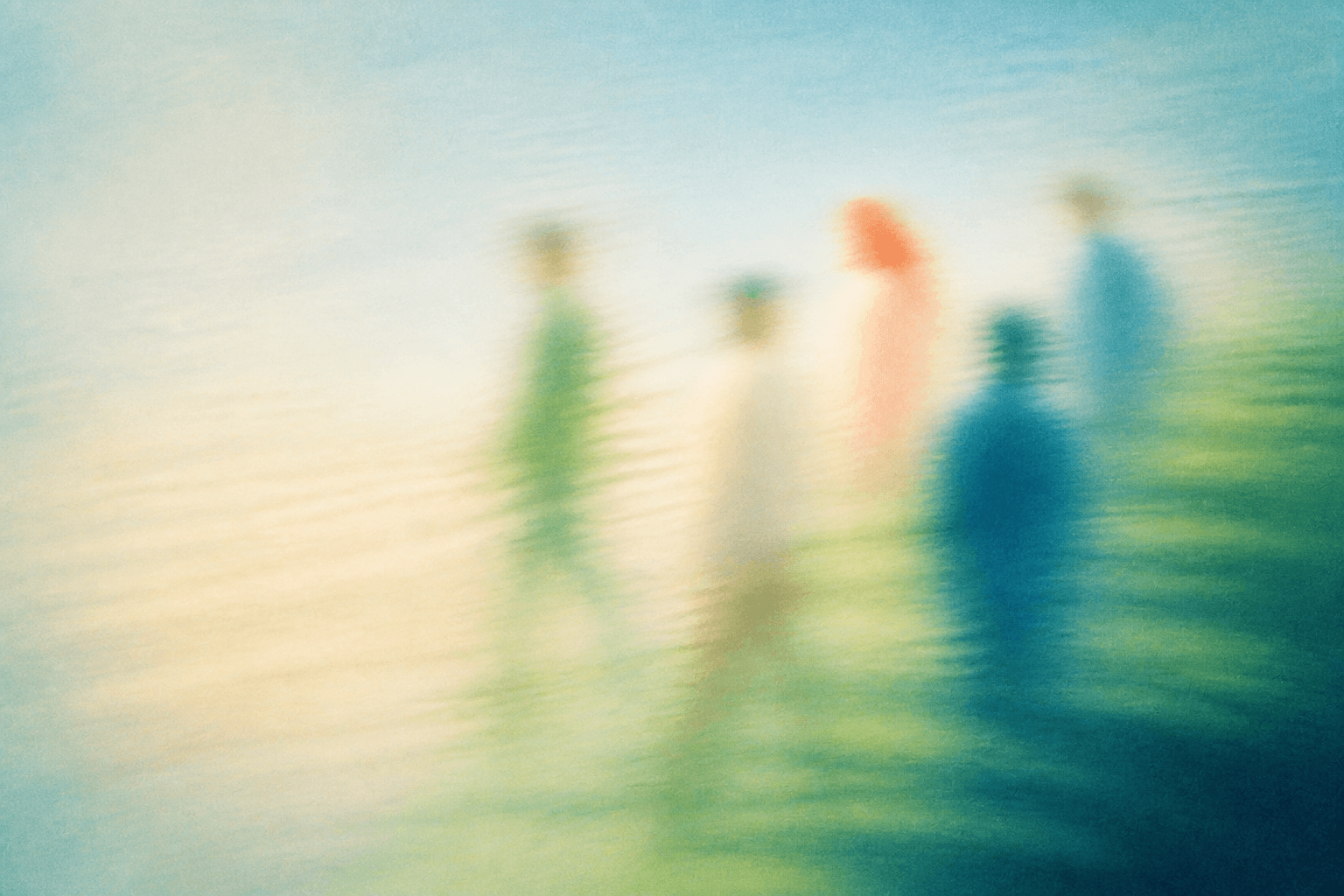
01-walking-and-talking--medium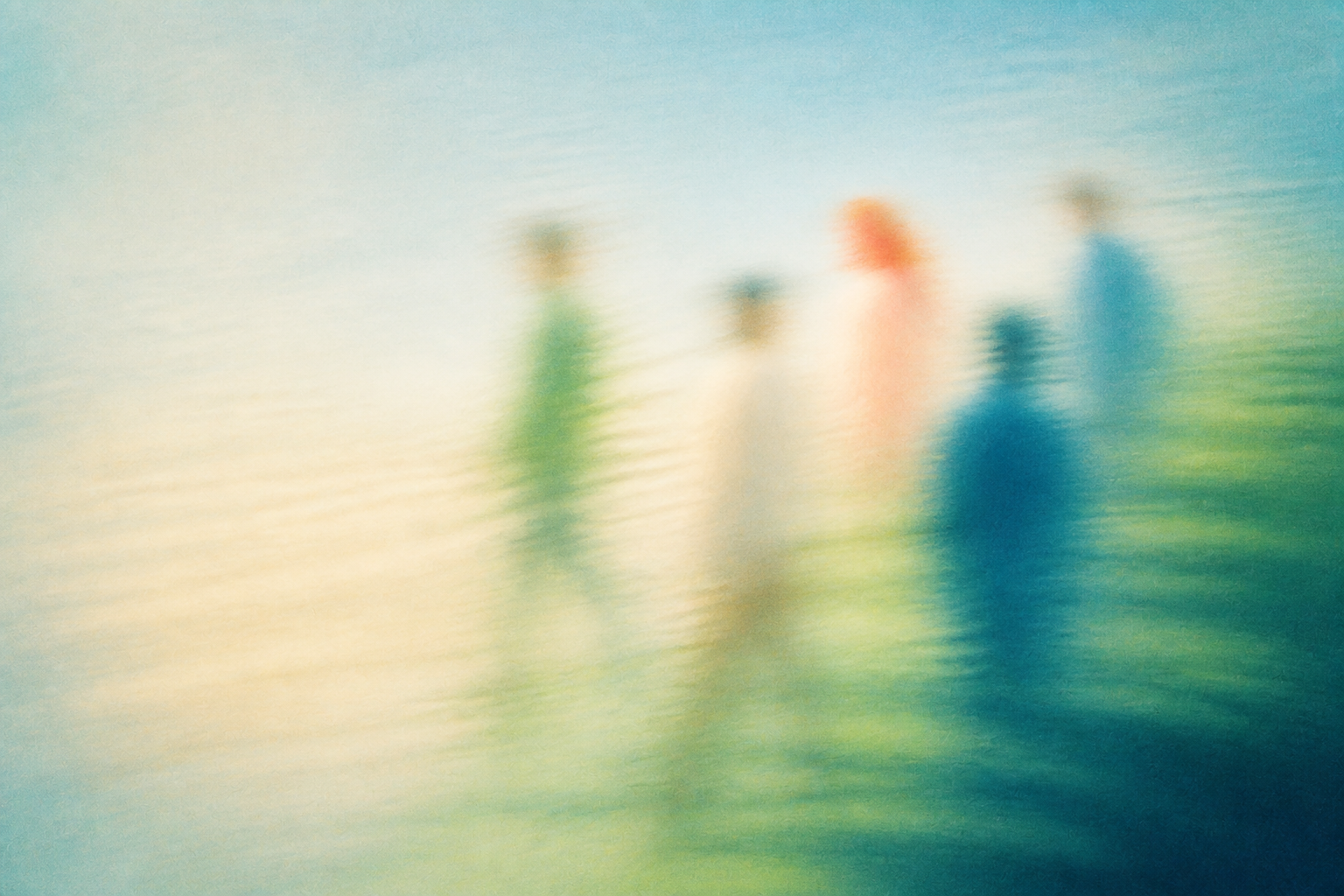
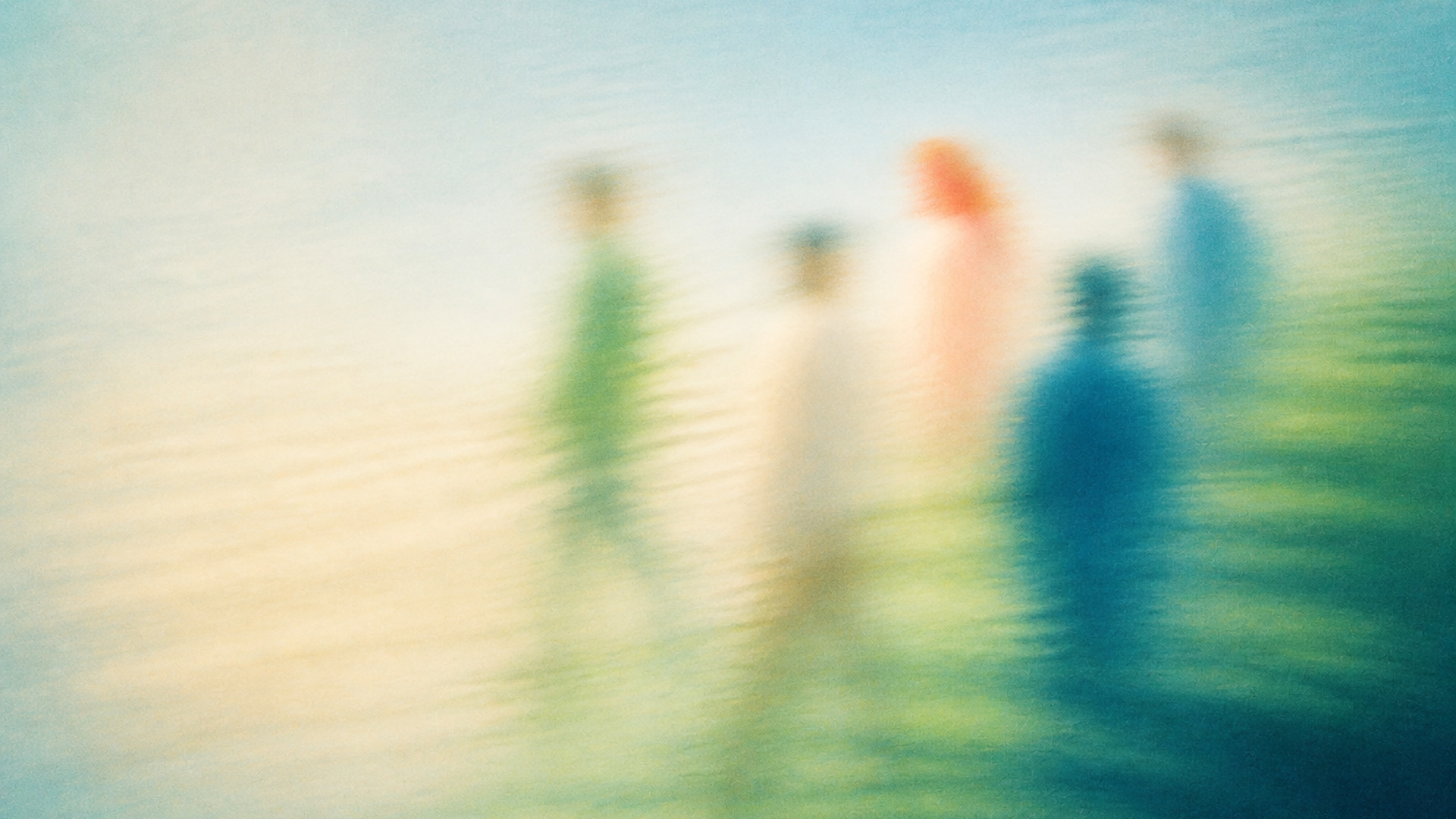
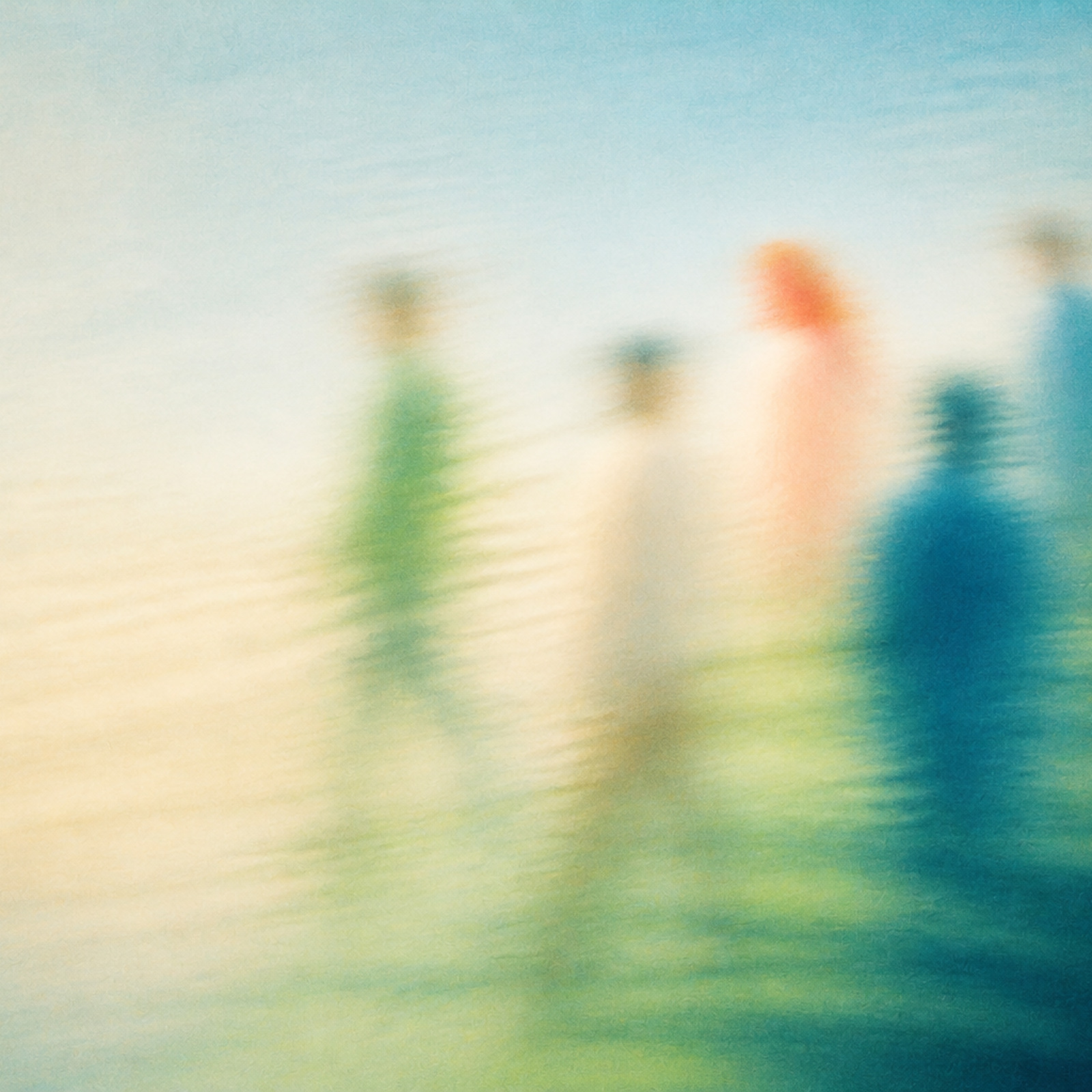
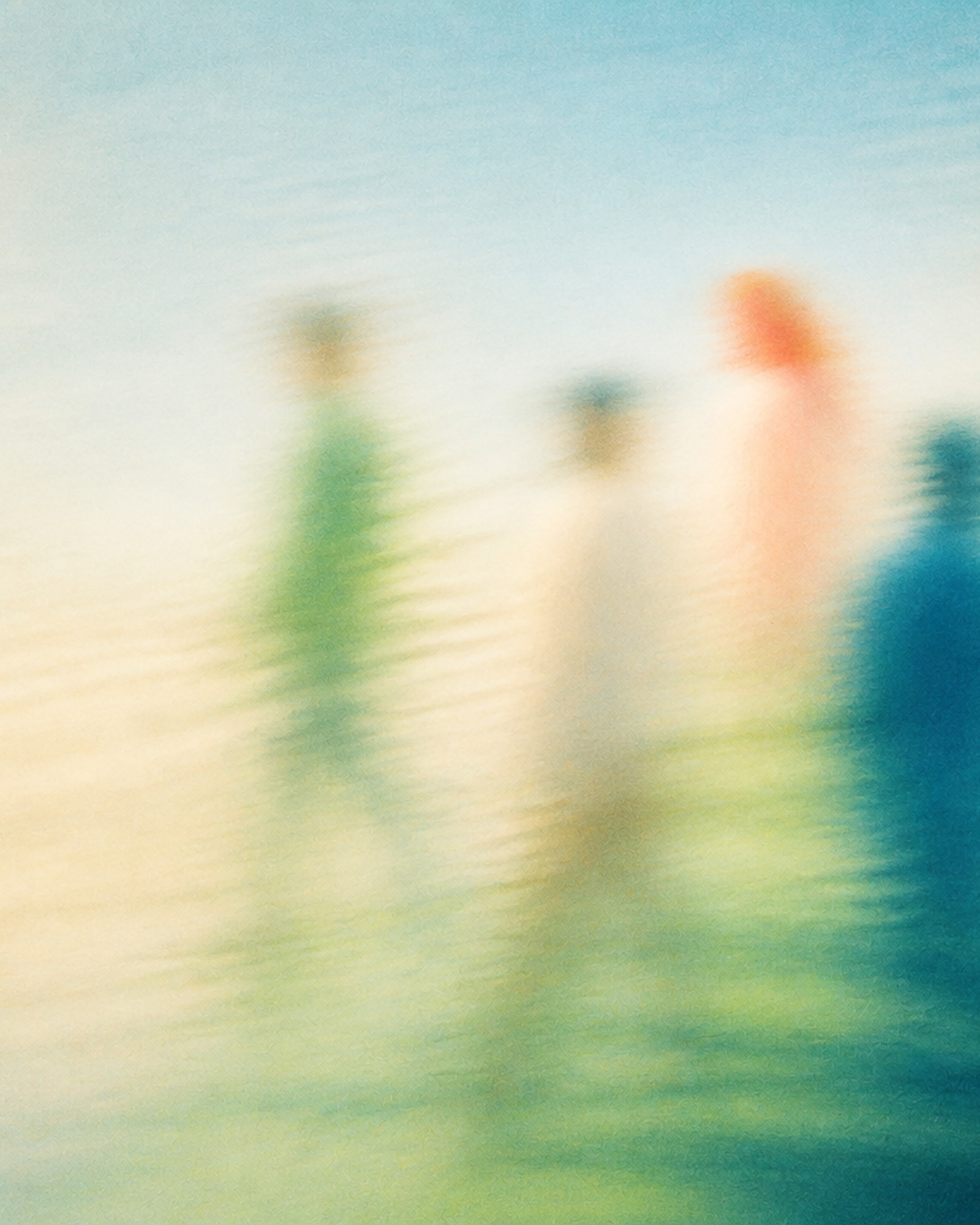


02-close-conversation--close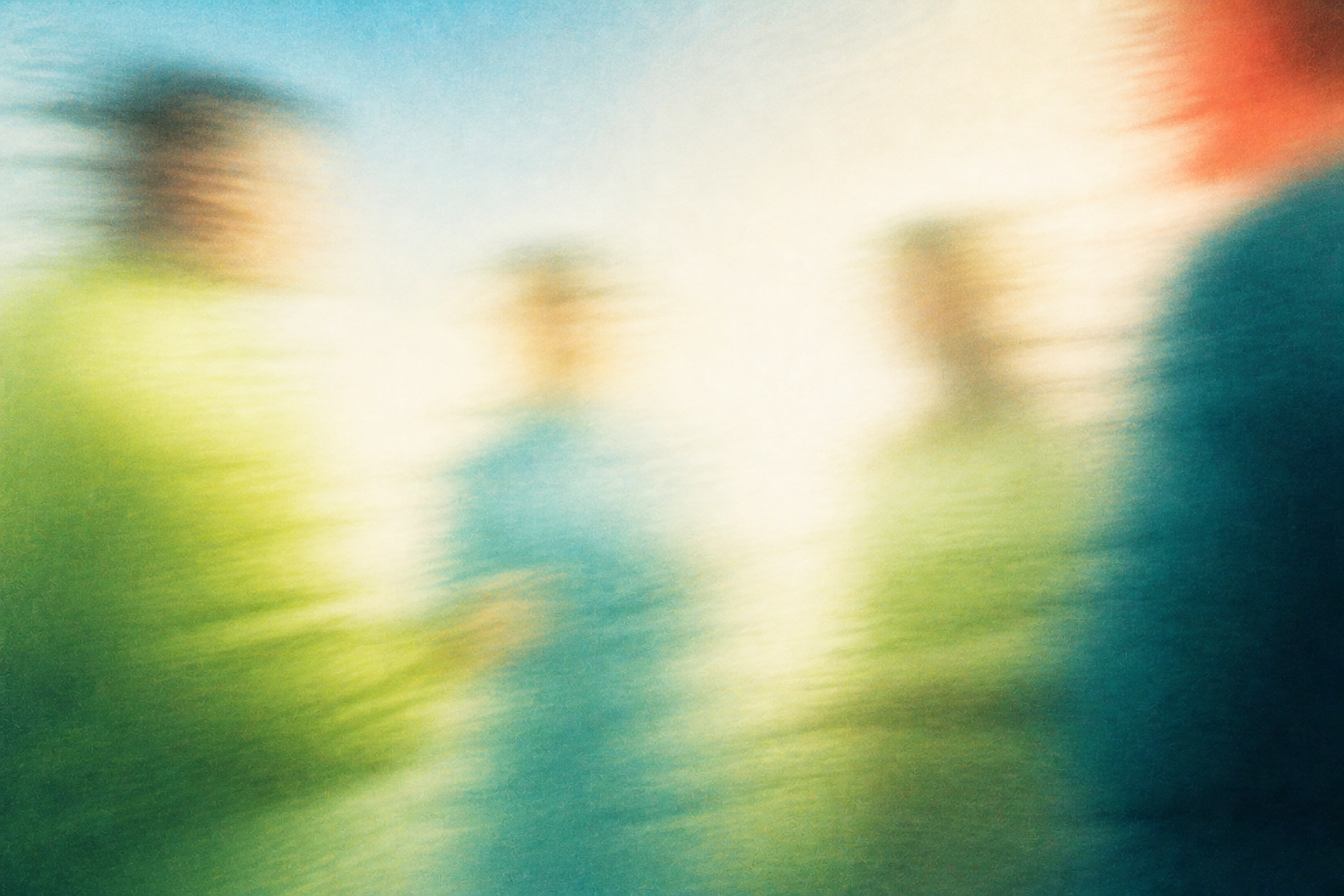
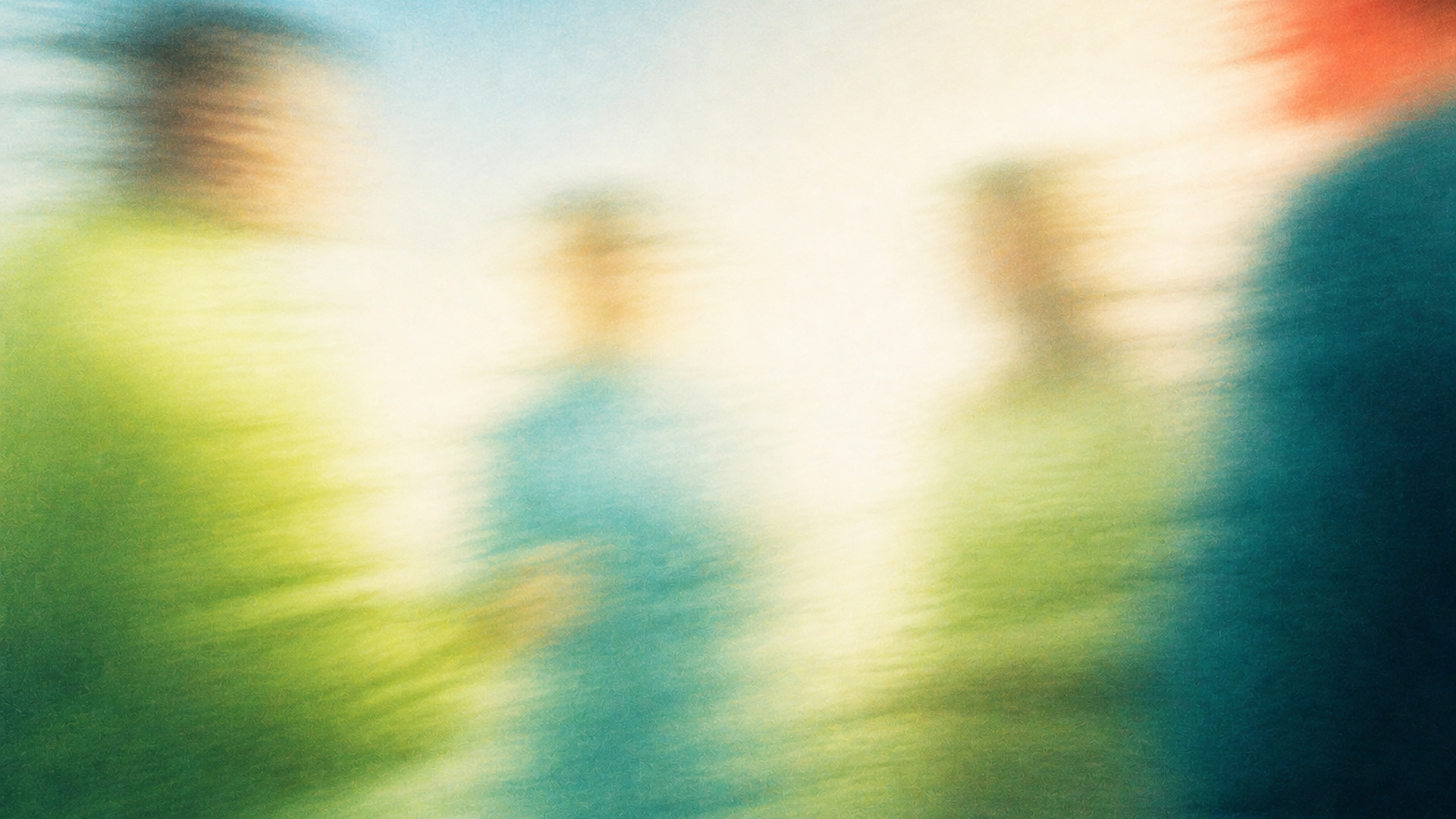
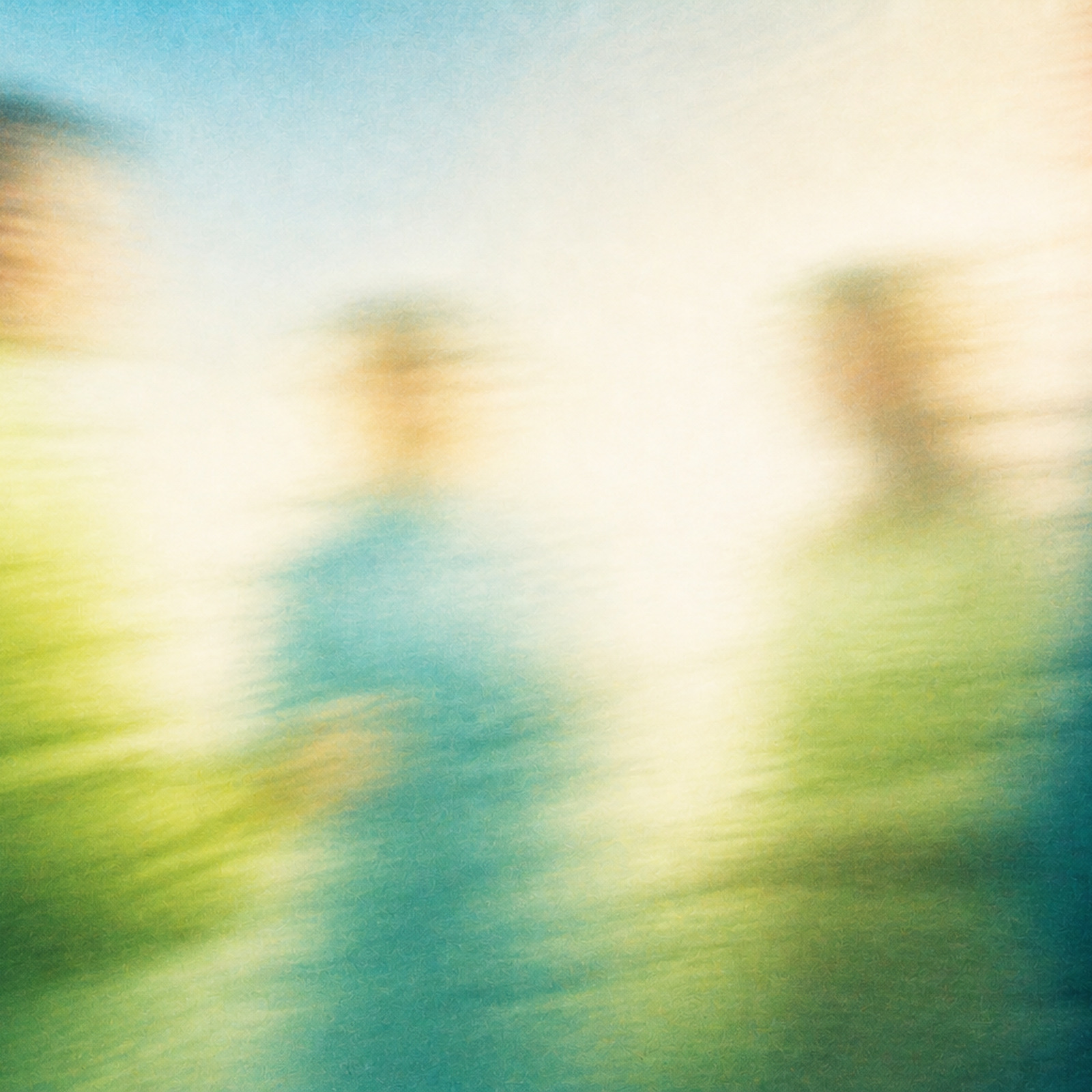
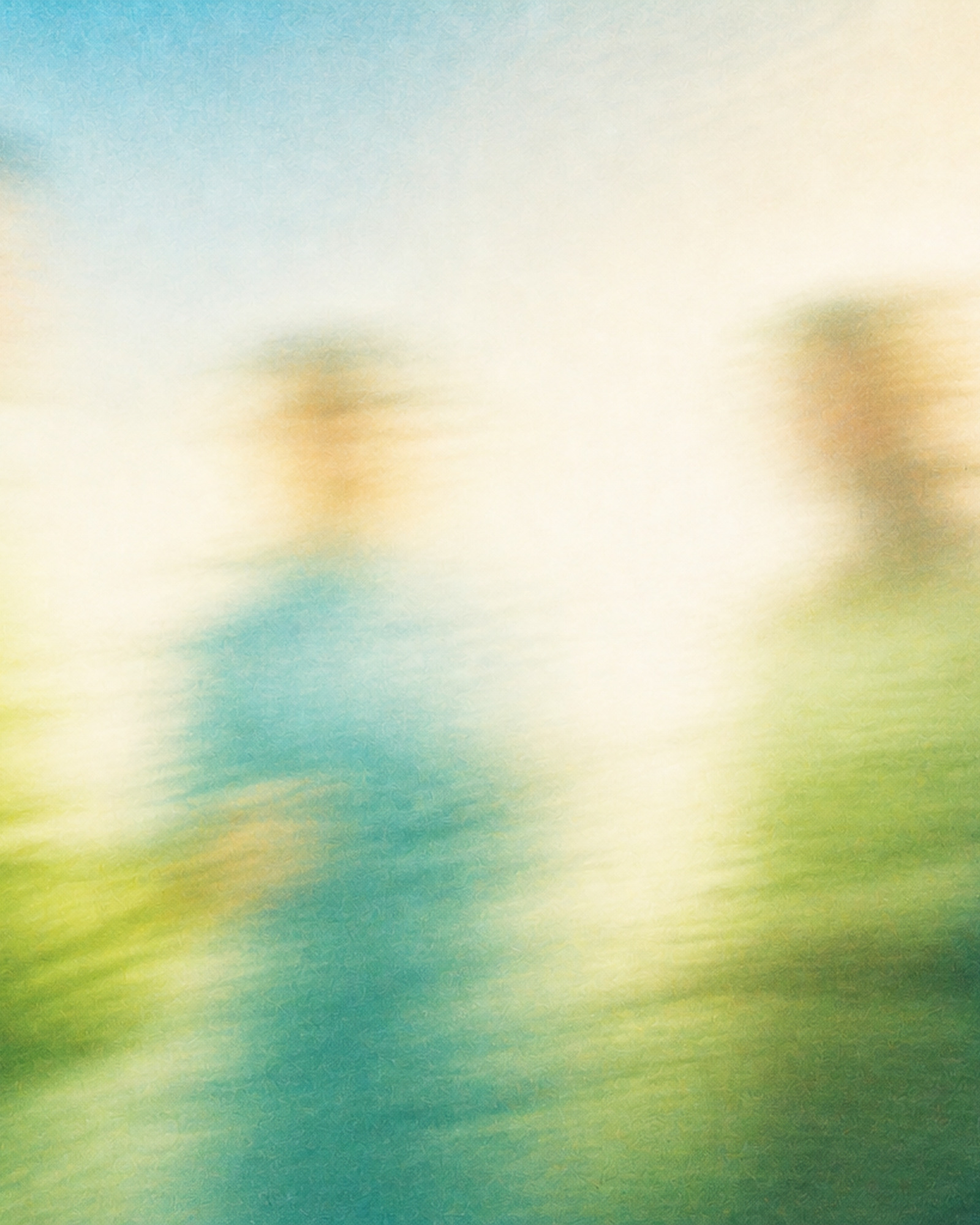

03-crossing-paths--medium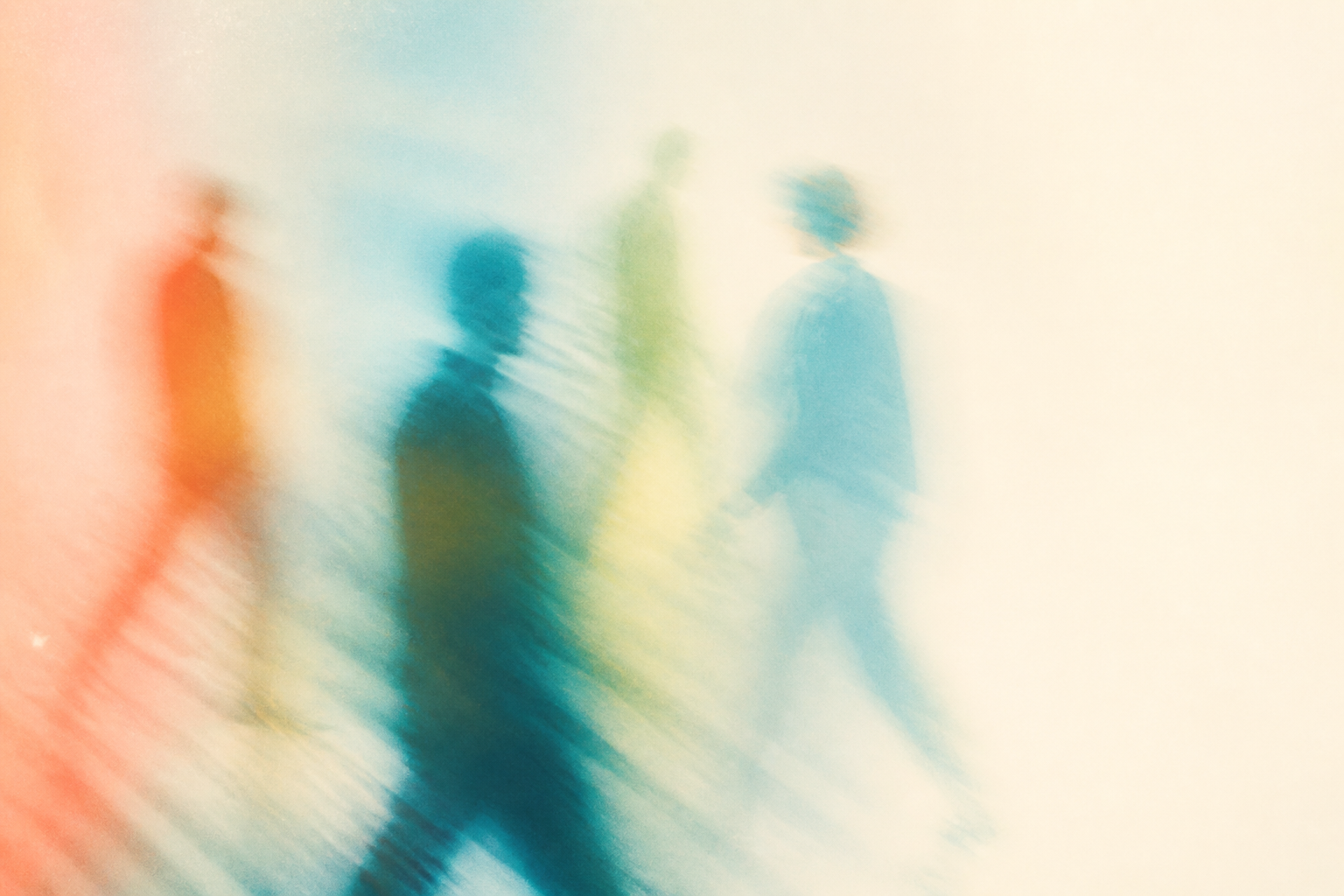
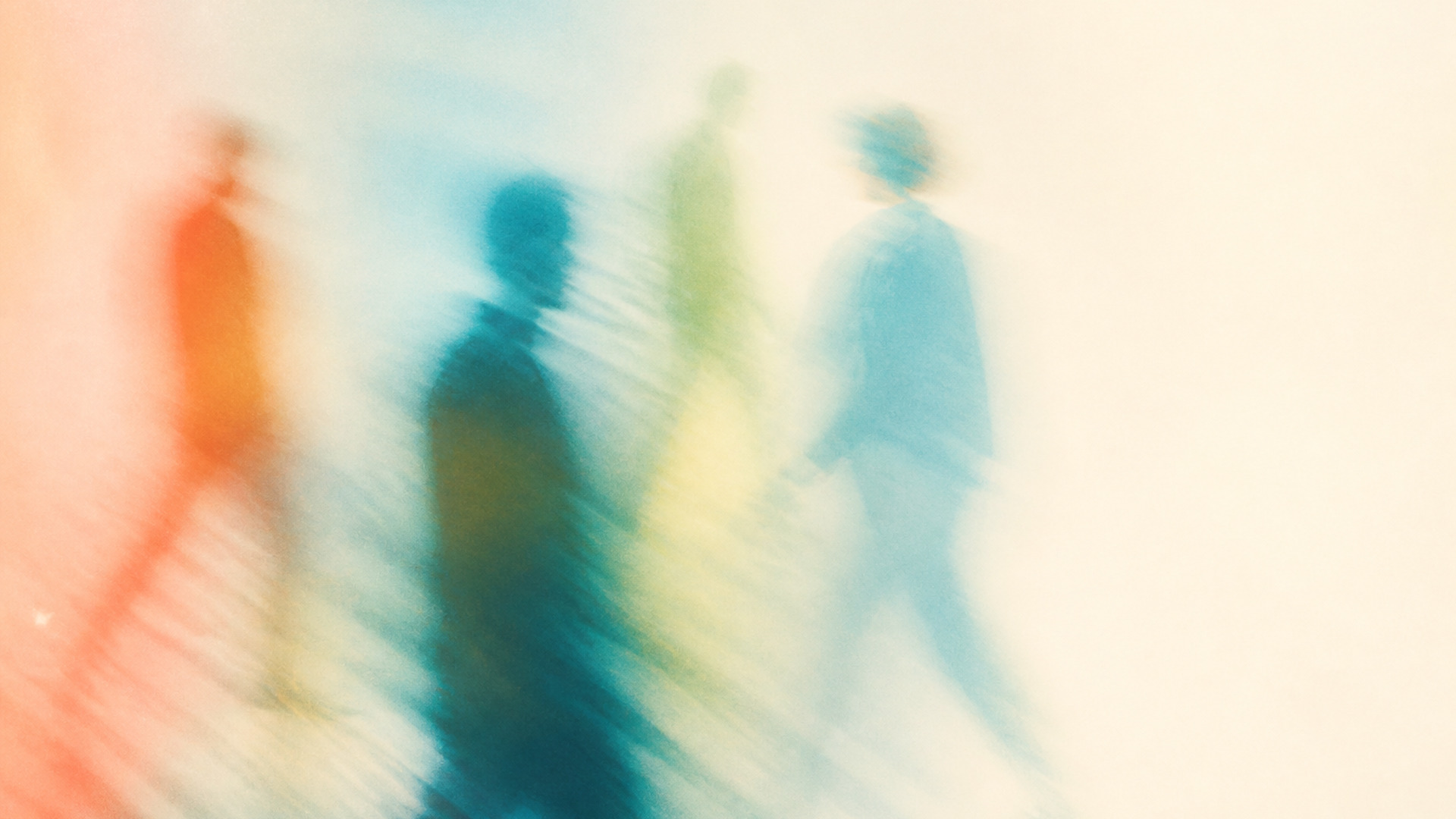
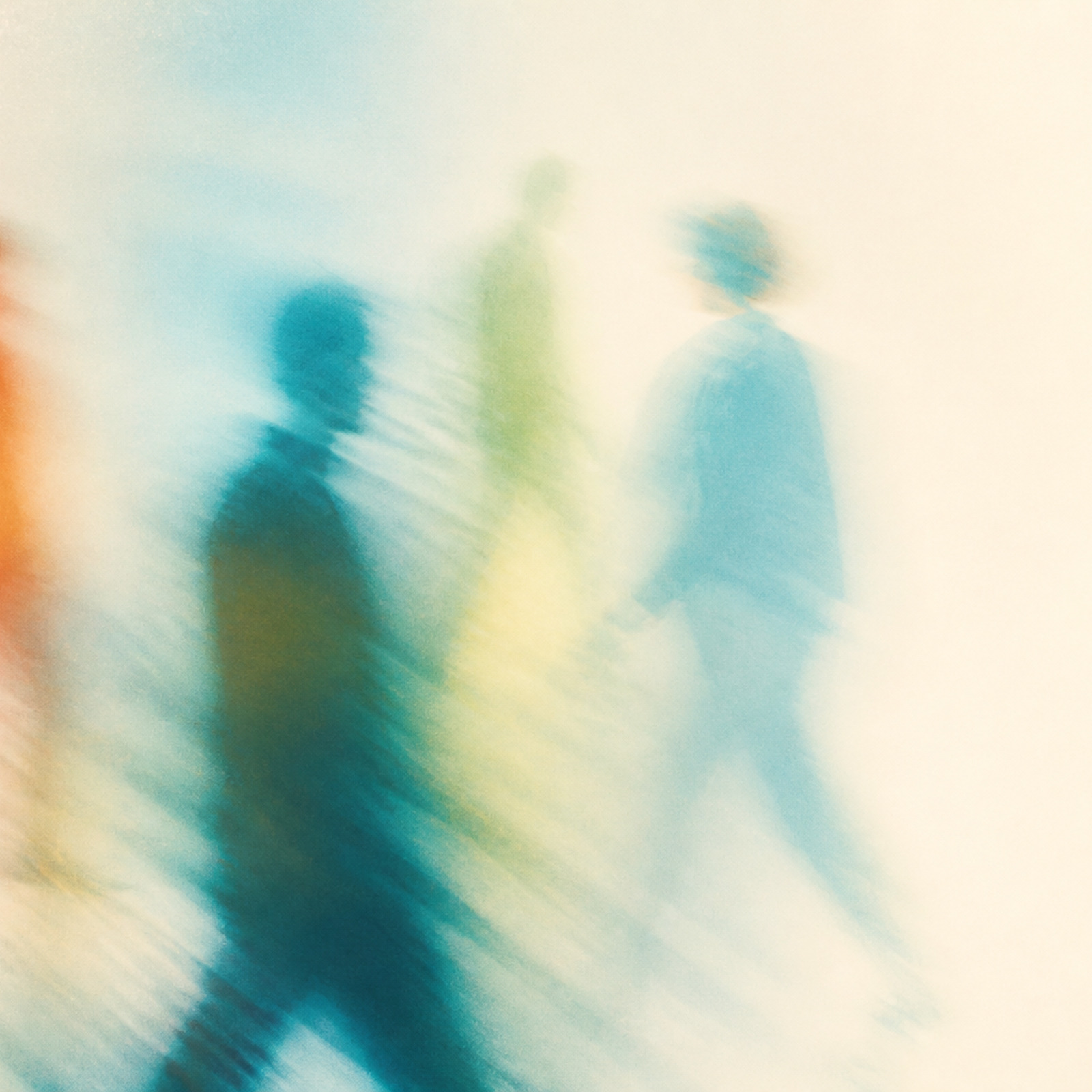
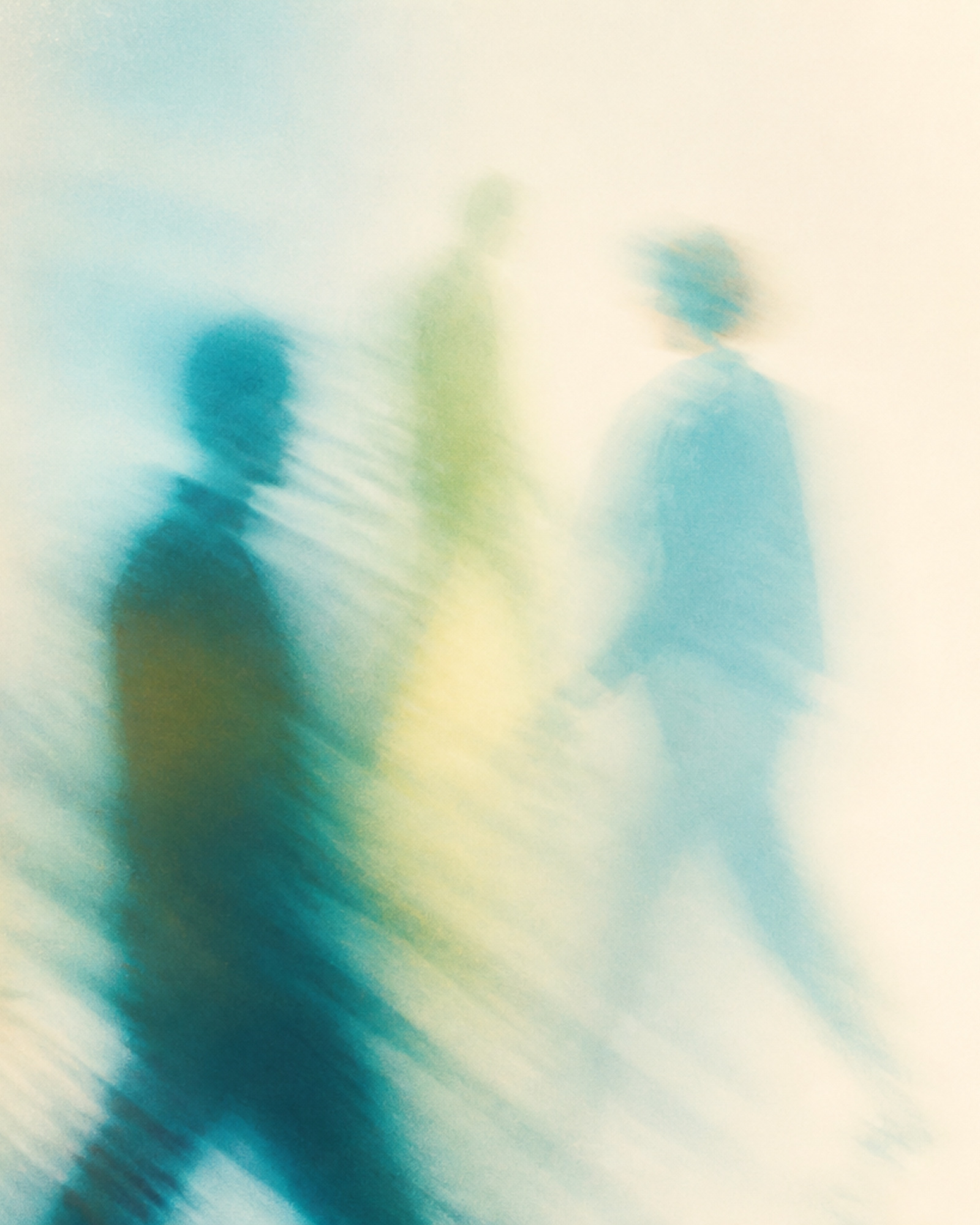
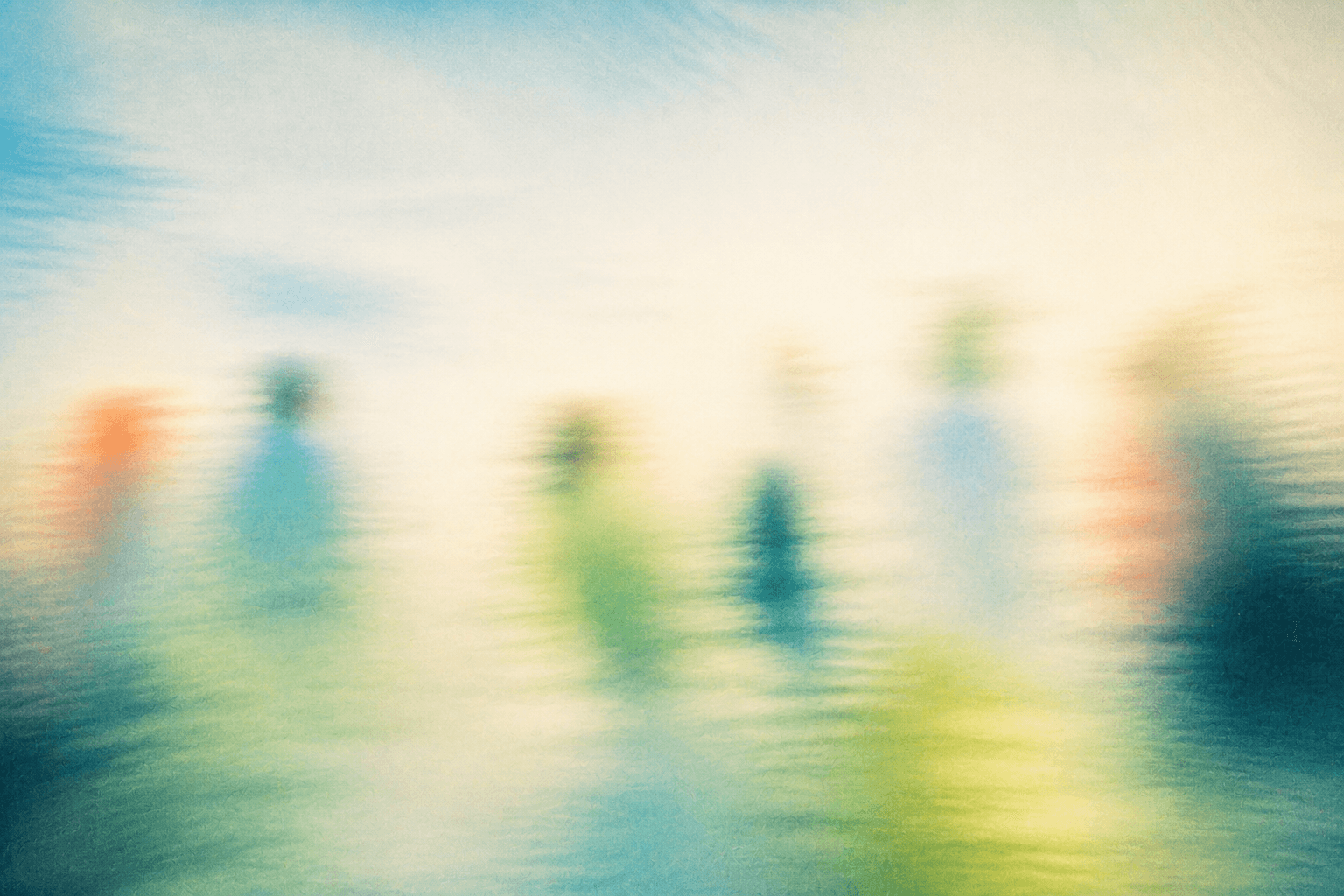
04-shared-afterimage--wide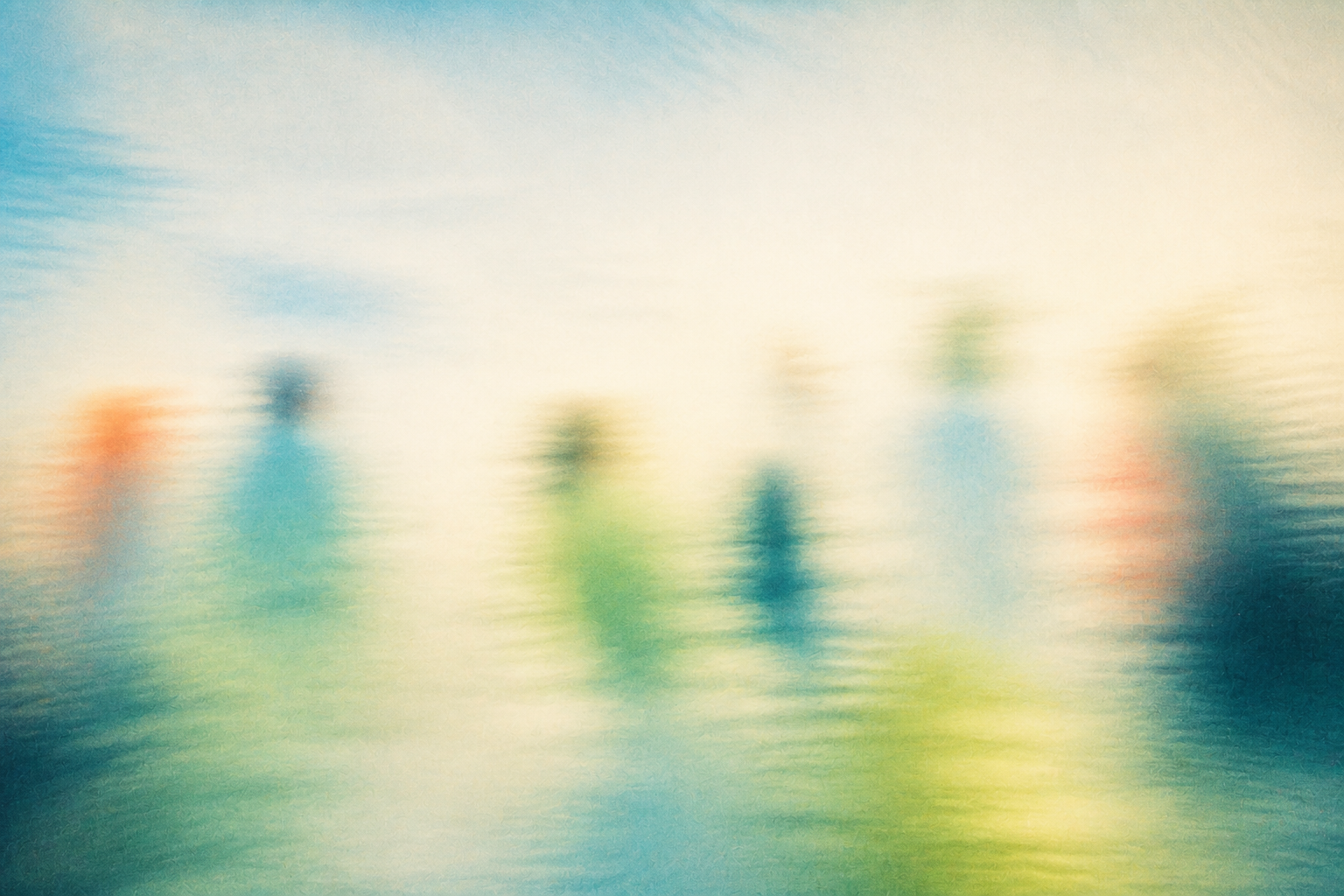
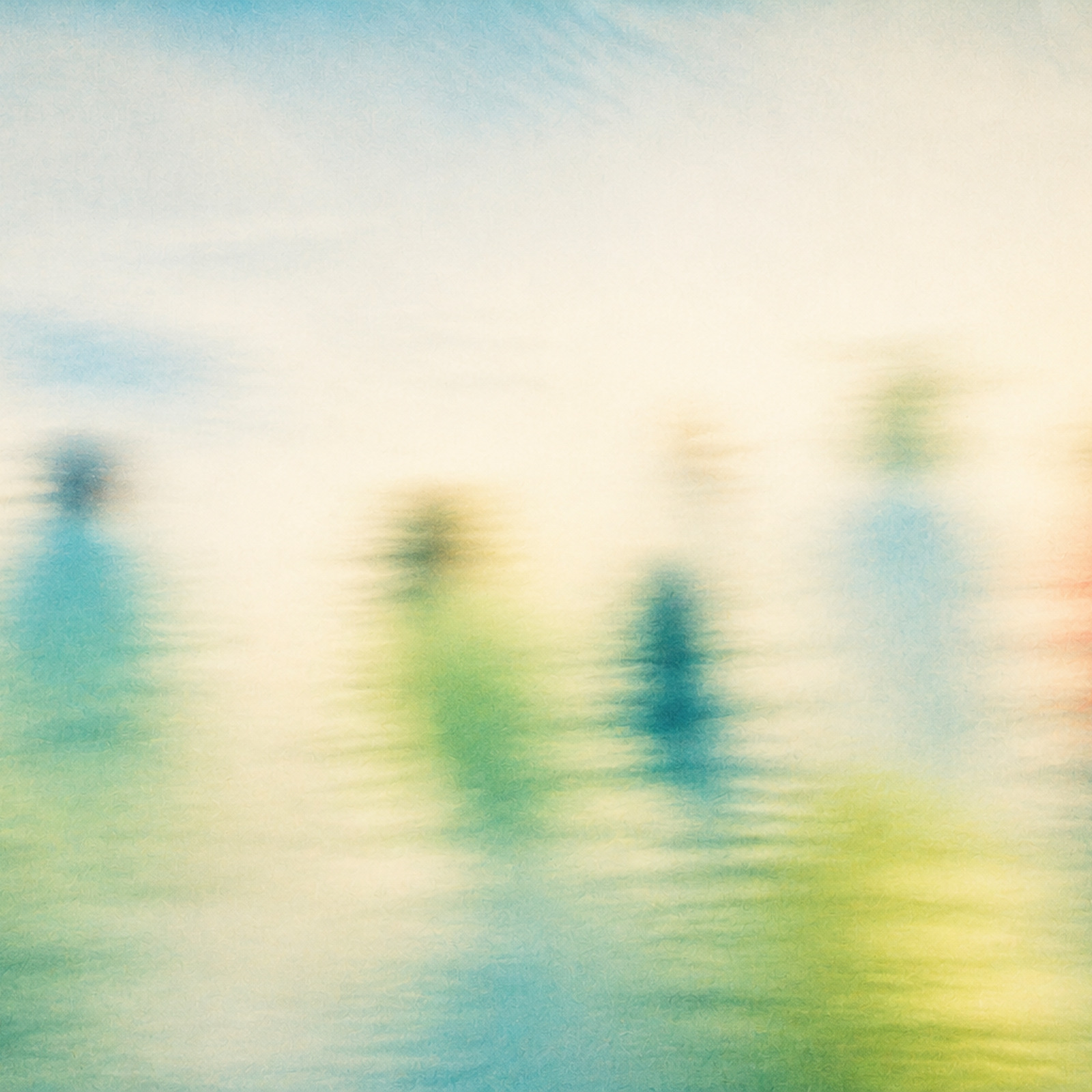



05-warm-introduction--close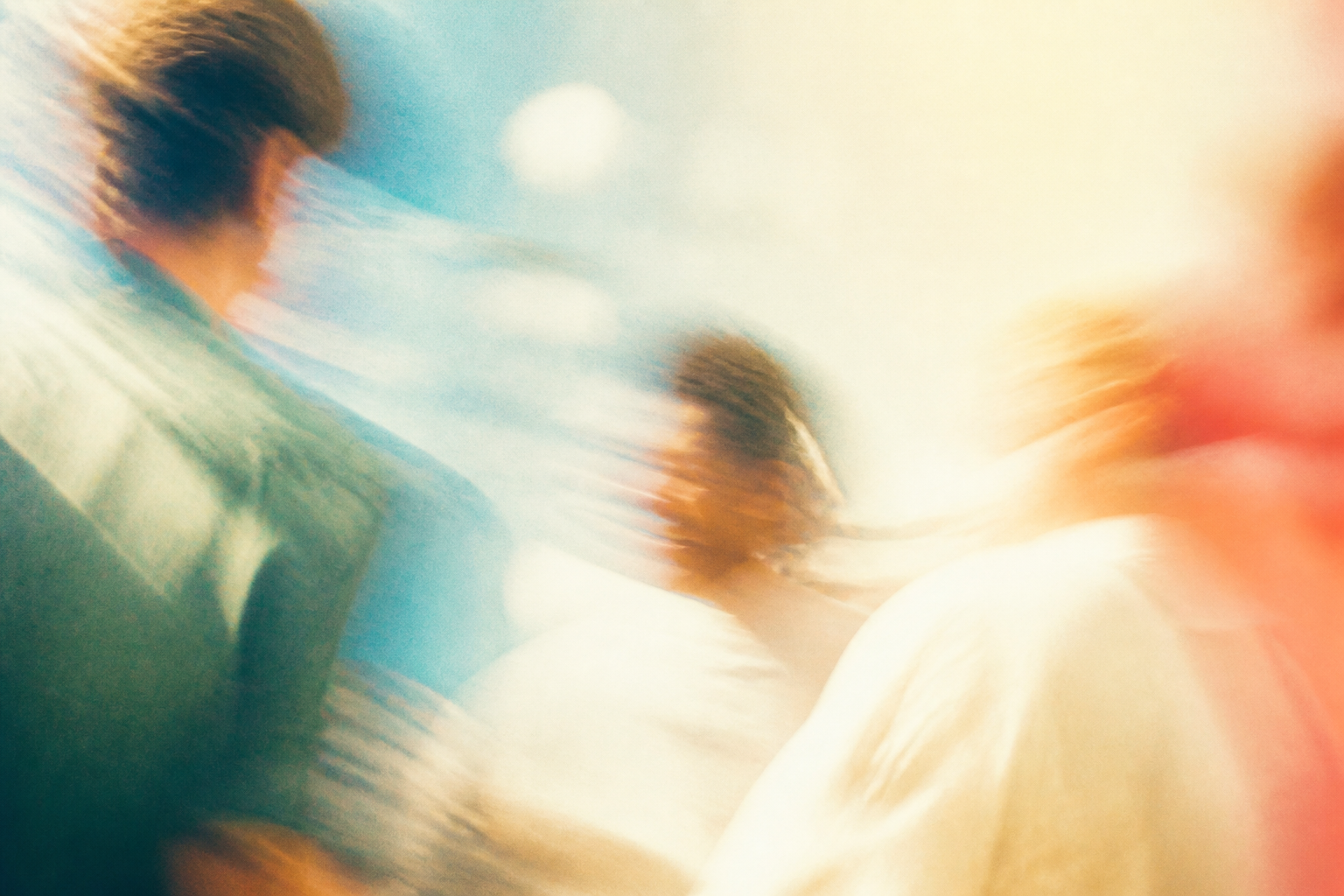
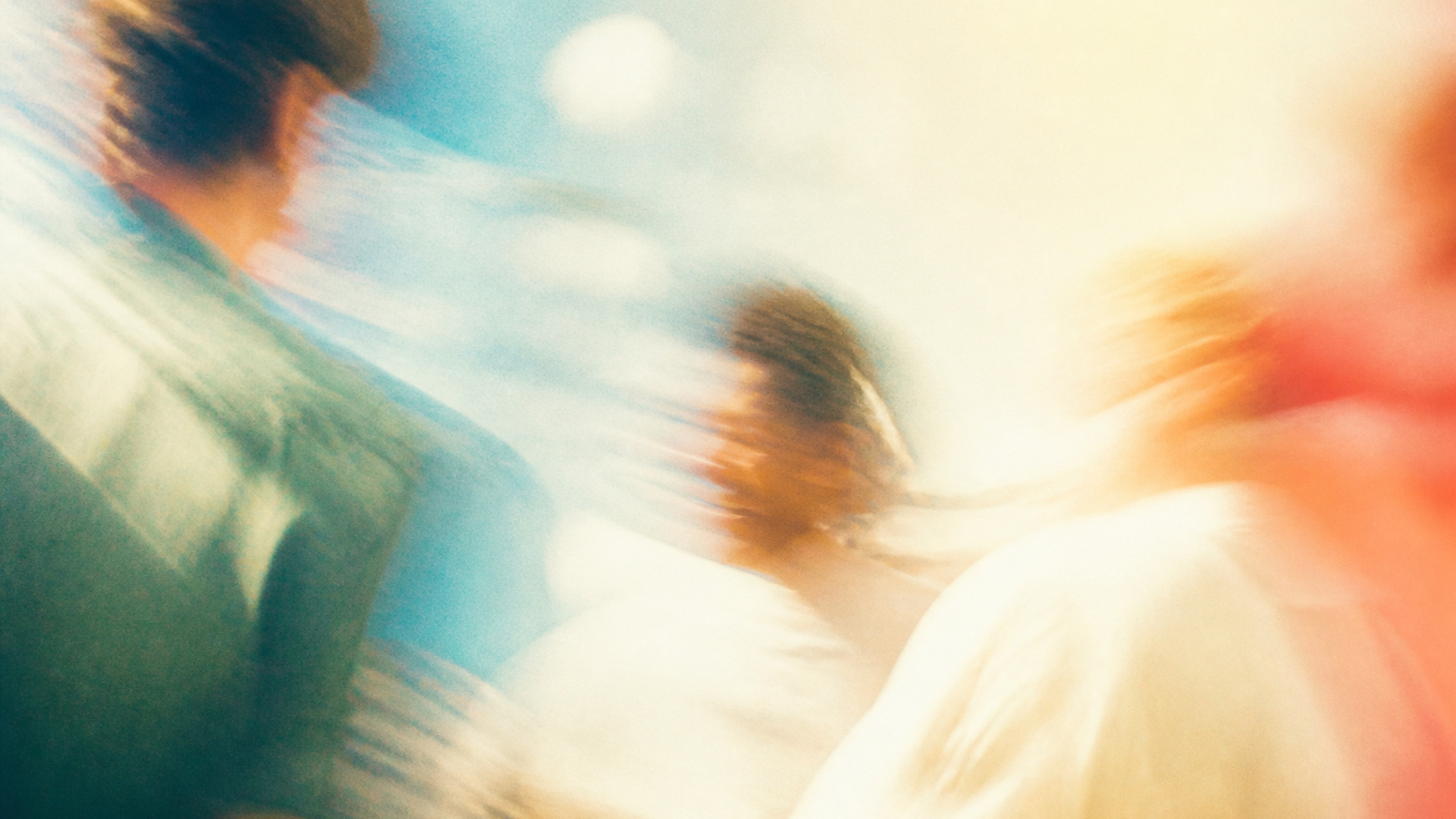
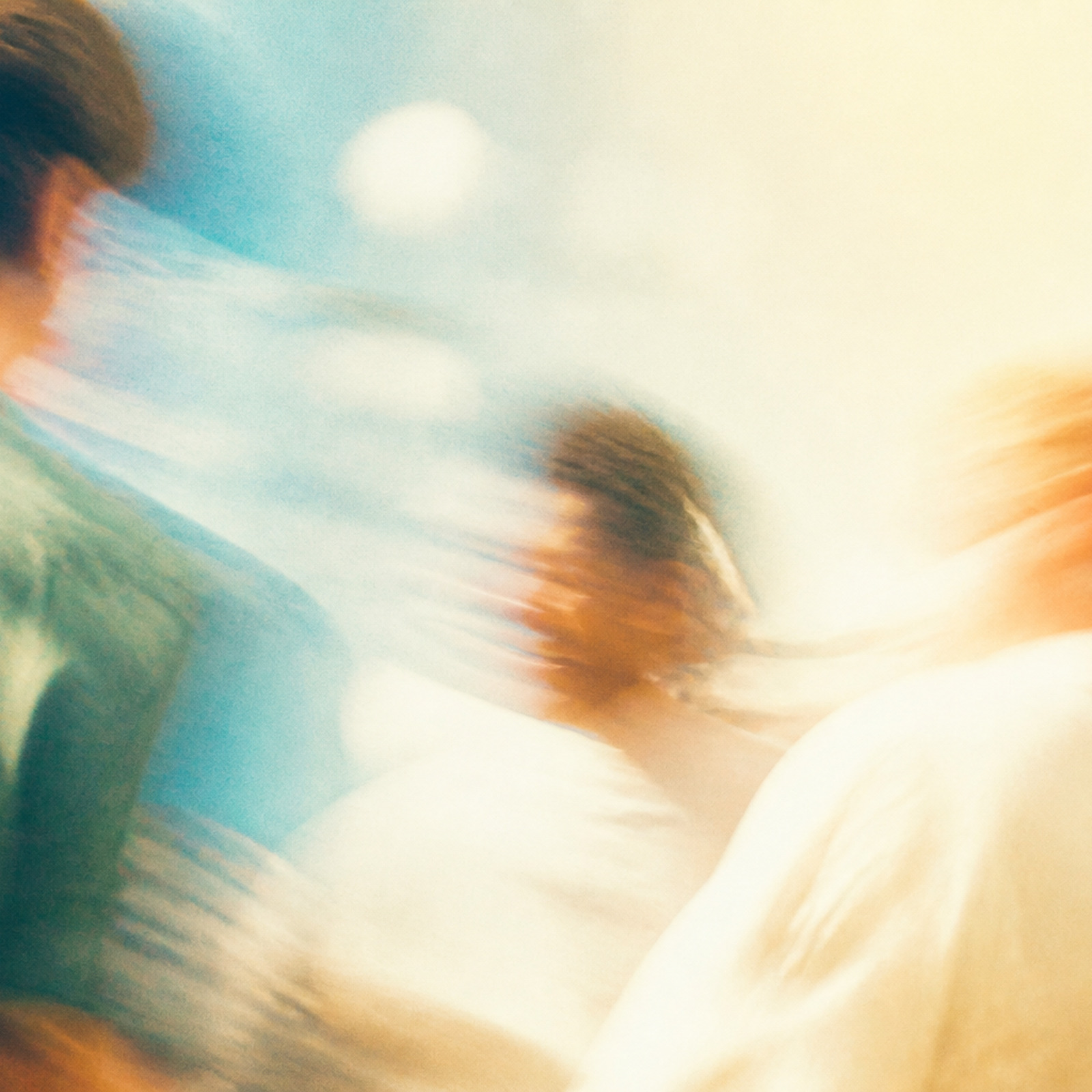
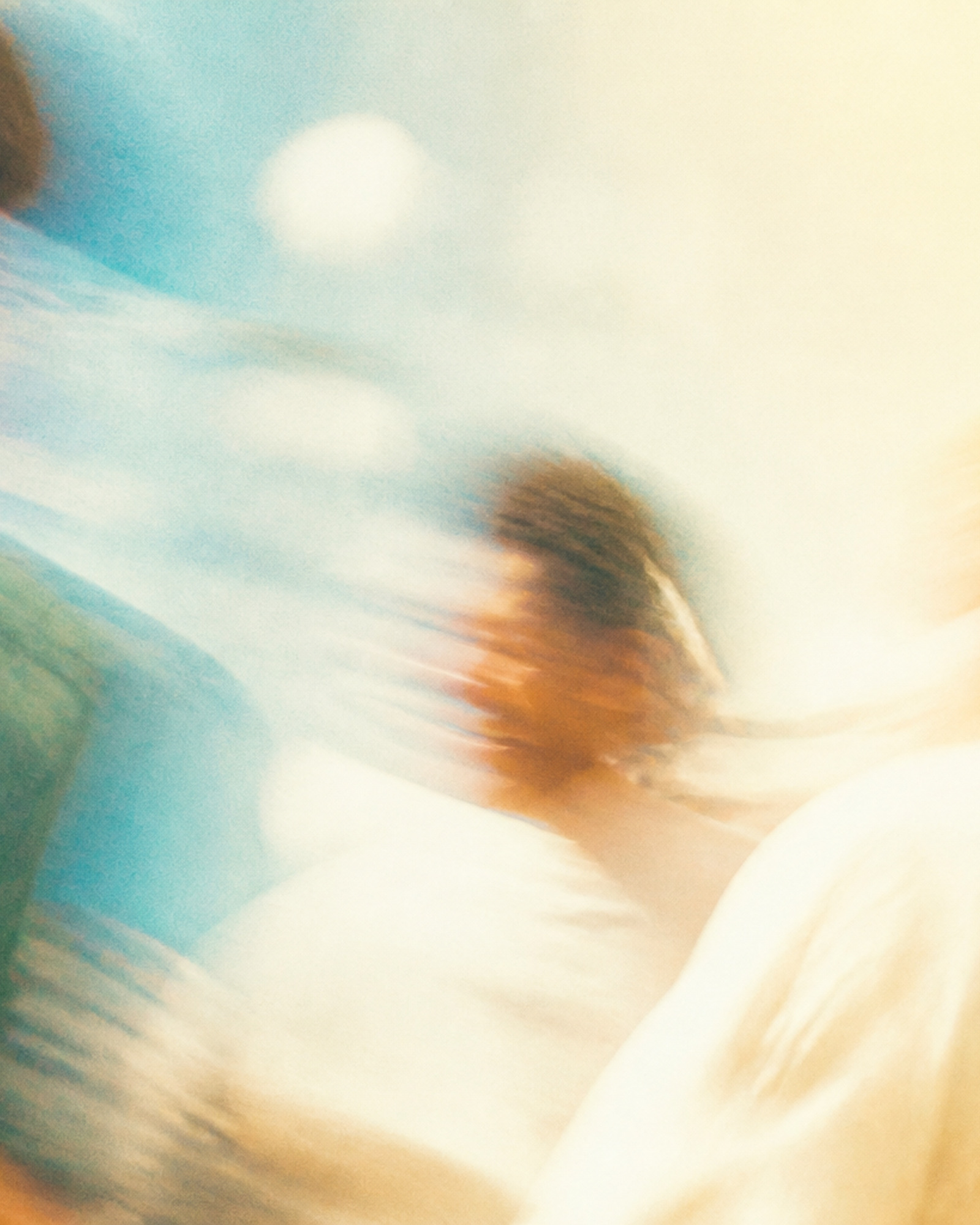


06-inside-the-gathering--close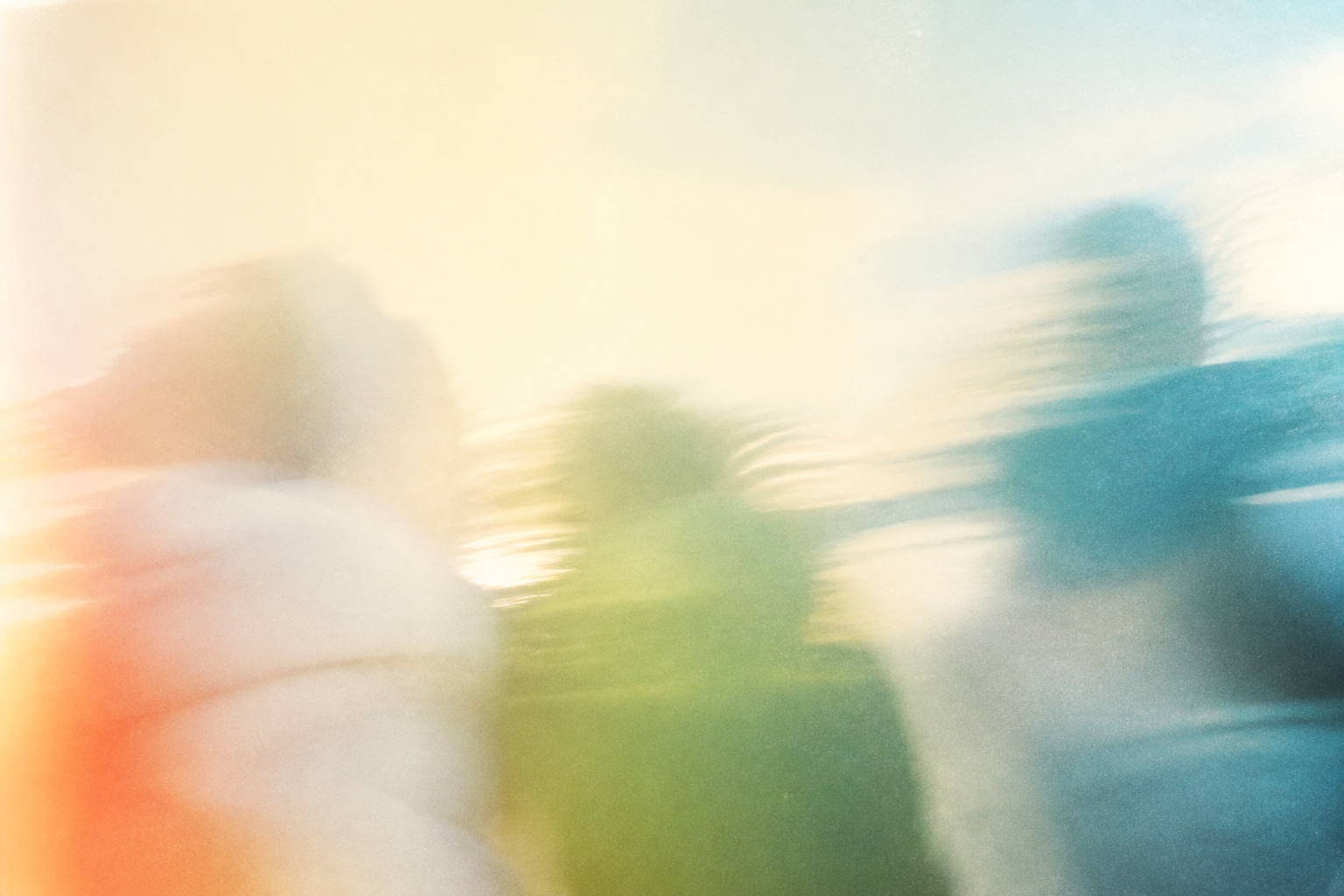
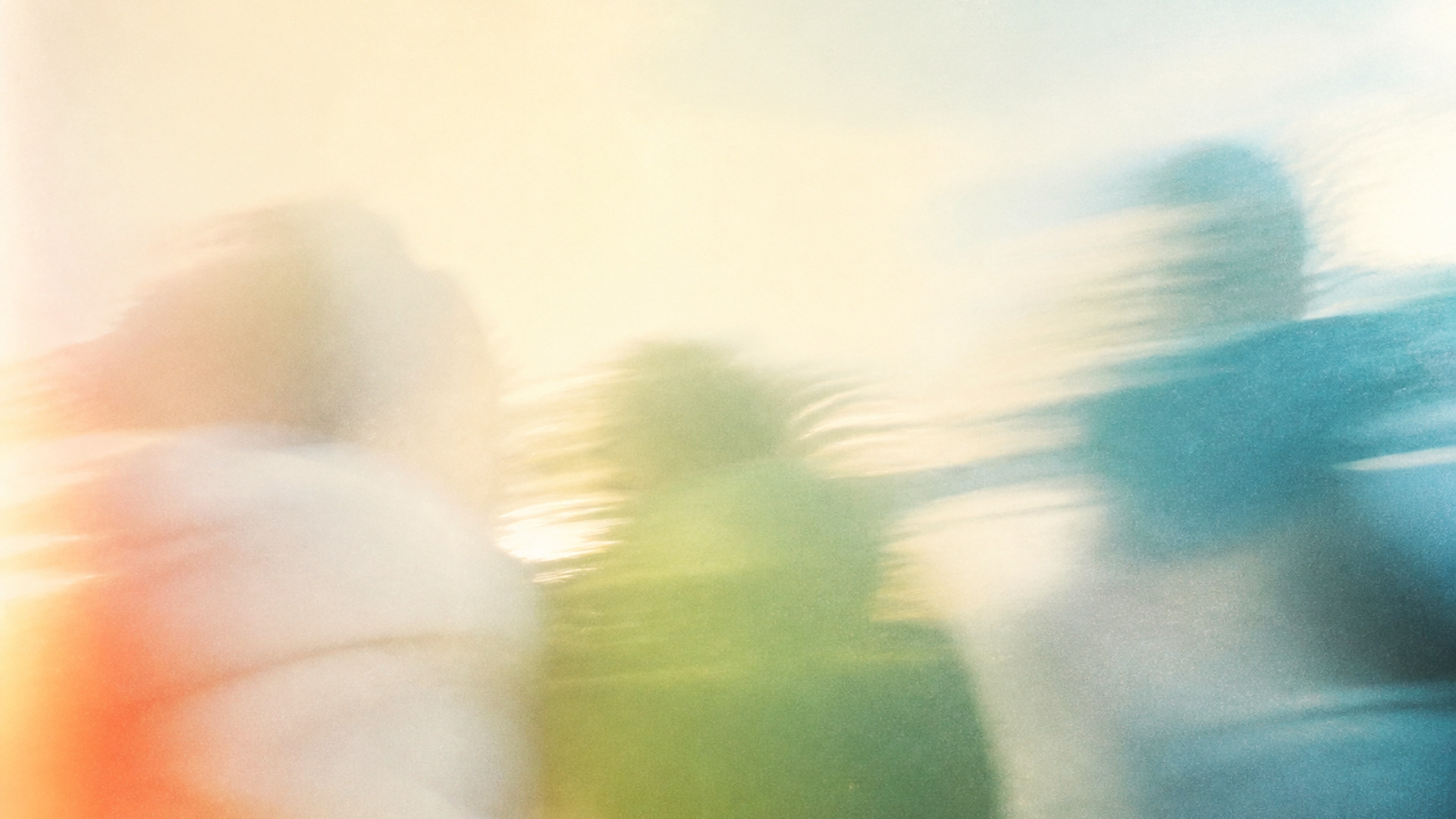
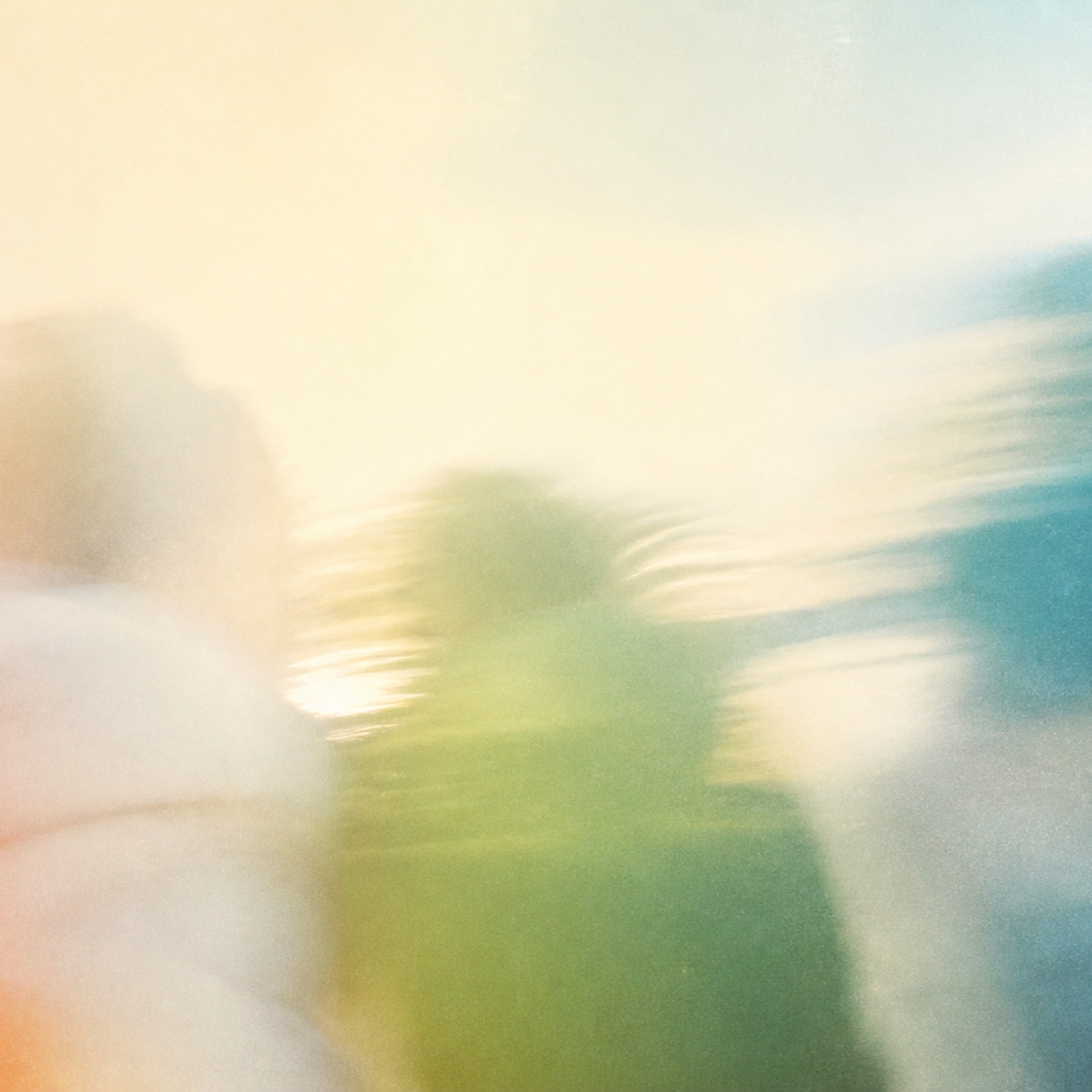

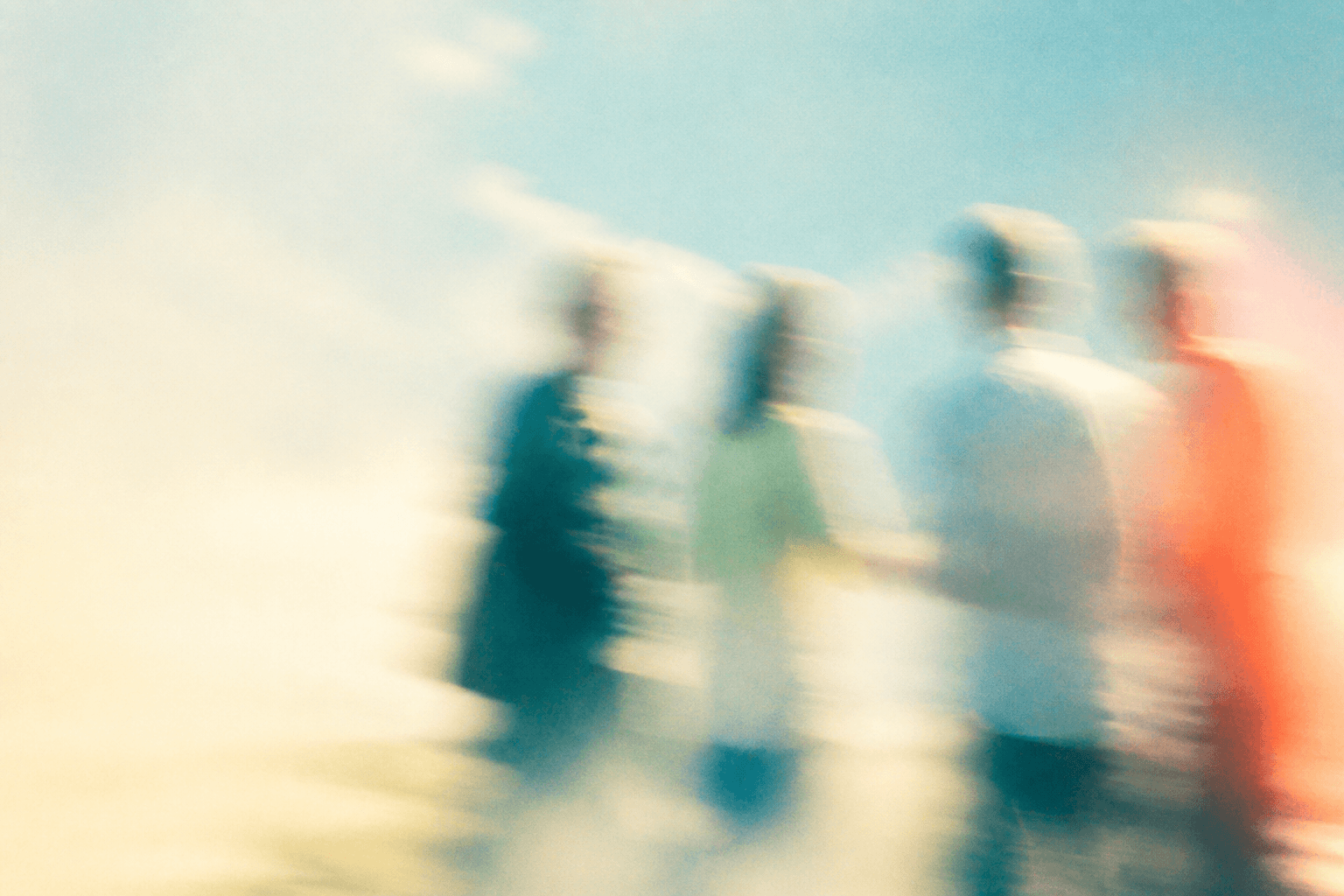
07-walking-rhythm--medium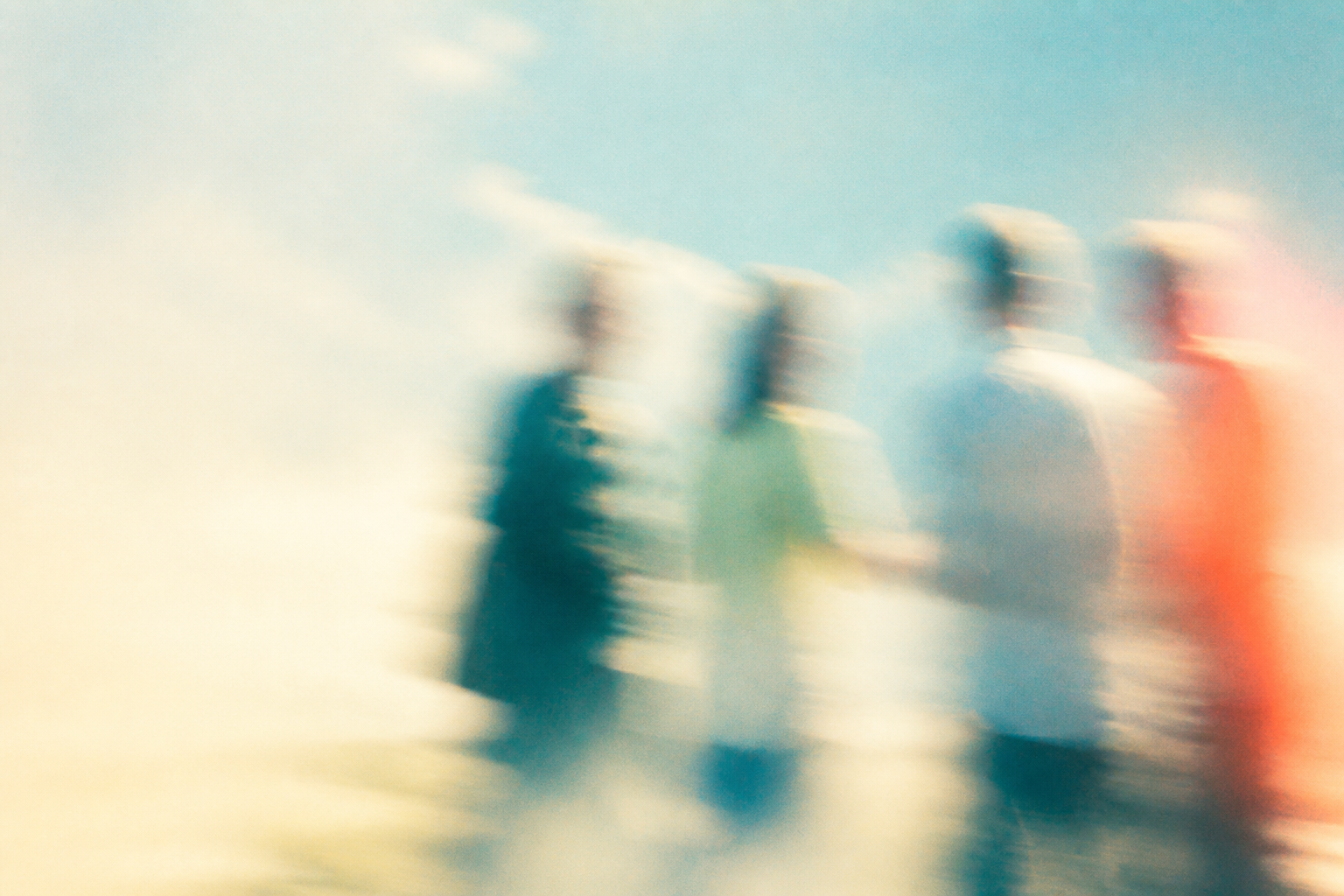
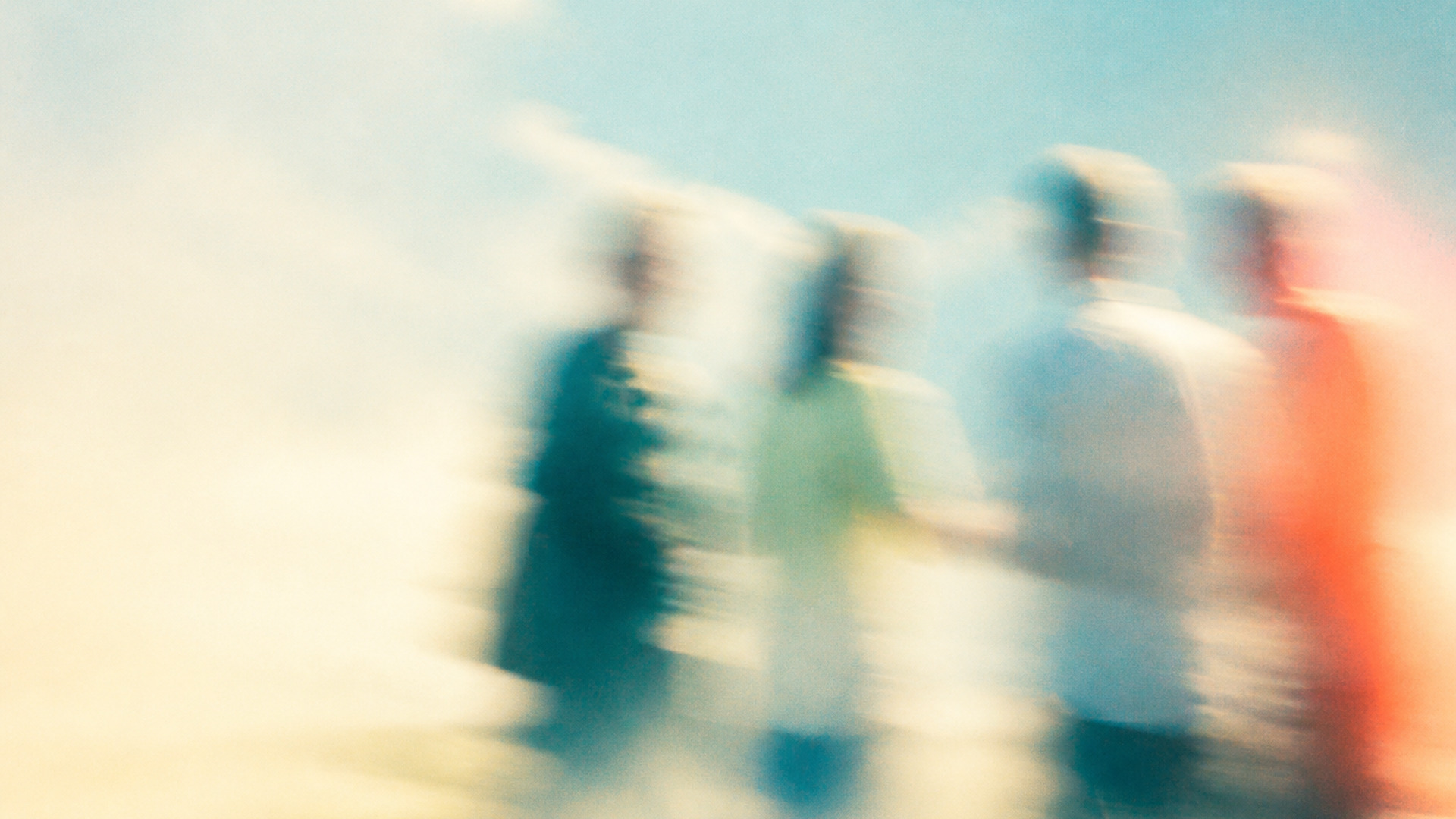
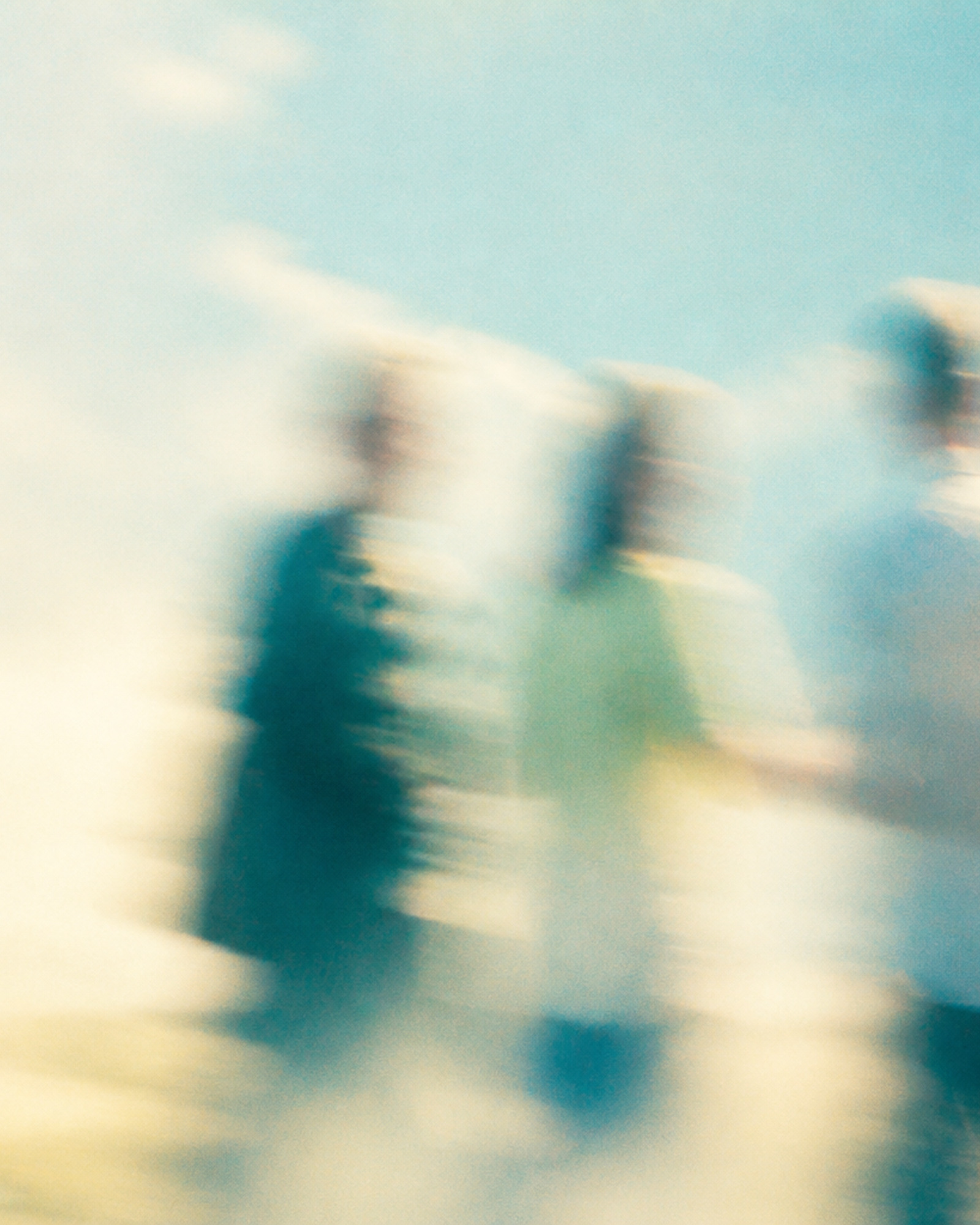
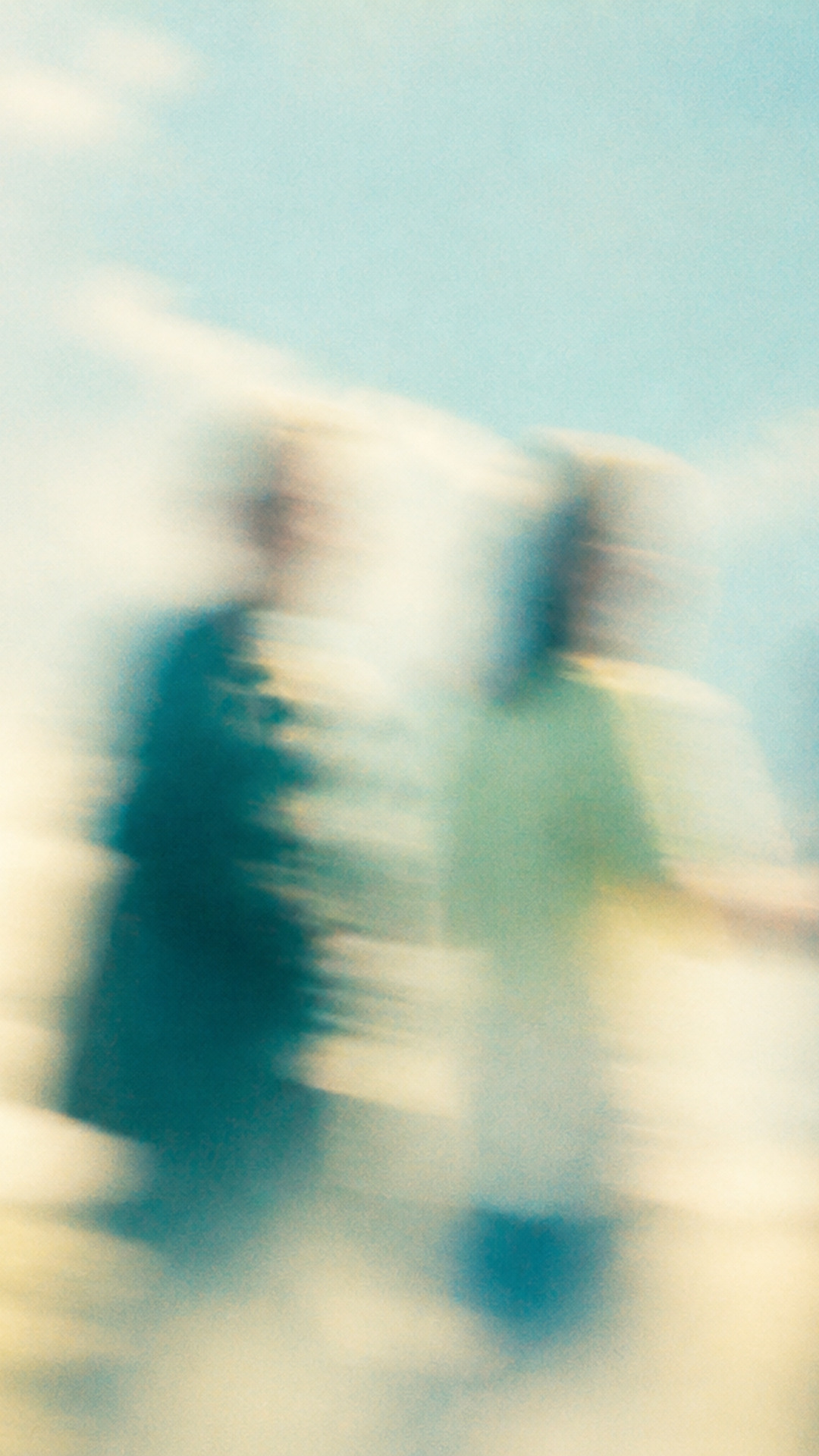

08-converging-paths--medium




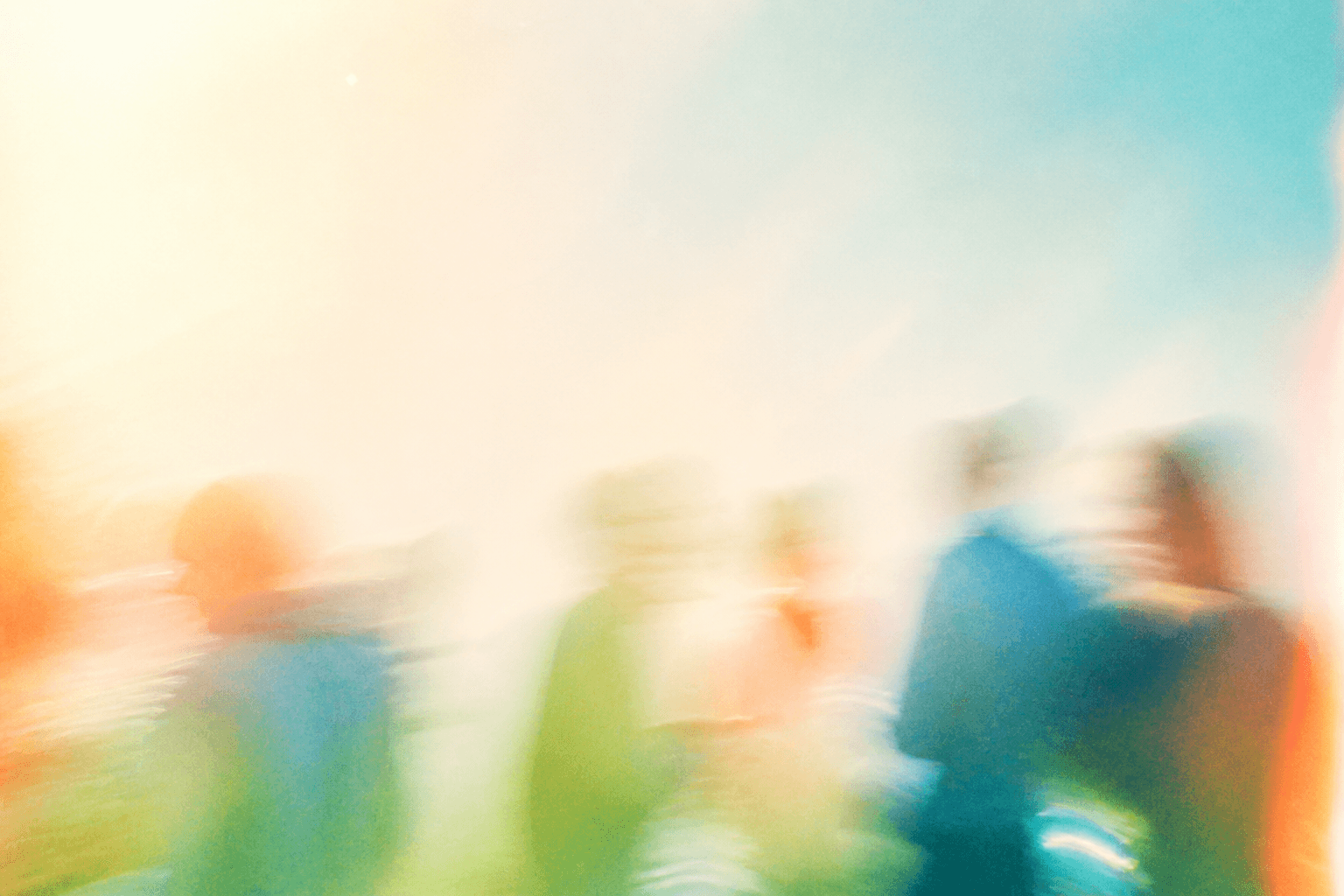
09-after-the-gathering--wide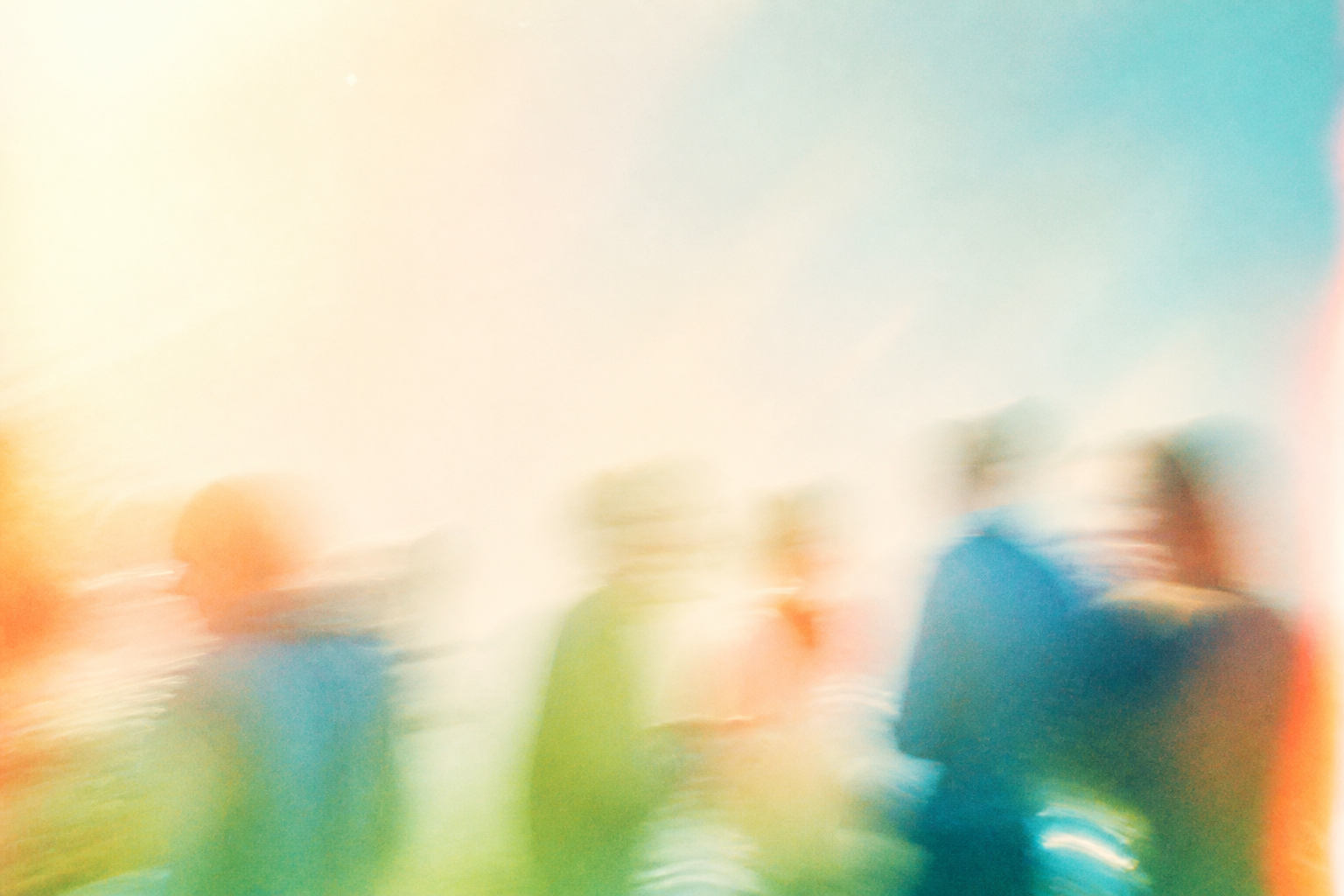
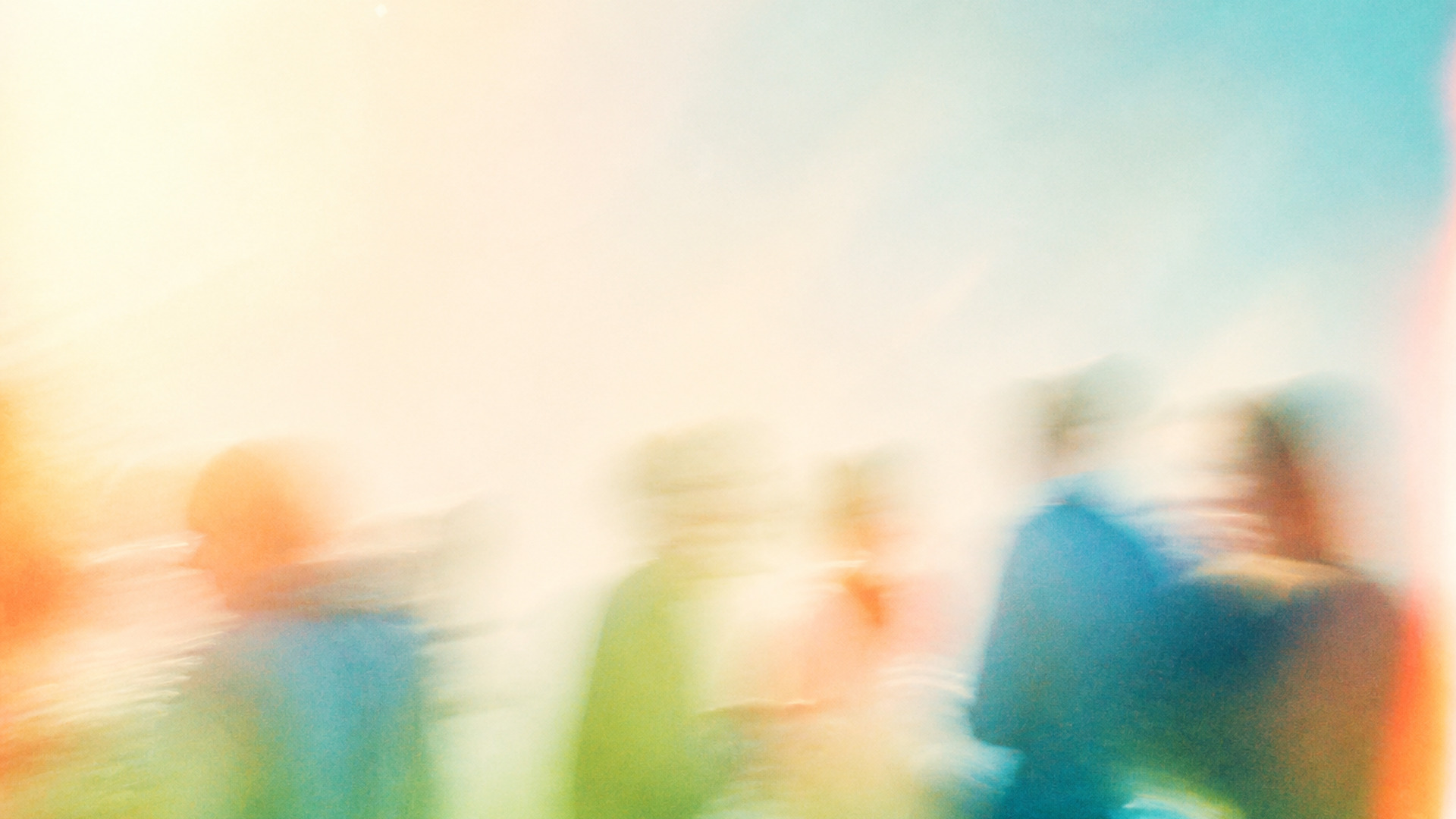


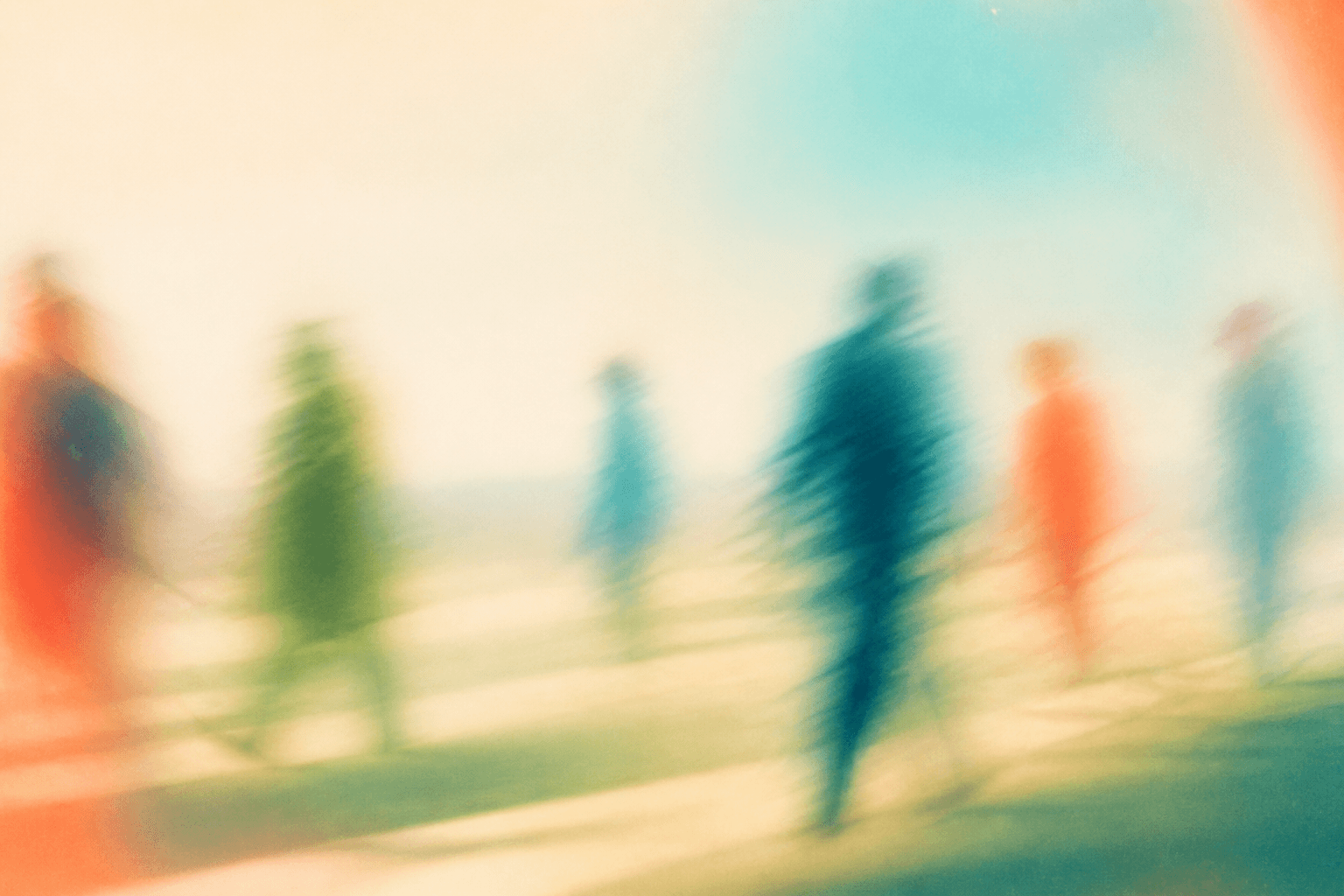
10-social-afterimage--wide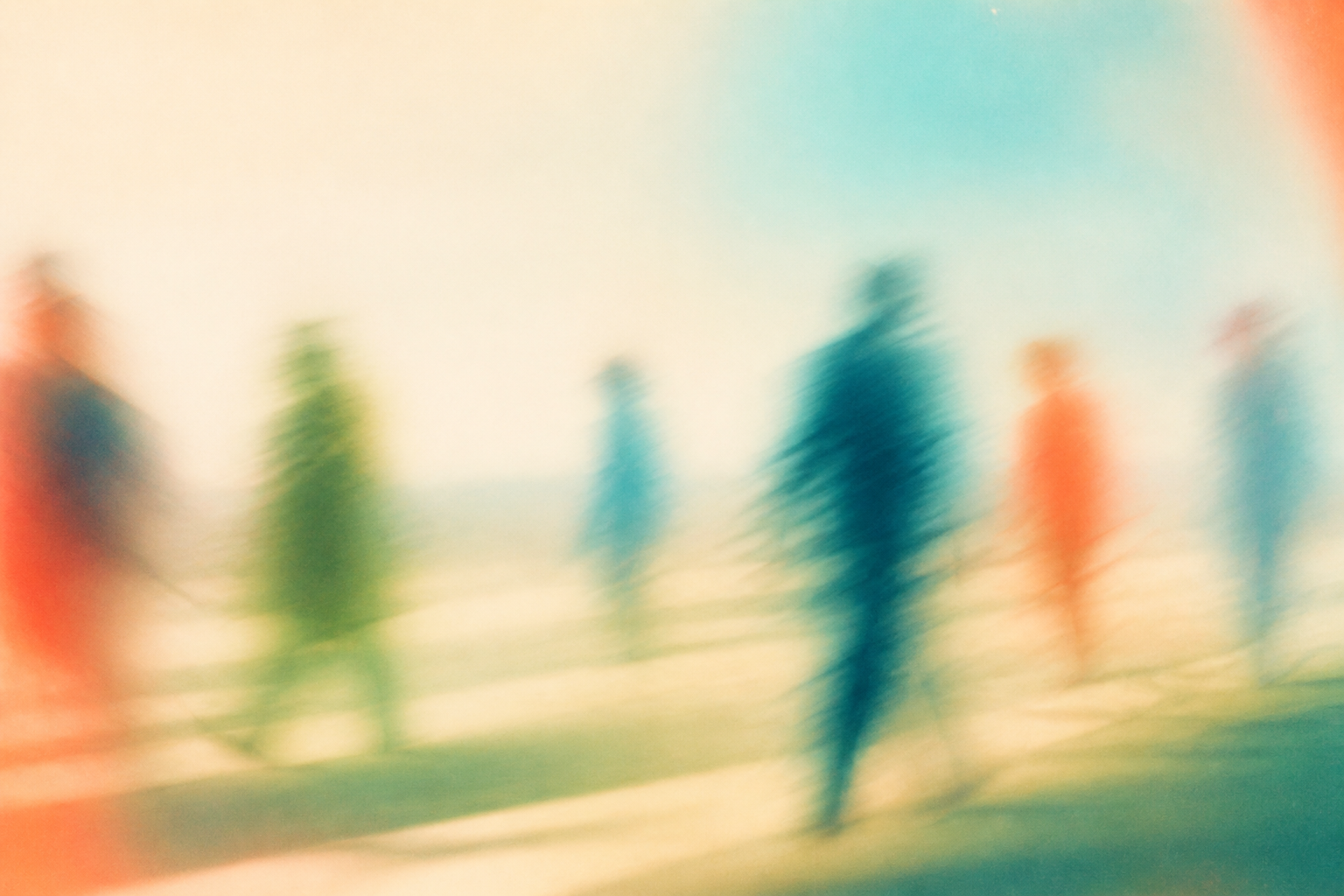
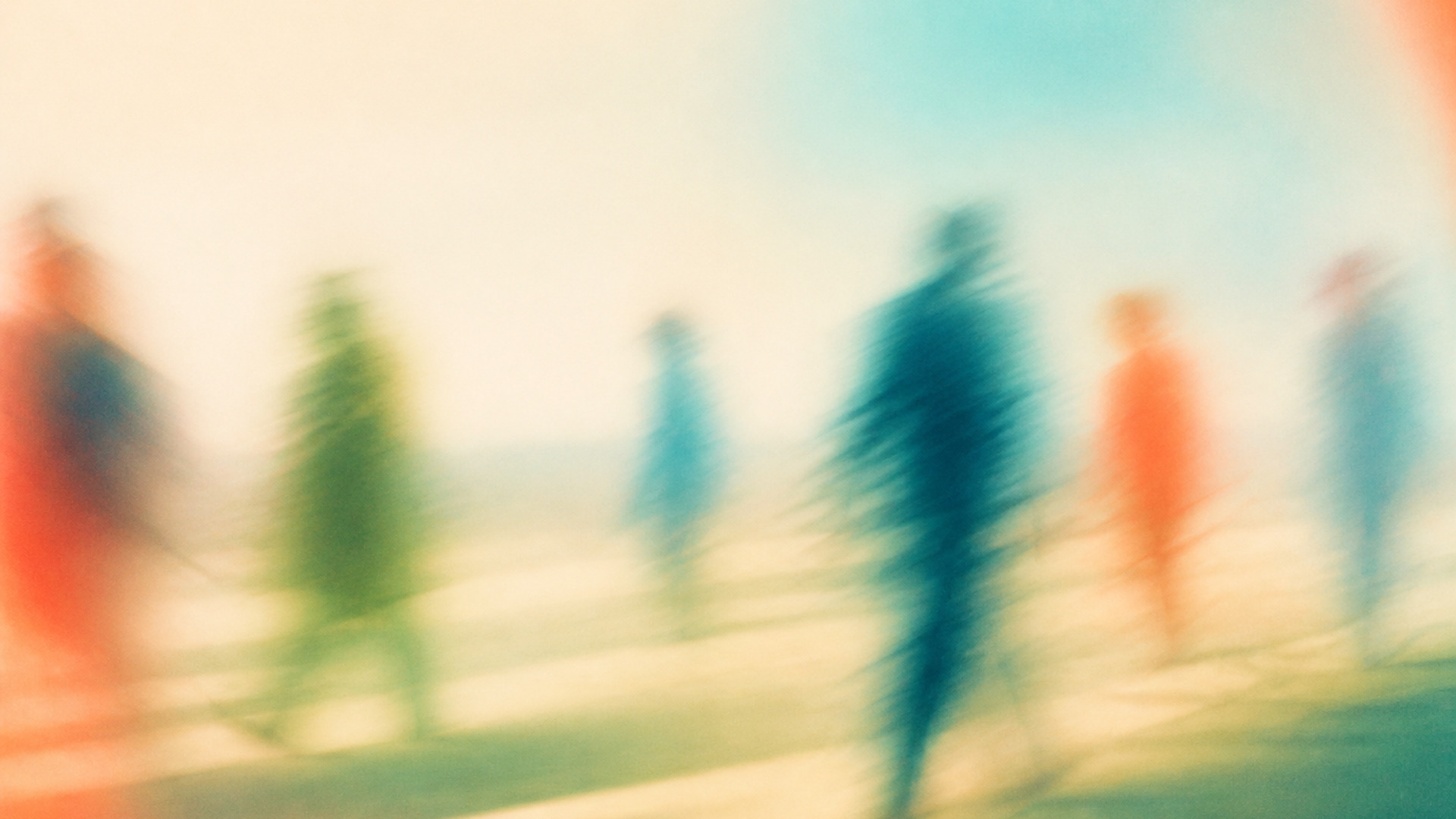
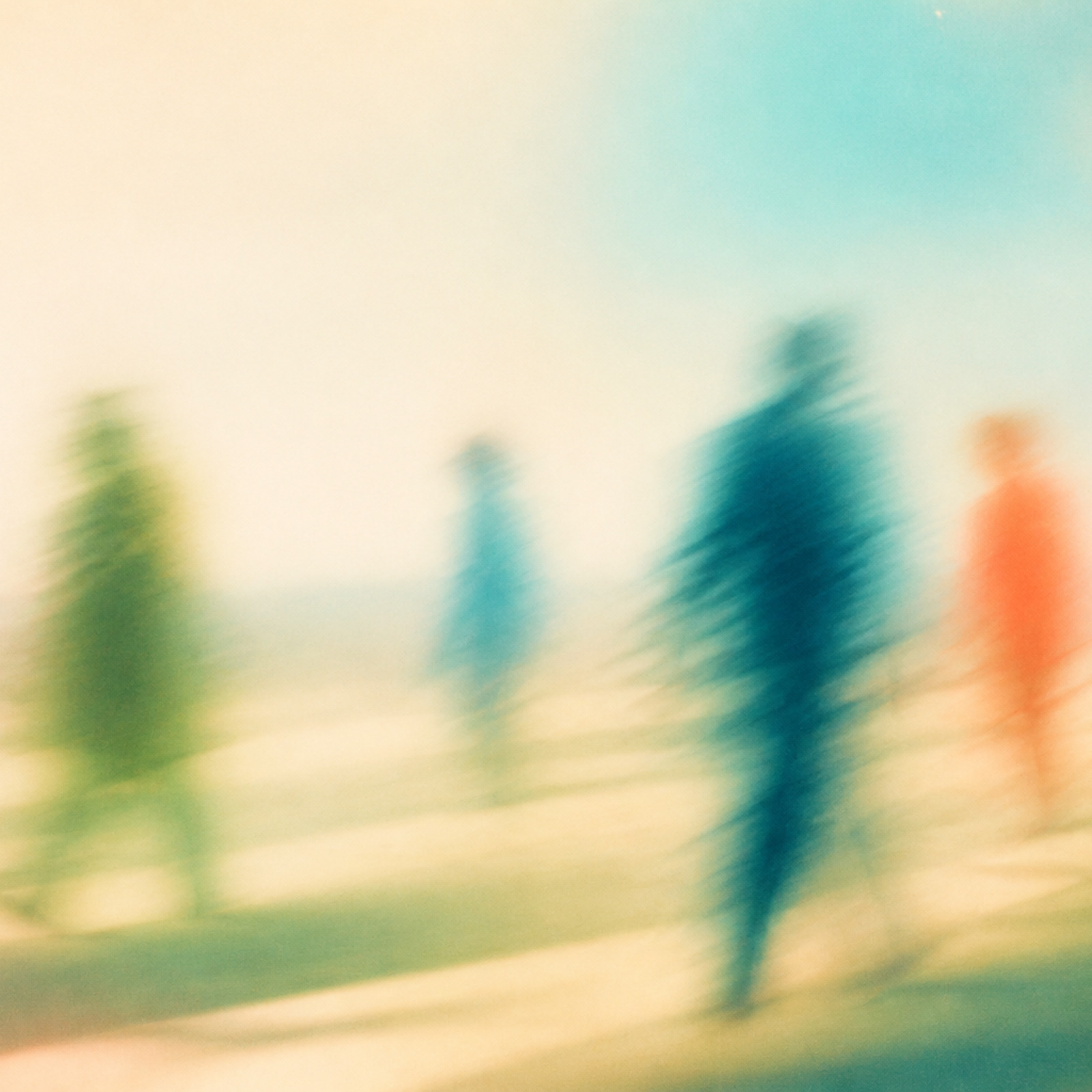
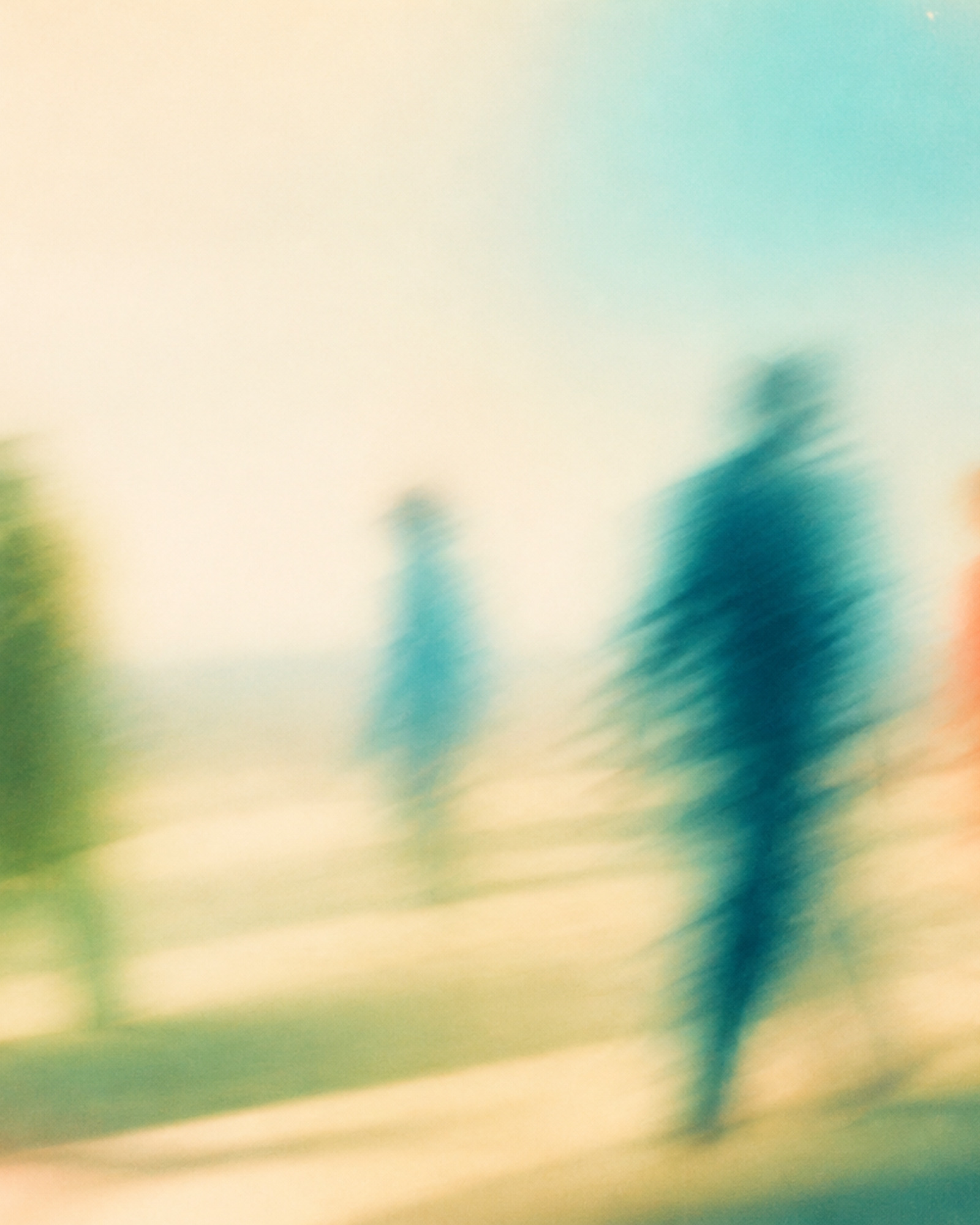


11-three-way-exchange--close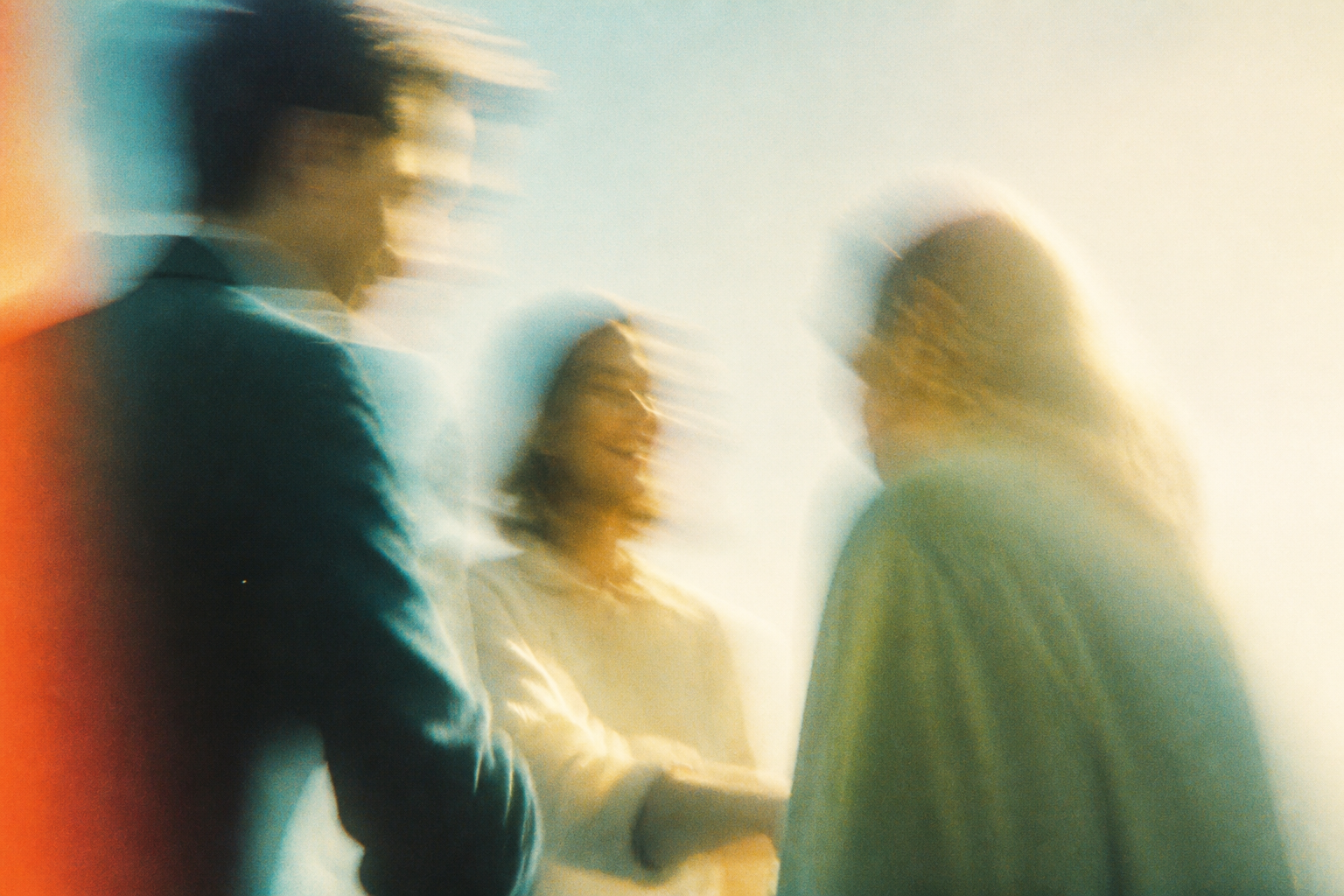
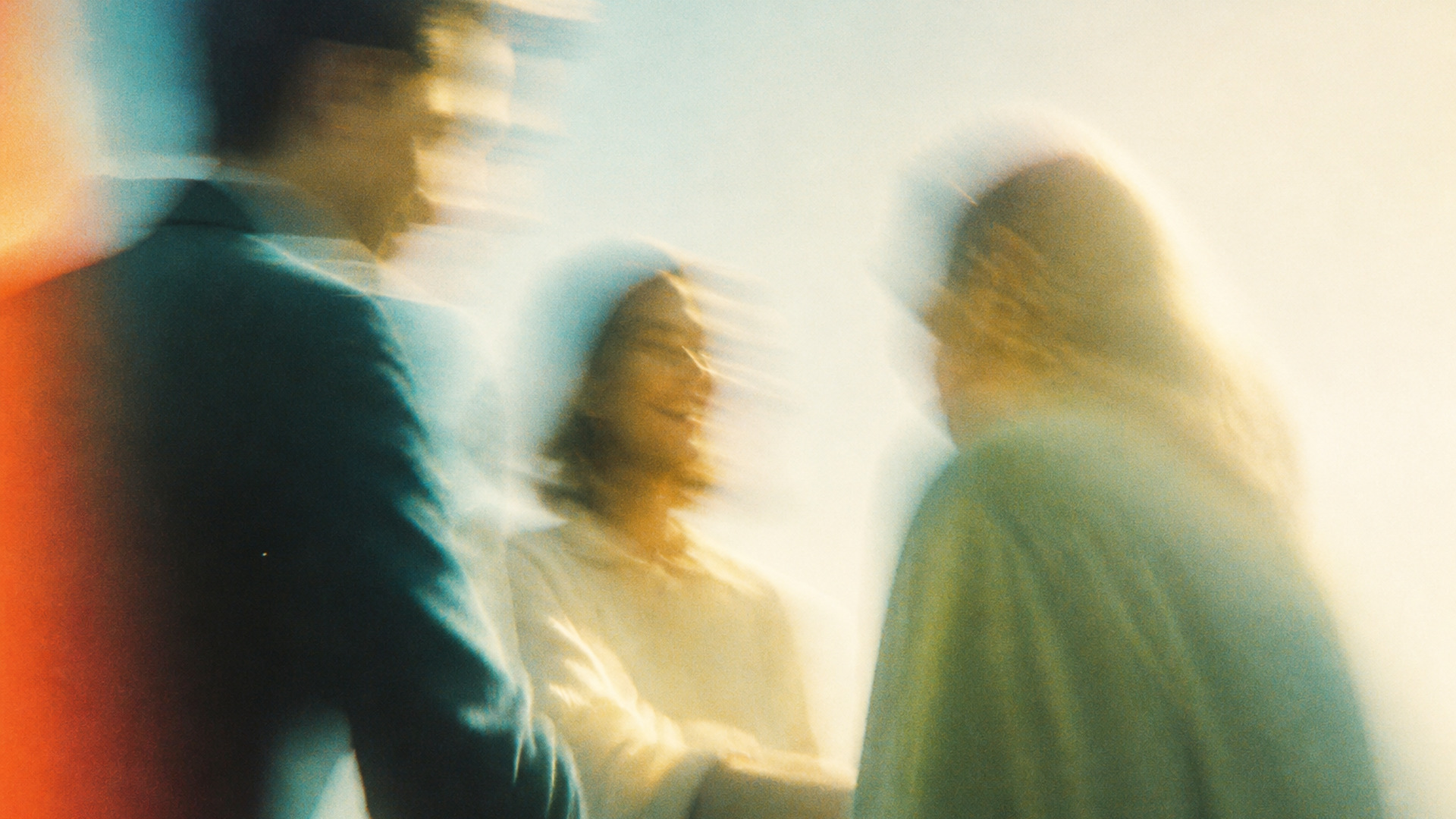
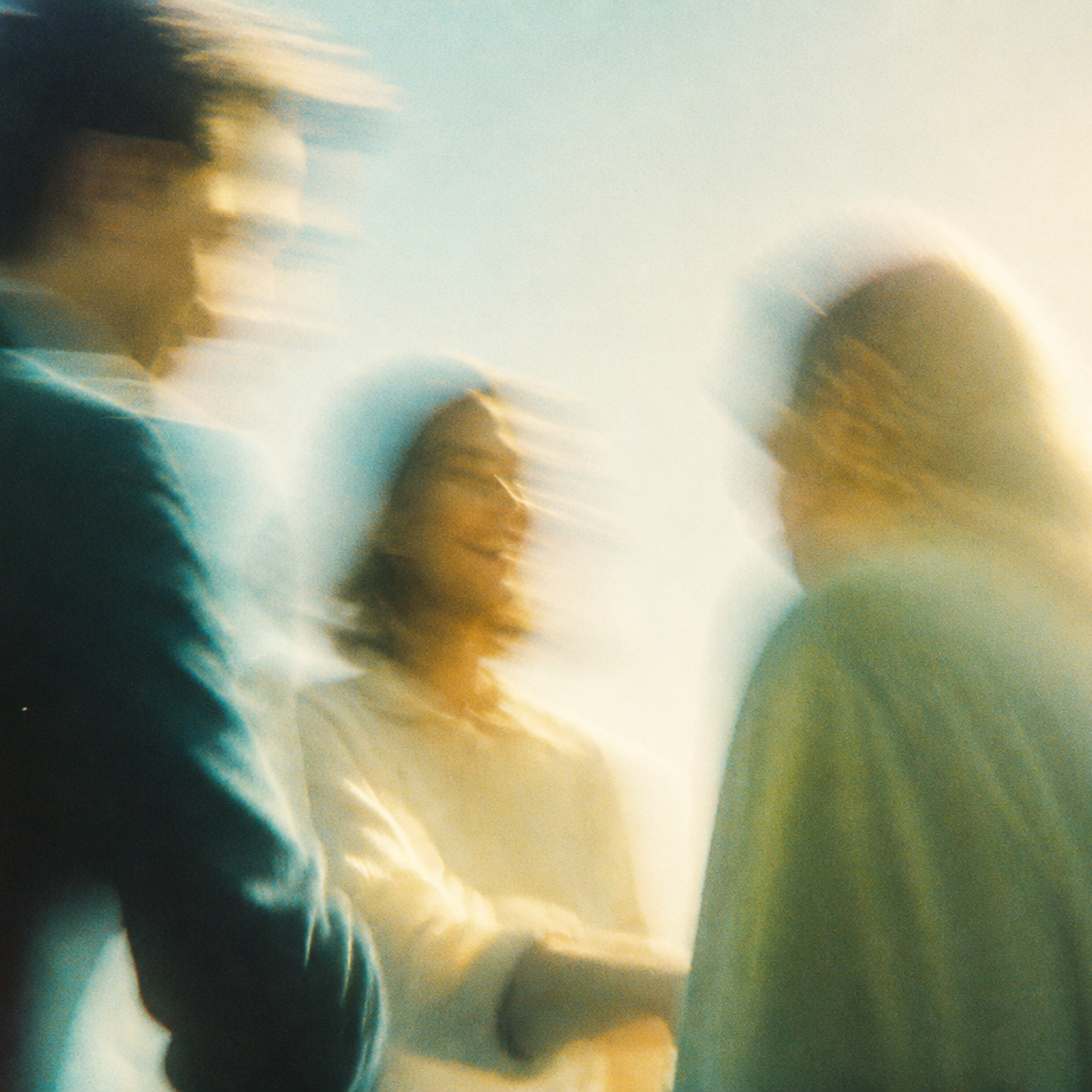
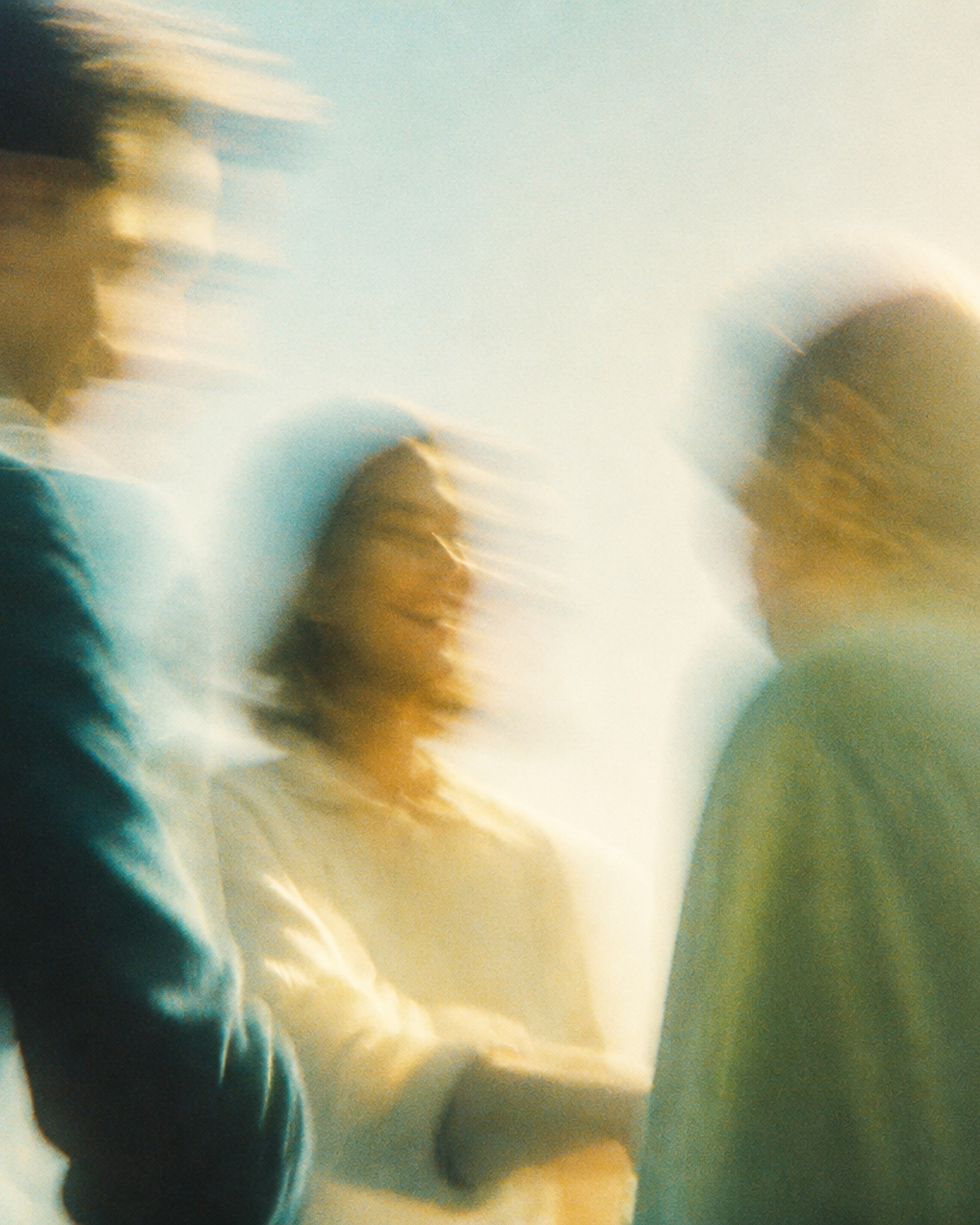
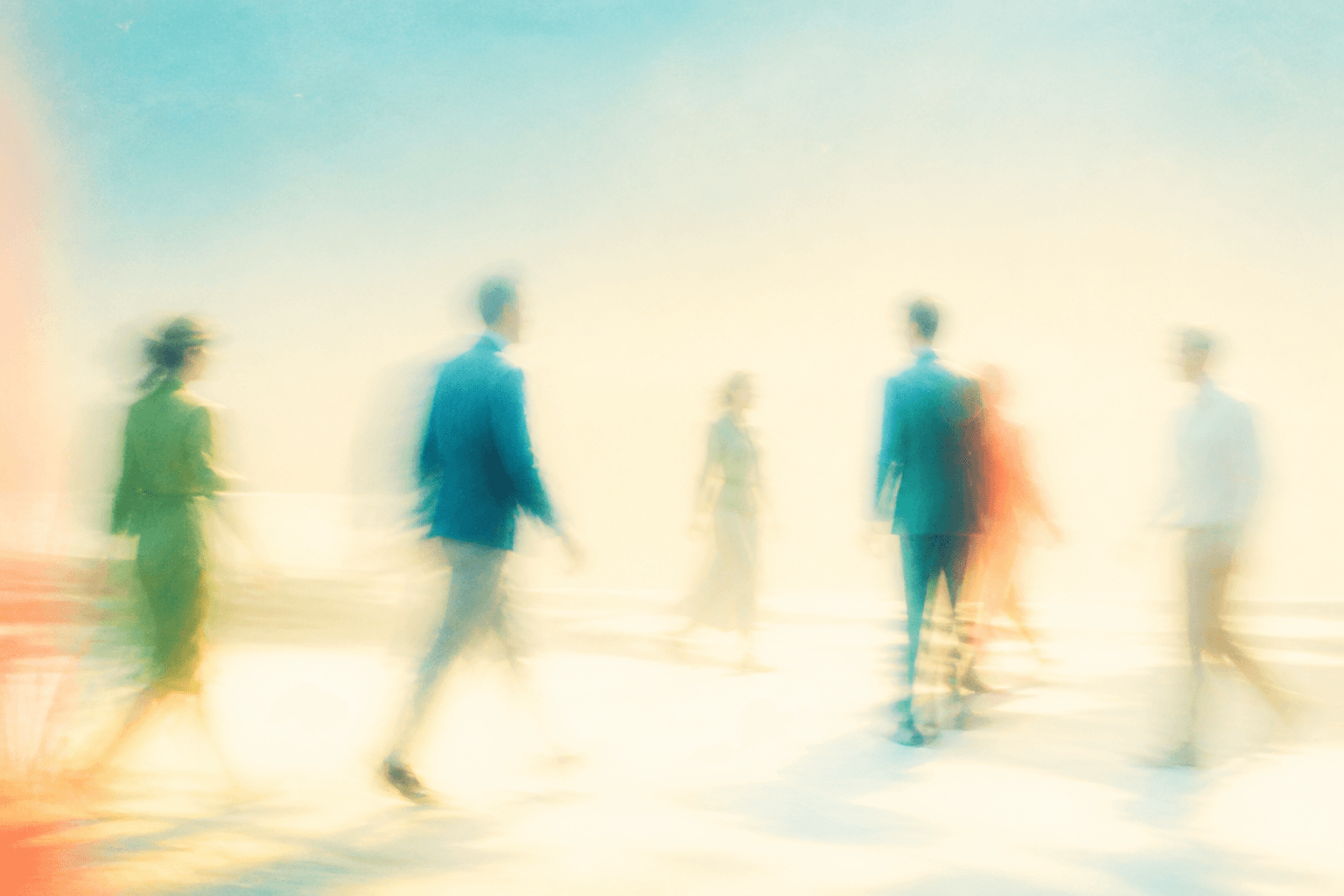
12-arrival-rhythm--wide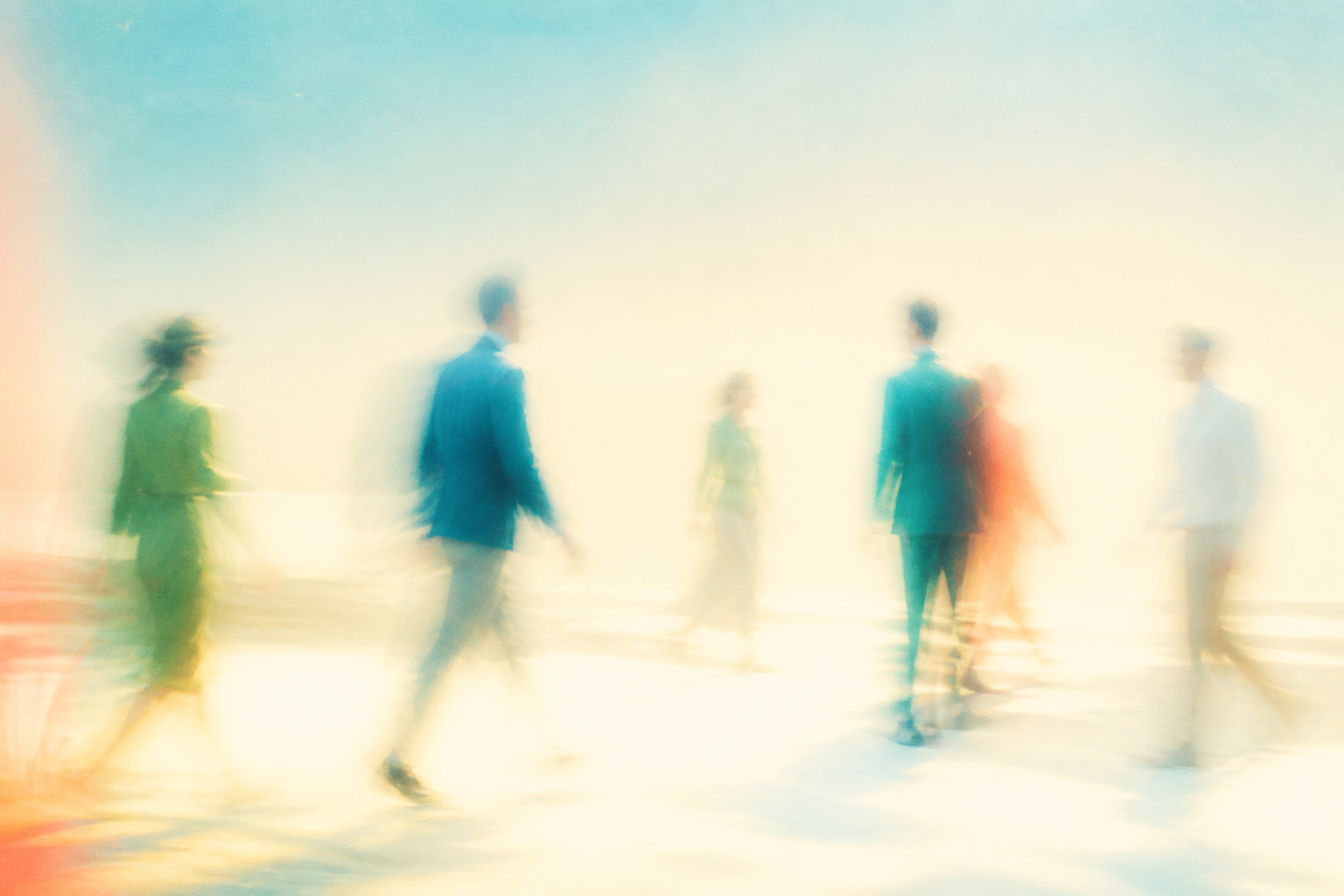

Library
Atmospheres
85% abstract. For text backgrounds and quiet surfaces.
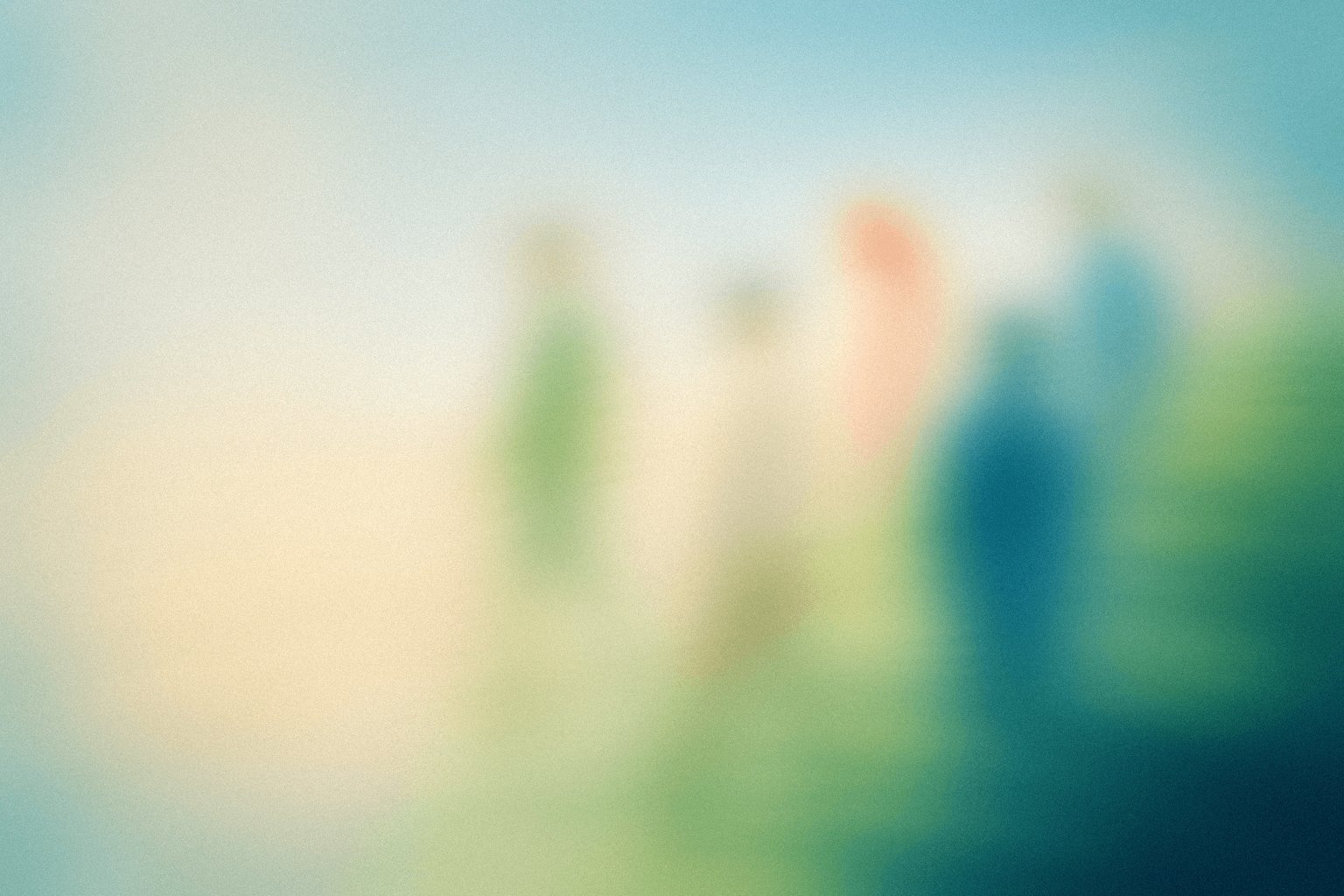
01-walking-and-talking--medium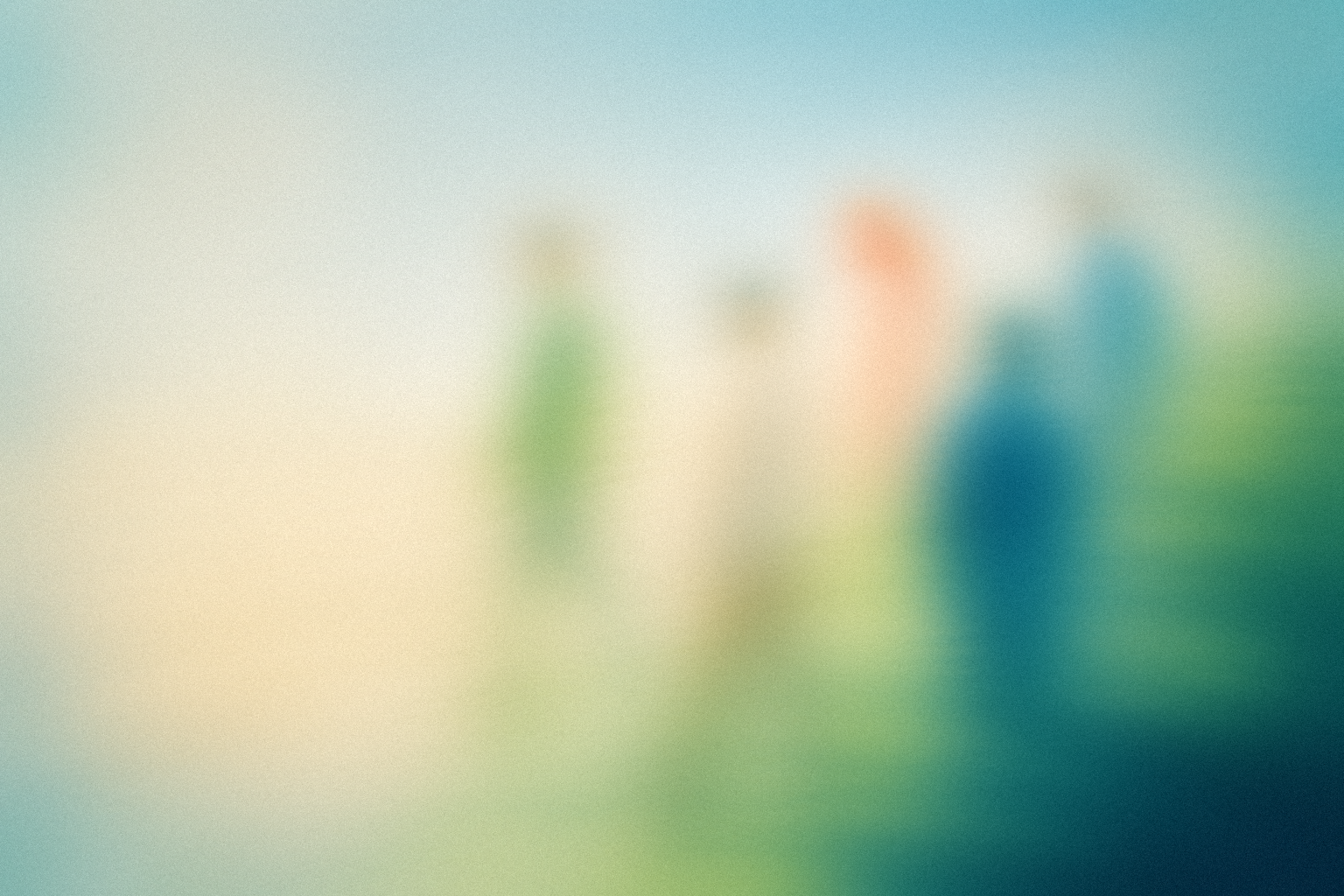



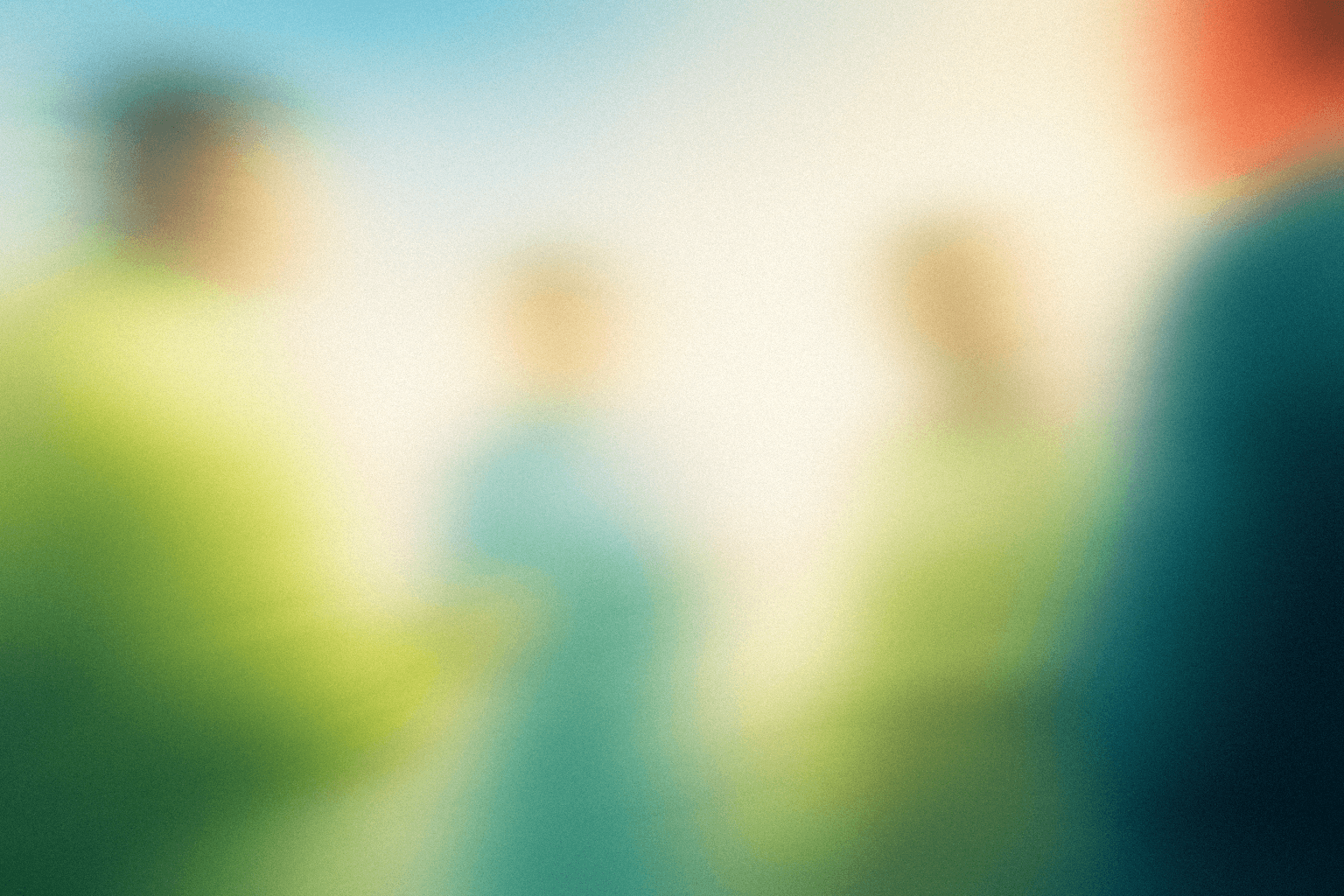
02-close-conversation--close
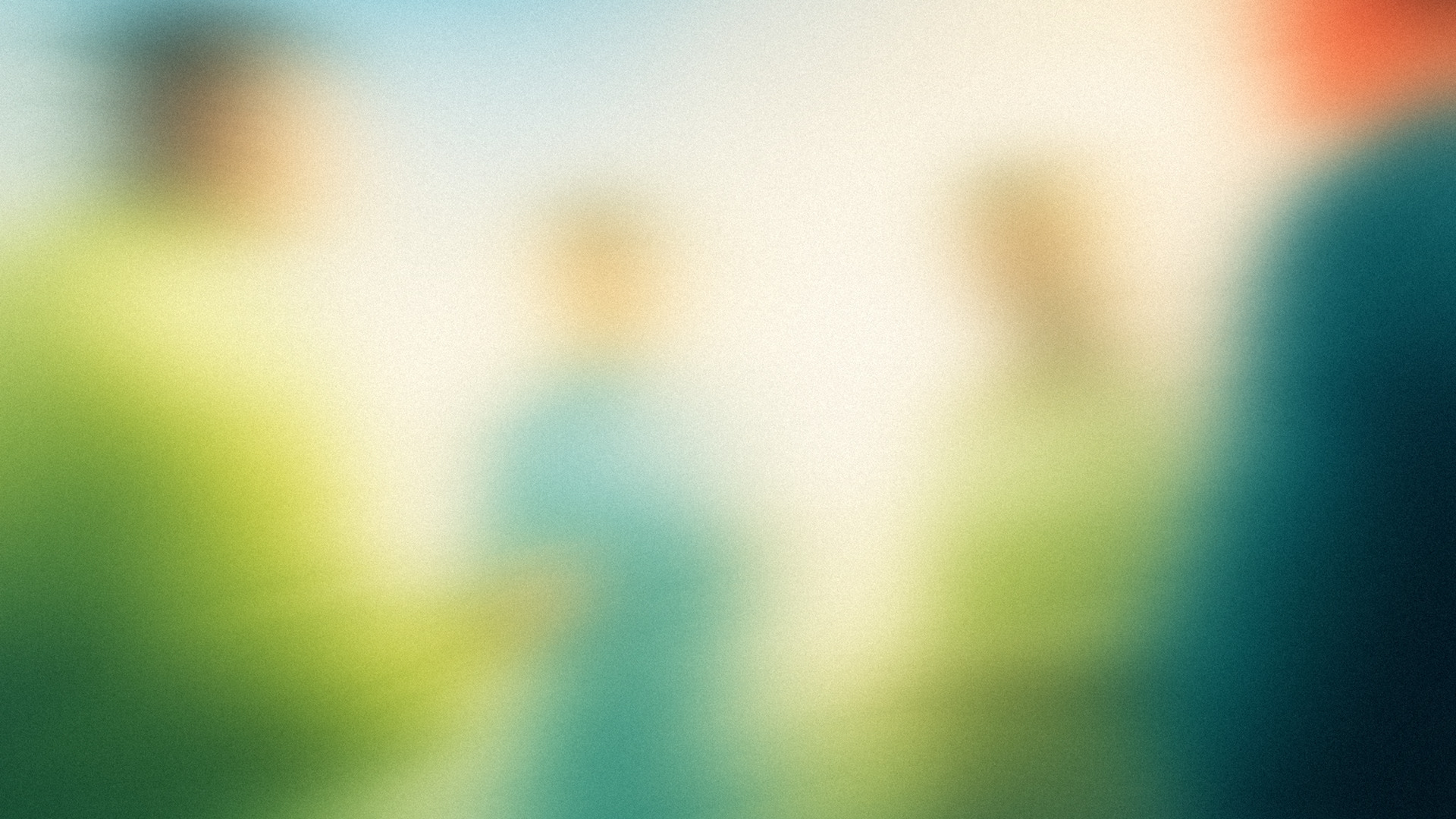



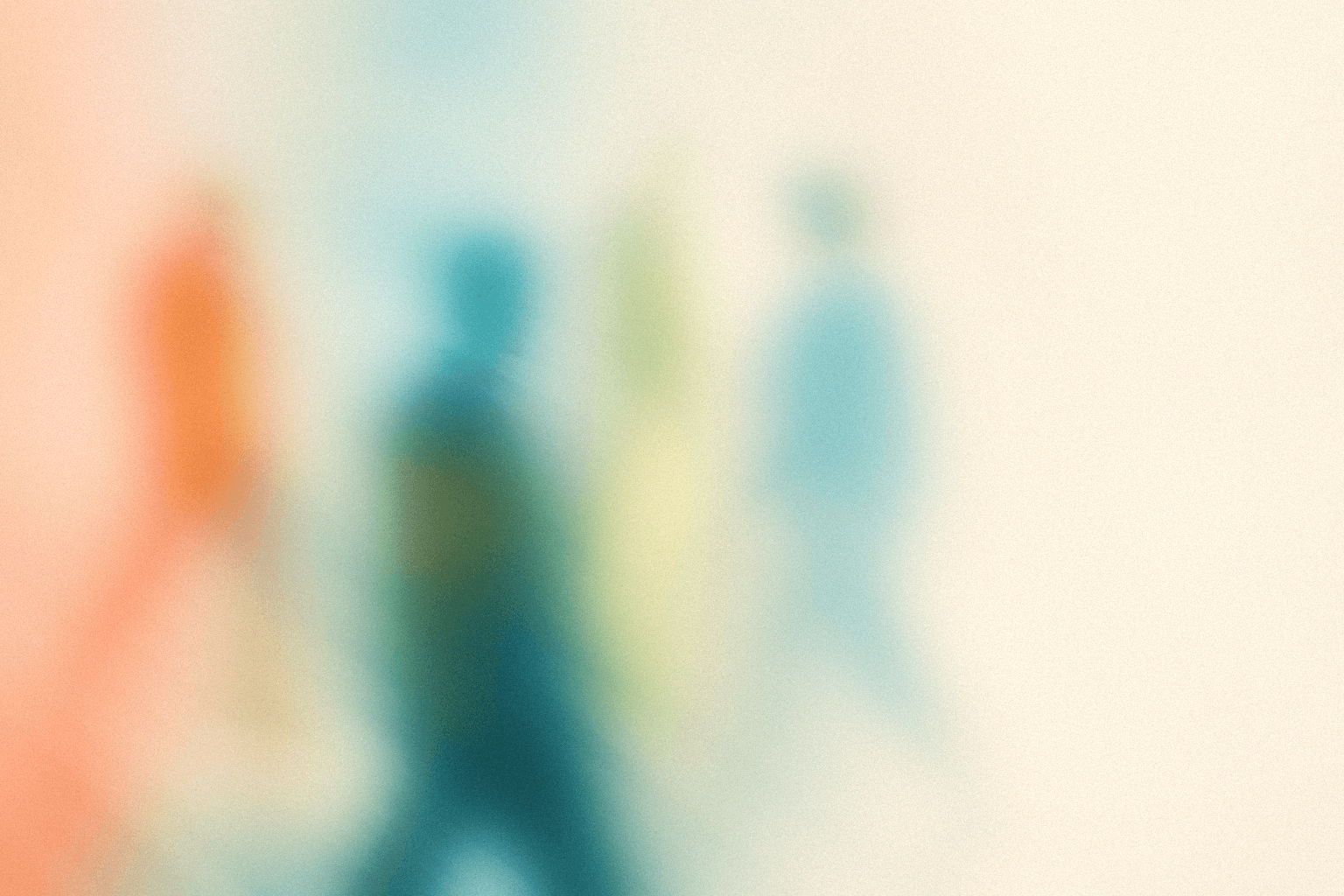
03-crossing-paths--medium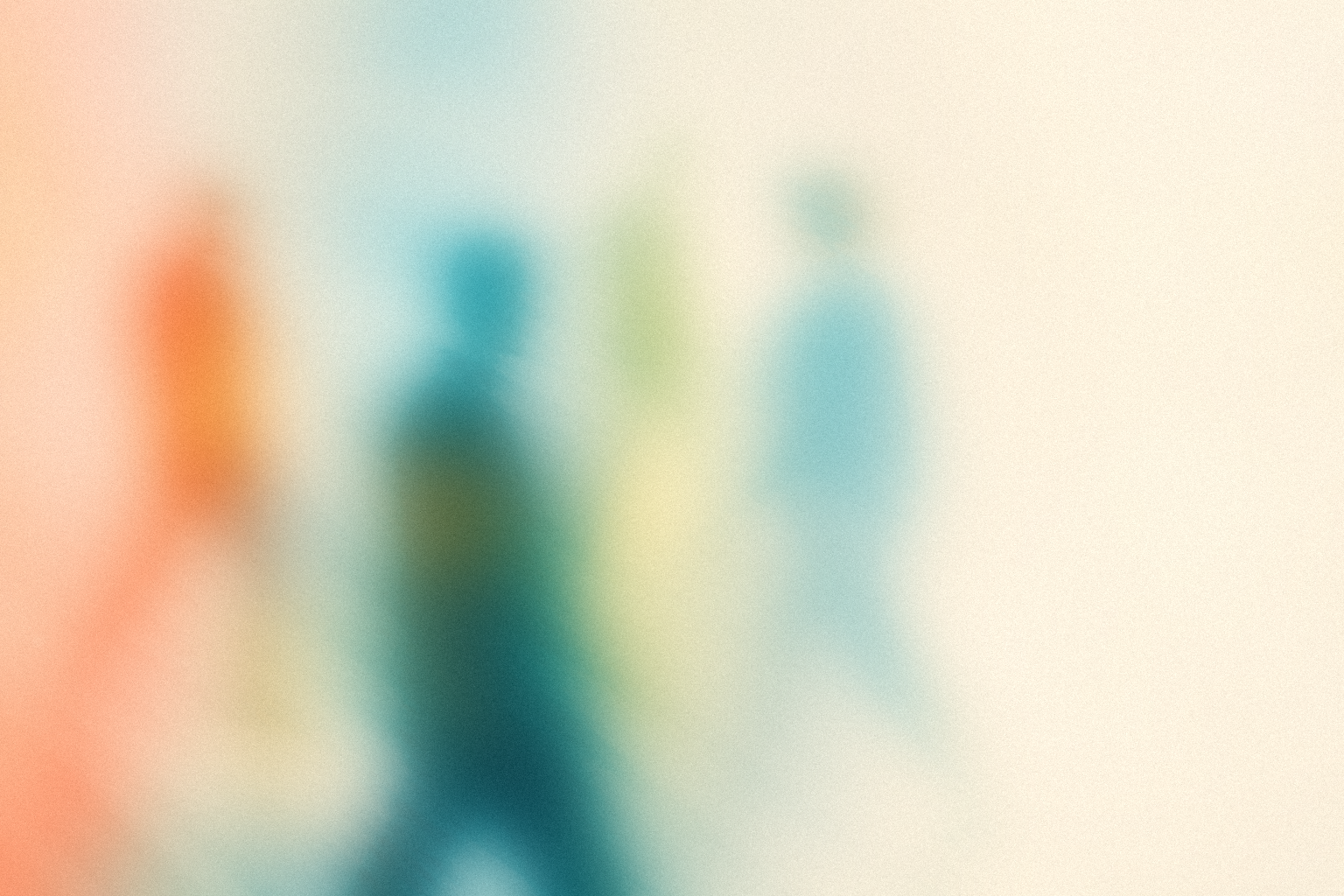
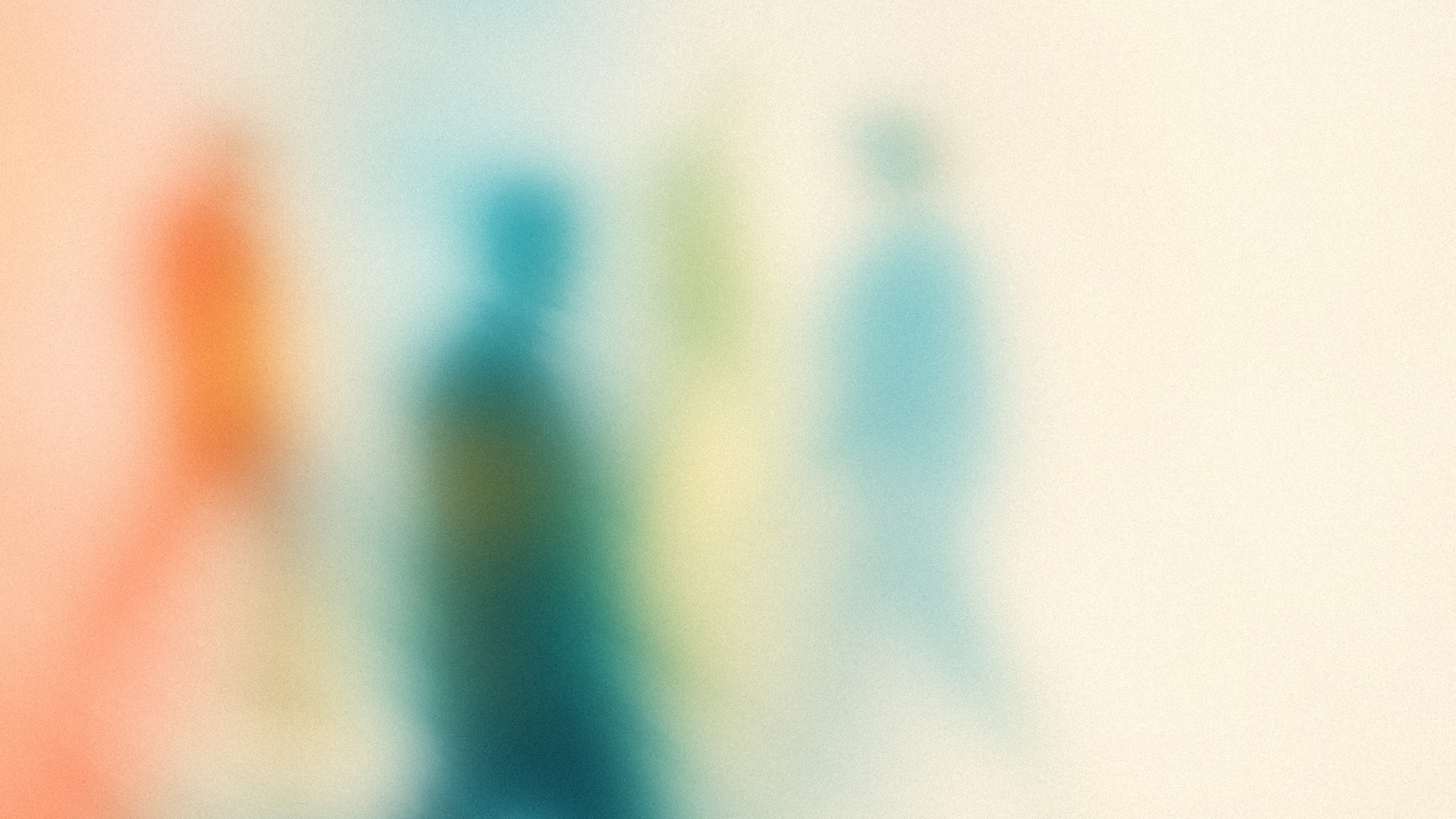
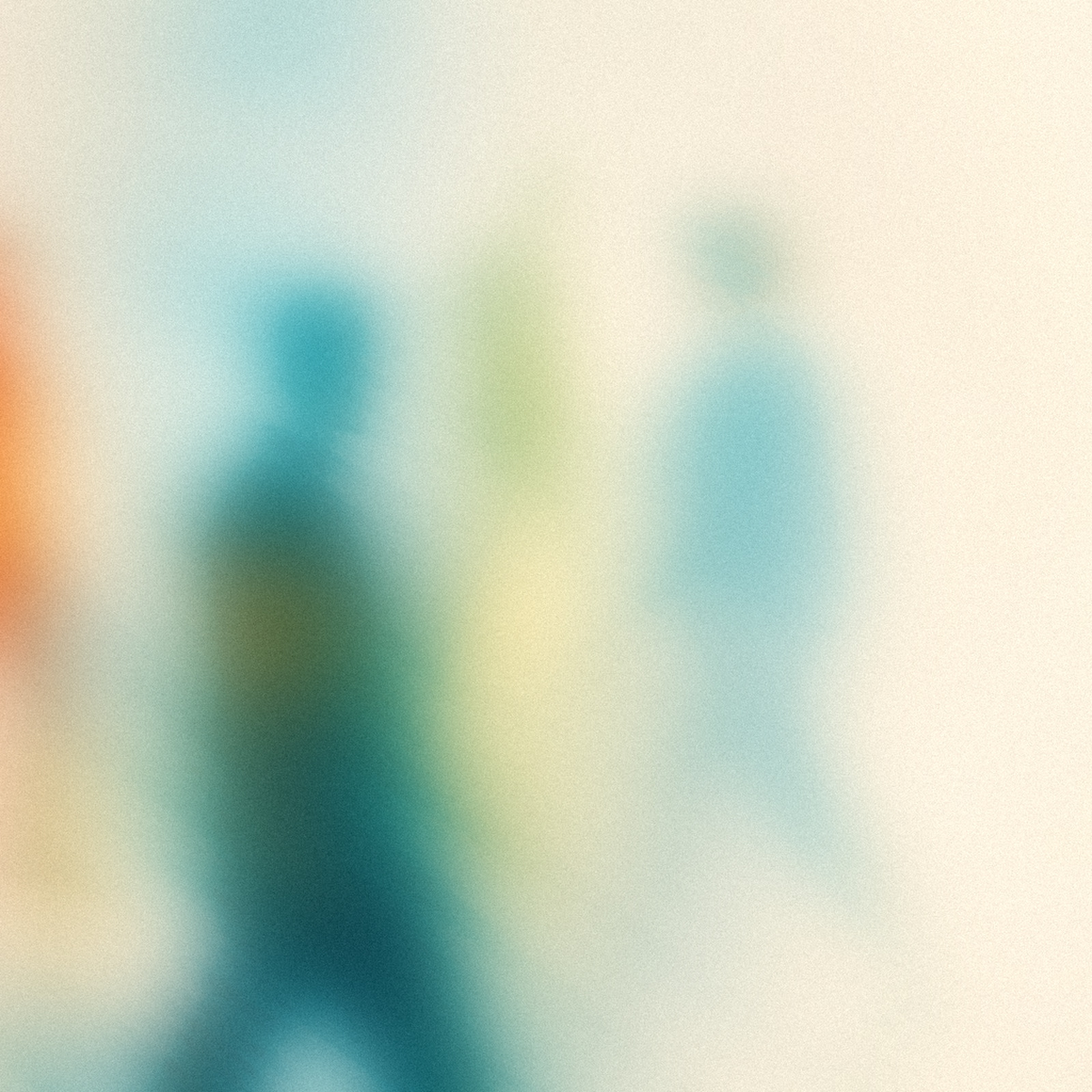
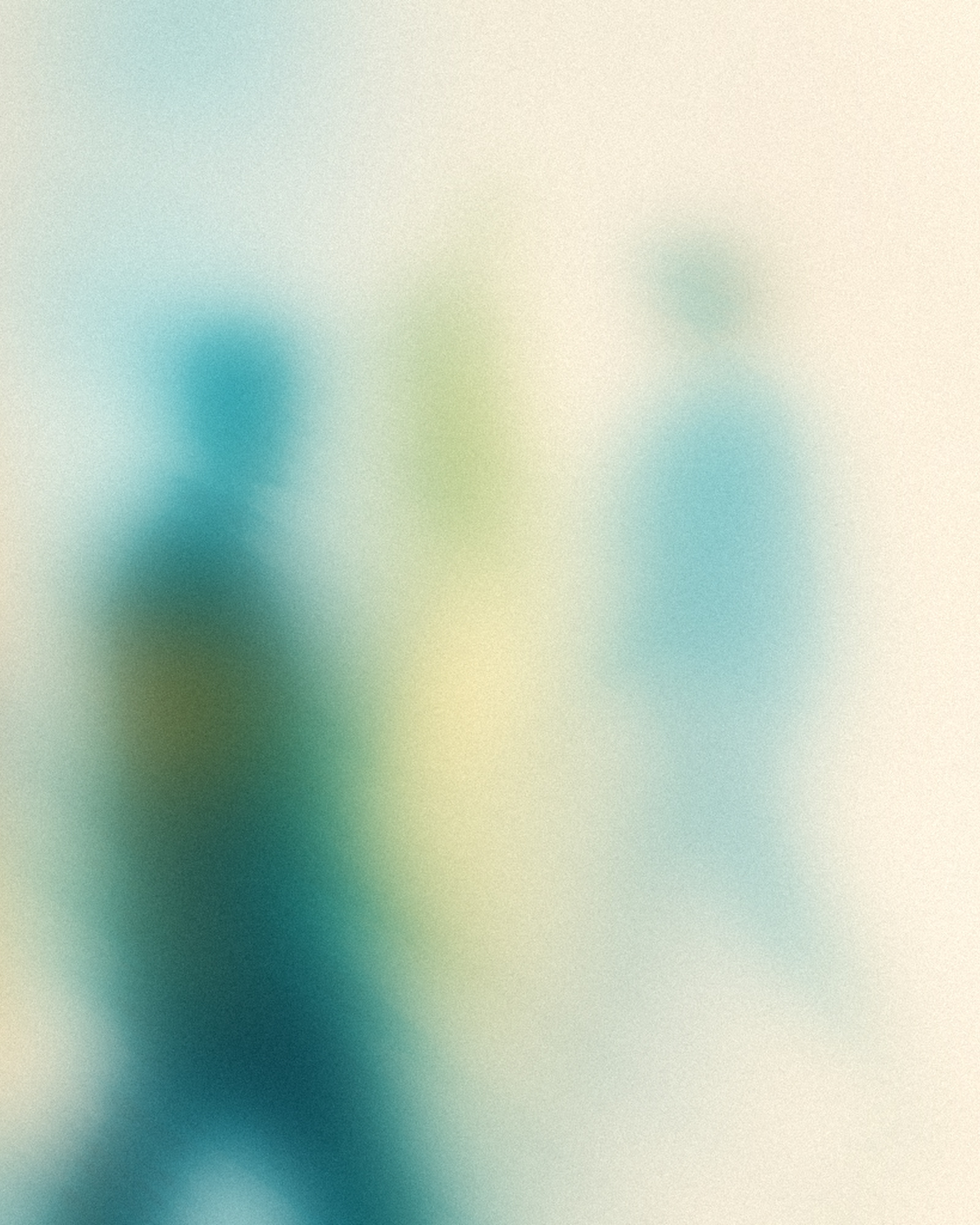
04-shared-afterimage--wide




05-warm-introduction--close




06-inside-the-gathering--close




07-walking-rhythm--medium

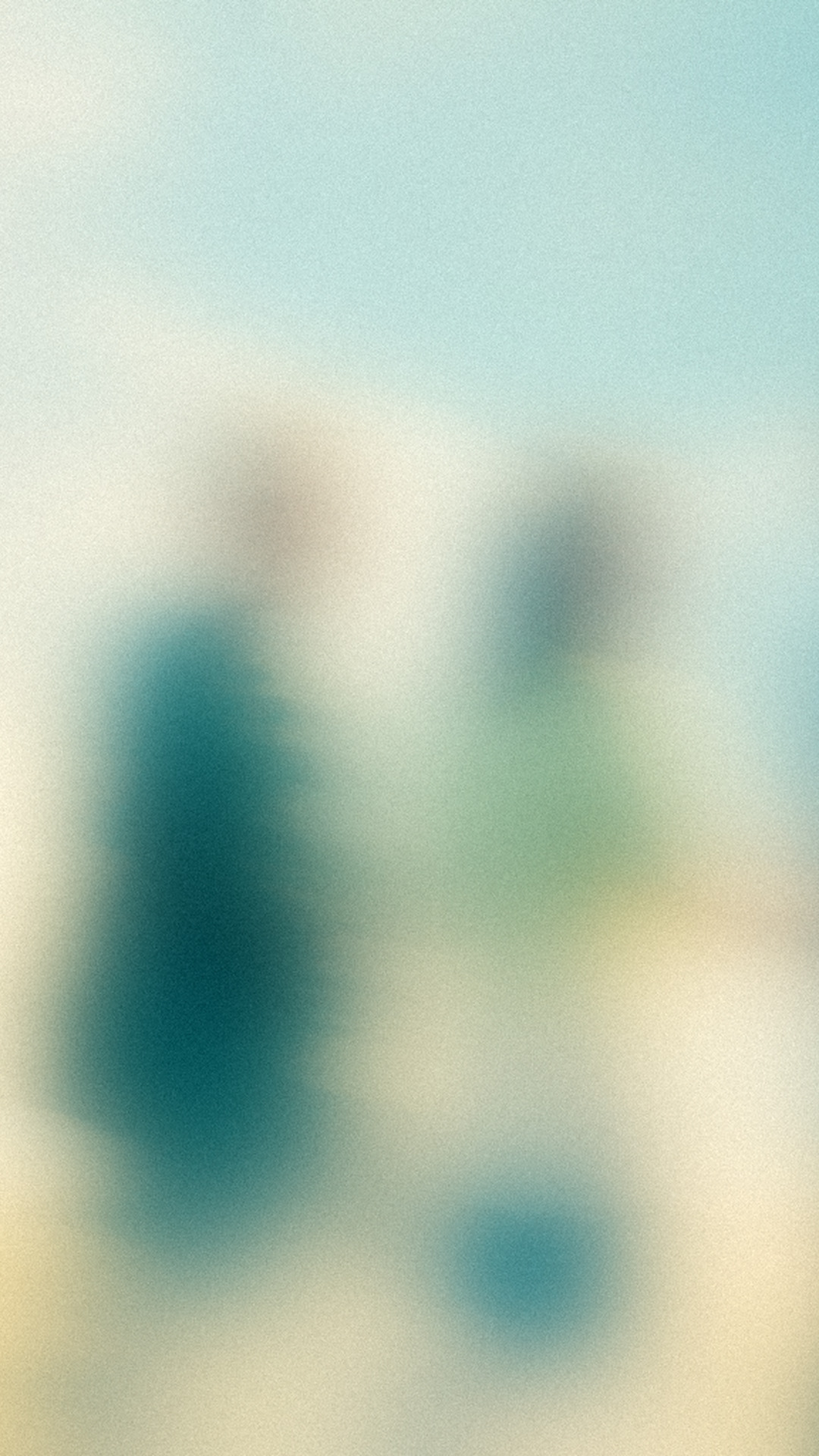
08-converging-paths--medium





09-after-the-gathering--wide




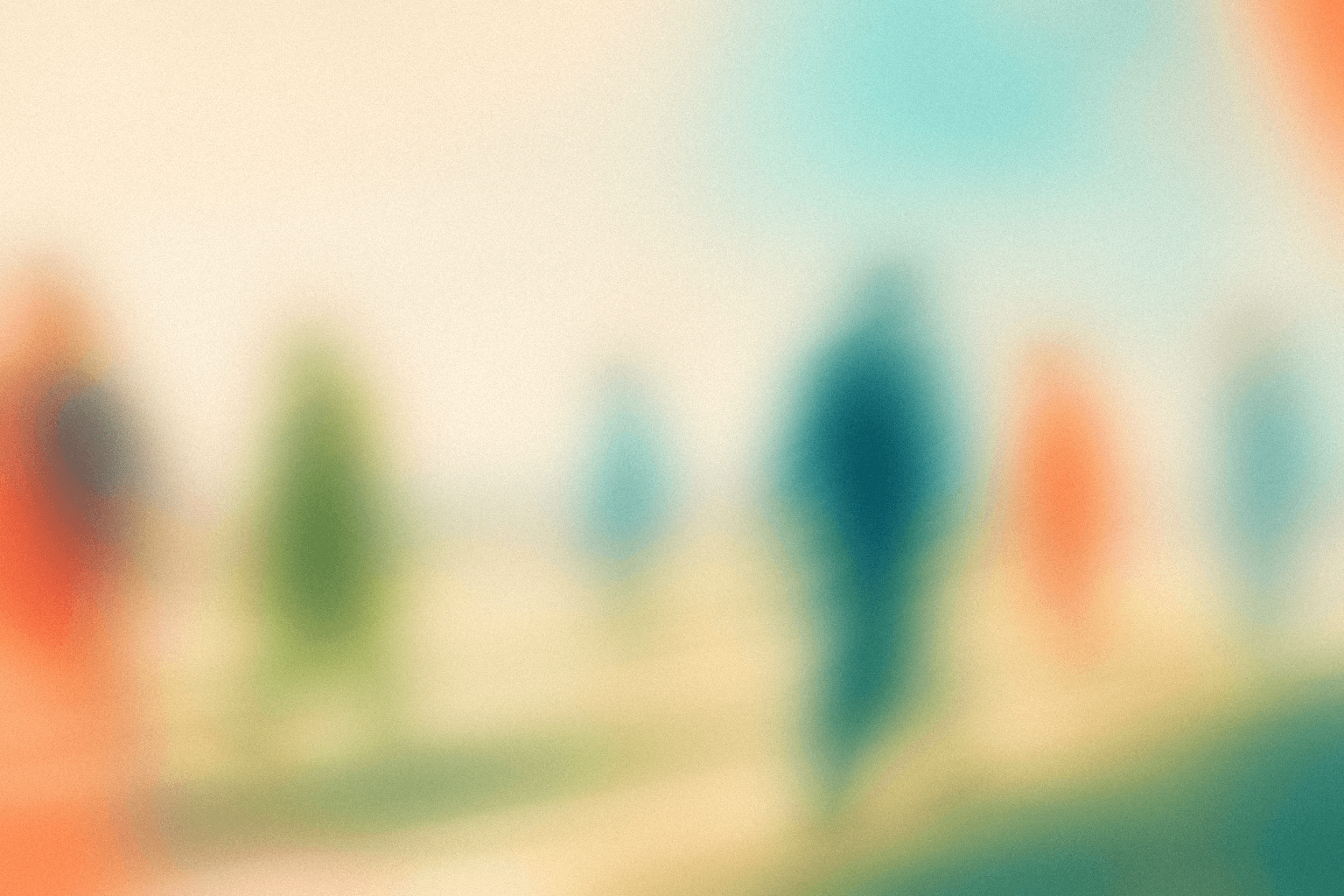
10-social-afterimage--wide


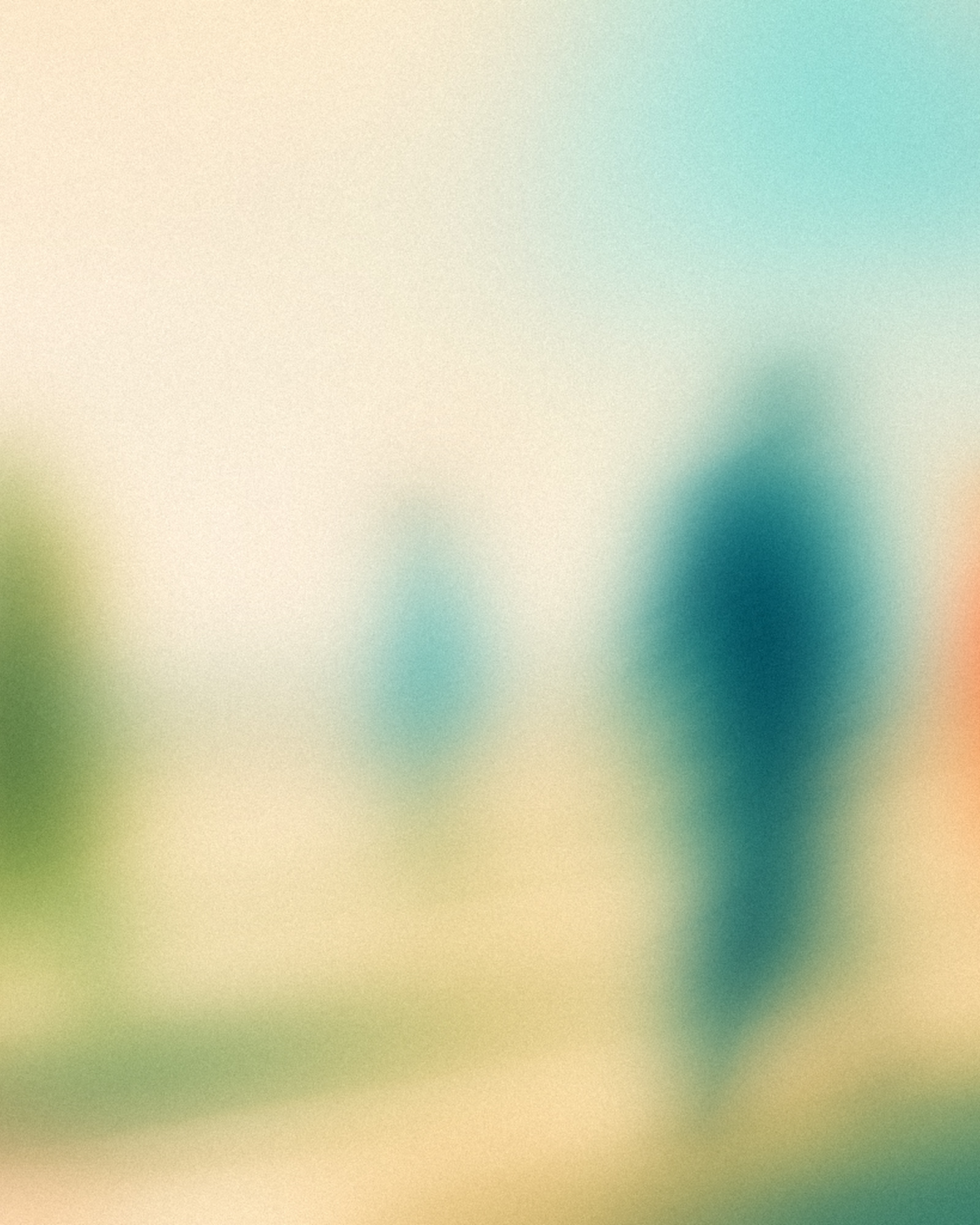


11-three-way-exchange--close
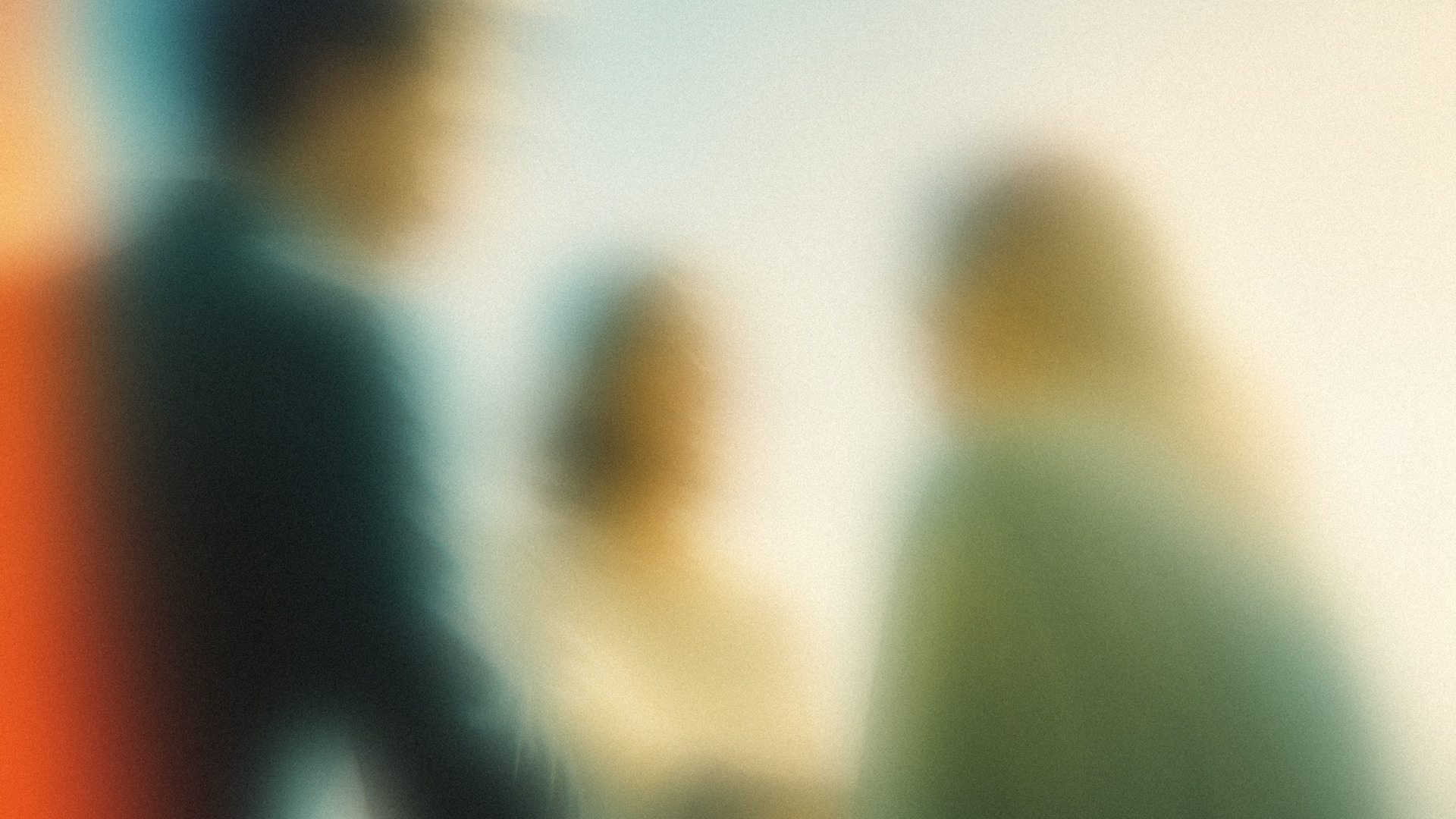


12-arrival-rhythm--wide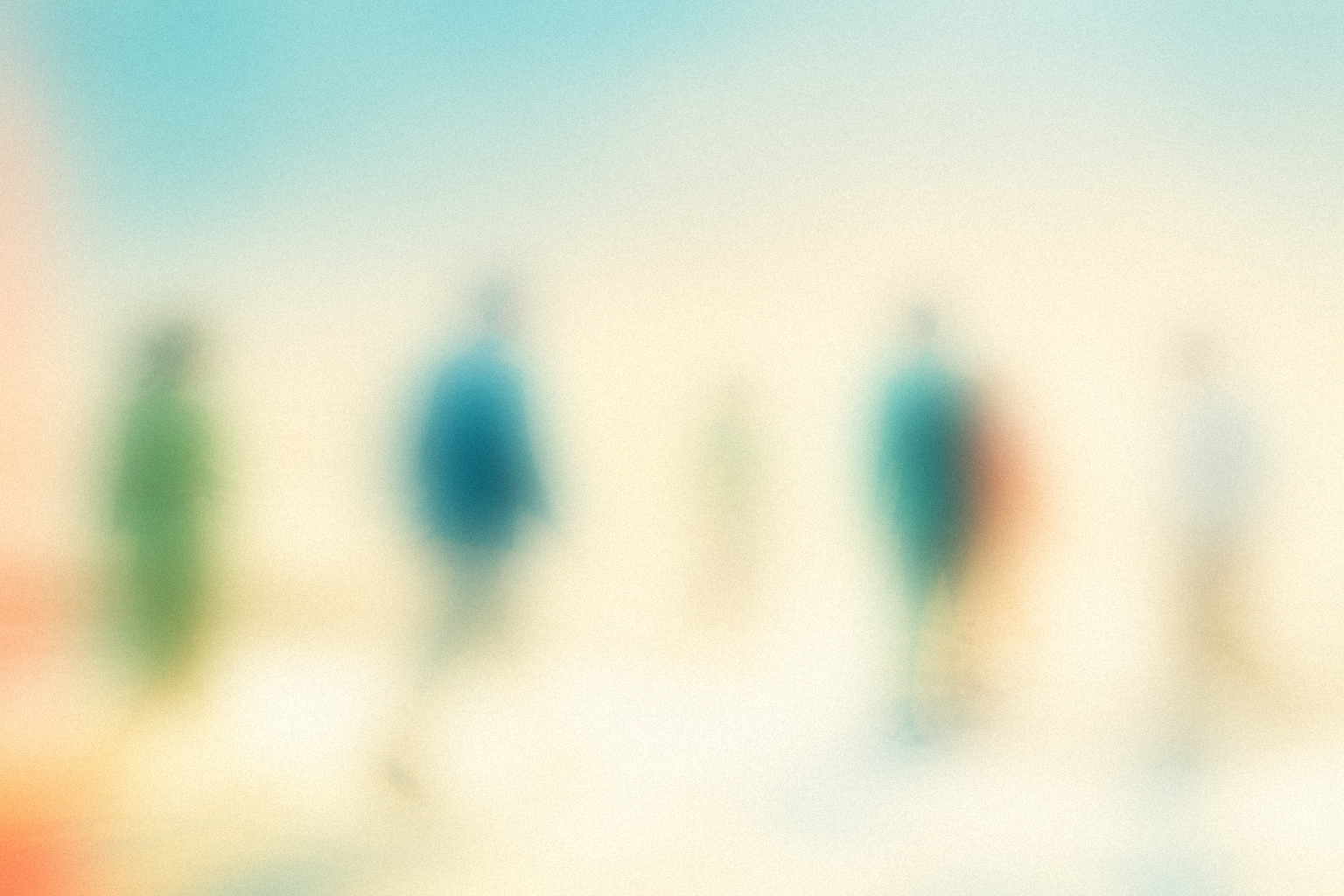

Creating new images
Use Content Lead → Create Brand Image.
It generates bare images, applies the fixed treatments, exports the crops, and saves approved images here.
Canonical specification
https://noticed.so/brand/image-systemDefault library
apps/noticed-agent/public/brand/images/